KW6512 LinkSmart Wireless Router User Manual
23
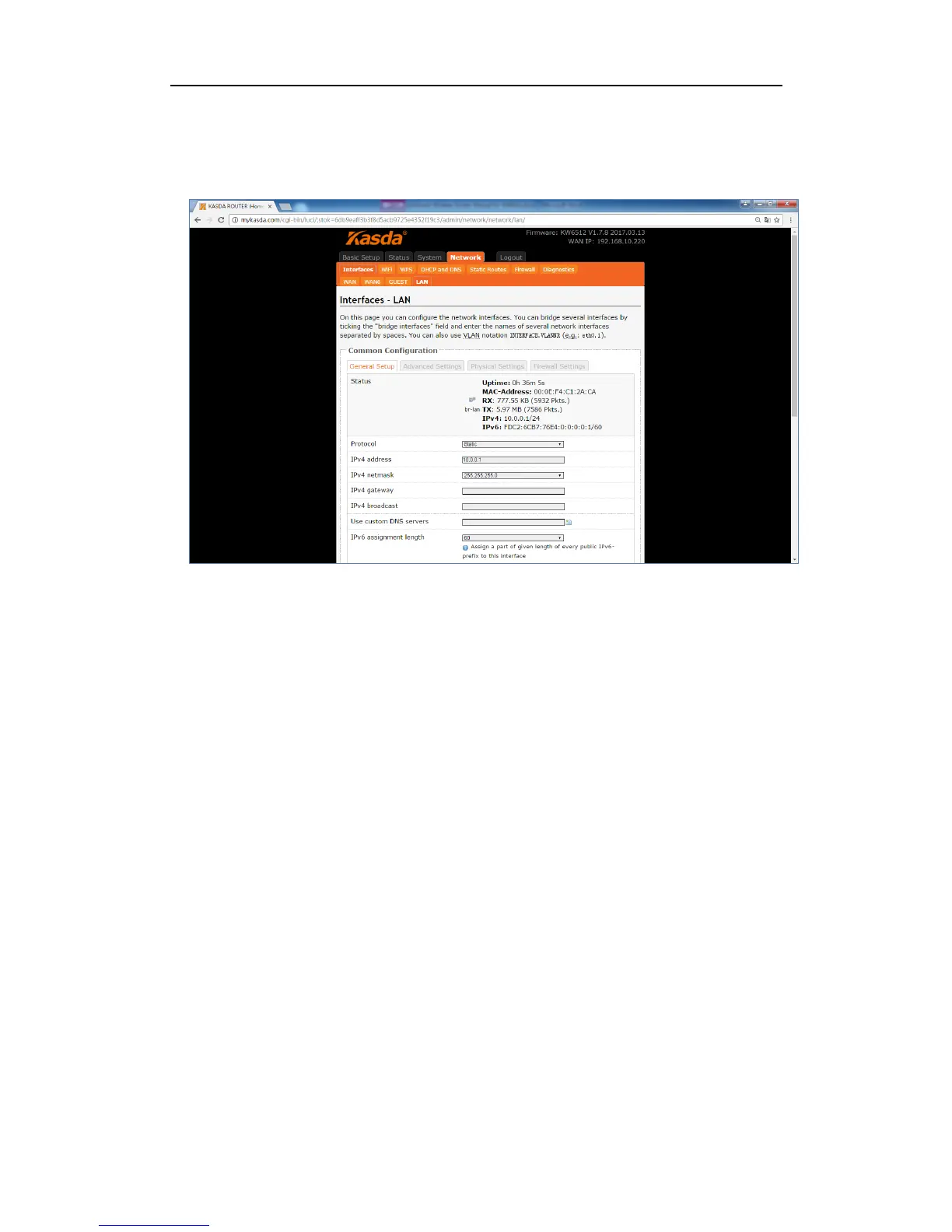
Interface – LAN
IPv4 Address / Netmask: this is the router IP address and subnet mask as seen on
the Internet LAN. The default value is 192.168.1.1 for IP address and
255.255.255.0 for netmask.
Ignore interface – check it to disable the DHCP for this interface
Start IP – lowest leased address as offset from network address
Limit – enter the maximum number of PCs that you want the DHCP server to
assign IP addresses to. The absolute maximum is 253, possible if 192.168.1.2 is
your starting IP address.
Lease time – enter the length of time, in minutes, that a DHCP client will be
allowed to use a dynamic IP address. The default is 0 minute, which means one
day. After this time is up, the client will be automatically assigned a new dynamic
IP address, or the lease will be renewed.



 To Next Page