KW6512 LinkSmart Wireless Router User Manual
24
6.3.2 WiFi
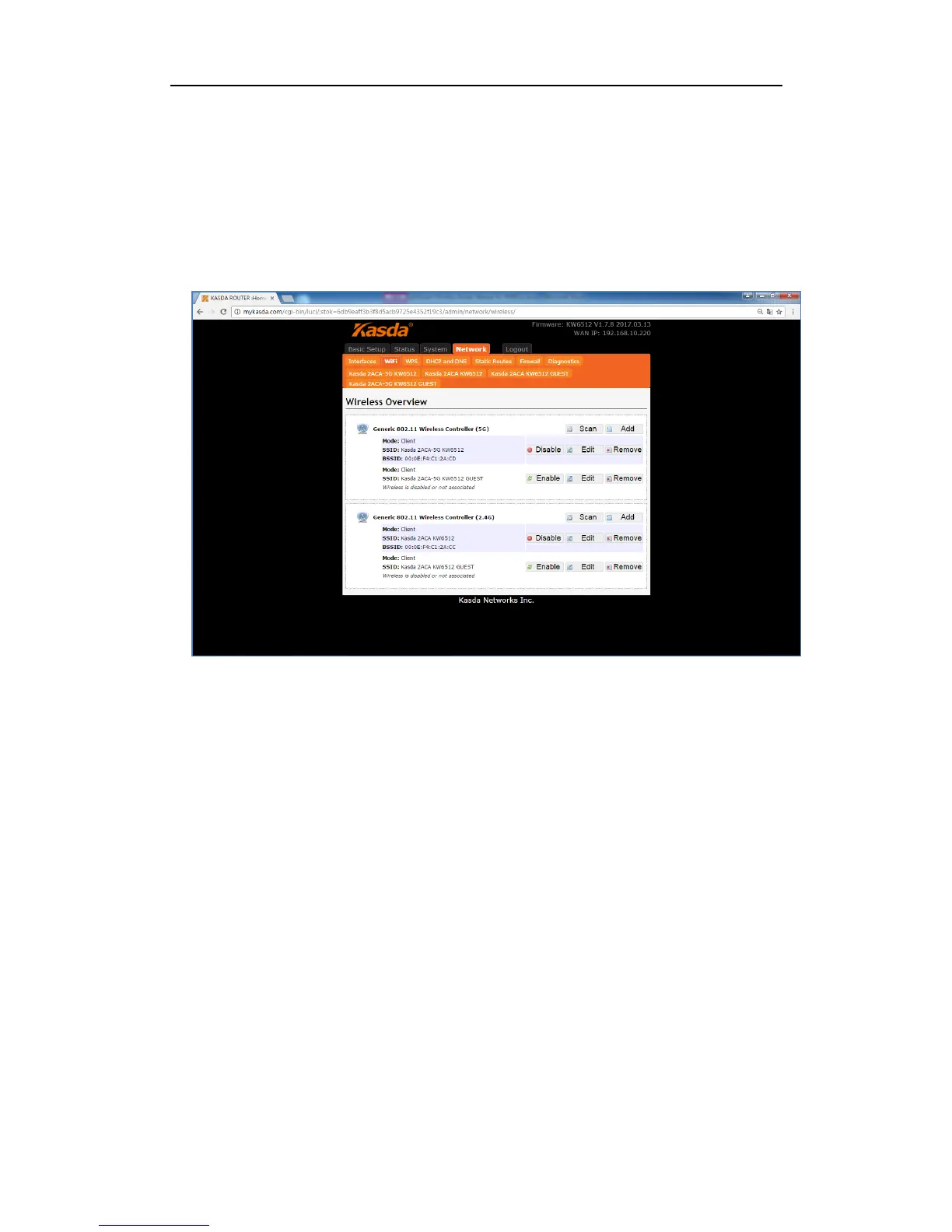
Click “WiFi”, you will go to the wireless overview page. There are four wireless
SSID by default: 2.4GHz, 5GHz and Guest for 2.4GHz&5GHz. On the overview page,
you can disable/enable, edit and remove the WiFi SSID.
Click the “Edit”, and you will go the page where you can modify the parameters.



 To Next Page