17
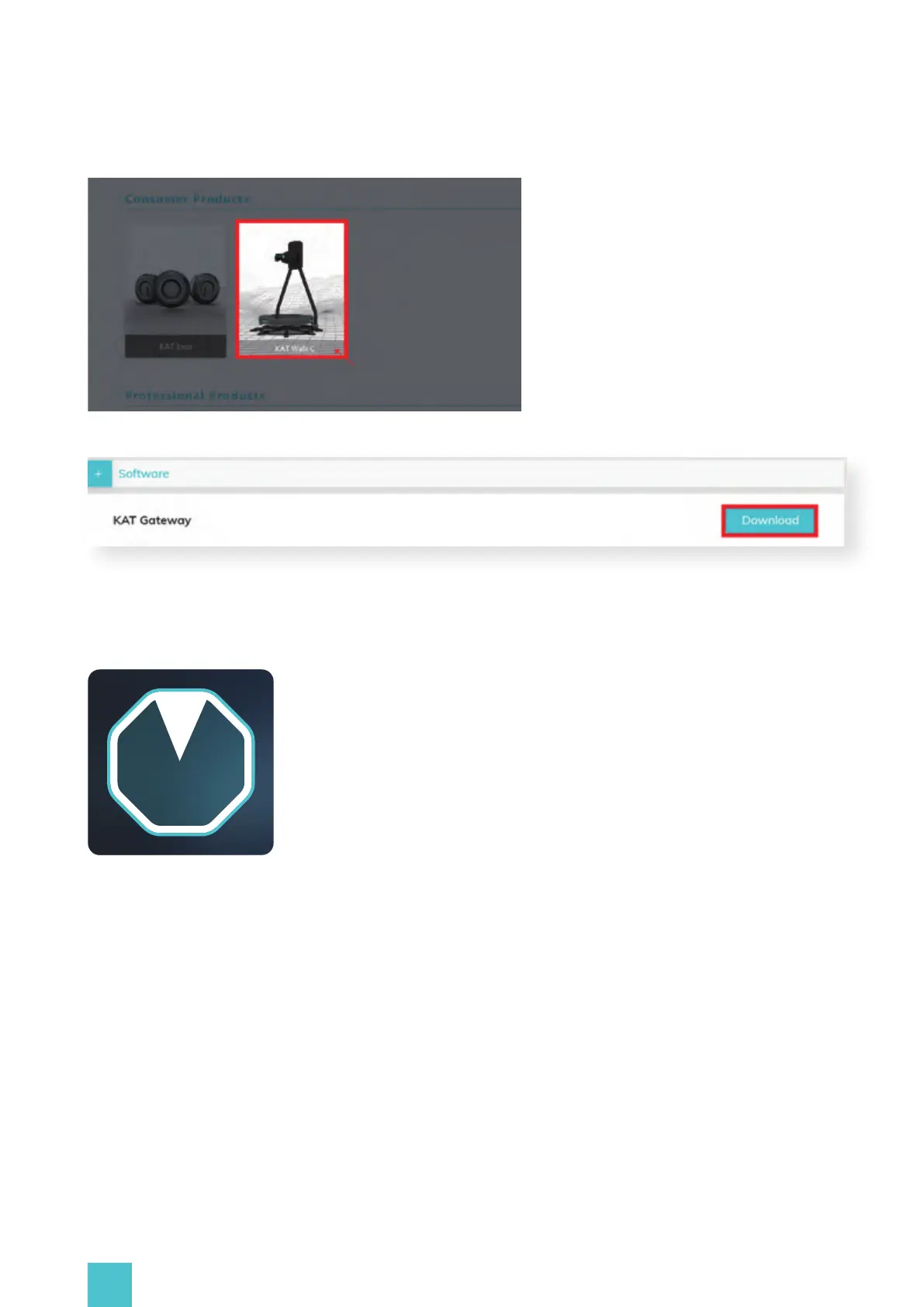
Download KAT Gateway and install it on your PC
2.KAT Gateway functions introduction
2.1 Device Detection:
KAT Gateway will detect all the currently connected KAT Devices but can only run one at a time. If
no device or multiple devices are detected, KAT Gateway will inform the user about it and ask to
connect only the intended device.
First case - No device detected:
Select KAT Walk C and proceed to the product resource page


 To Next Page