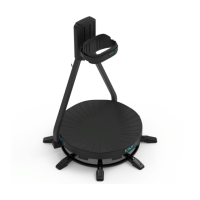
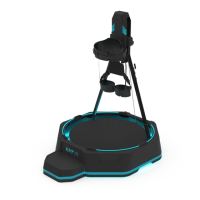
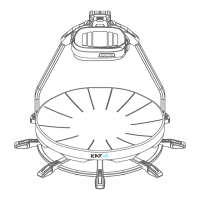
The PC running the KAT WALK must have the following software:
Operation System:
Recommended: Microsoft Windows 10 x64
Minimum: Microsoft Windows 7 Professional x64
Software and Run library requirements:
WinRAR decompression software.
Steam(Keep Updating)
SteamVR(Keep Updating)
Microsoft Visual C++ 2005 Run library(x86 & x64)
Microsoft Visual C++ 2008 Run library(x86 & x64)
Microsoft Visual C++ 2010 Run library(x86 & x64)
Microsoft Visual C++ 2012 Run library(x86 & x64)
Microsoft Visual C++ 2013 Run library(x86 & x64)
Microsoft Visual C++ 2015 Run library(x86 & x64)
Microsoft .NET Framework 3.5 sp1
Microsoft .NET Framework 4.0
Microsoft .NET Framework 4.5
Microsoft .NET Framework 4.6.2
Microsoft DirectX Run library
Note: The above software / run libraries can be obtained free of charge on the official website of each software.
WinRAR official Website:http://www.winrar.com/
Steam Official Website:http://store.steampowered.com/
Microsoft Download Center: https://www.microsoft.com/en-us/download/
When you have already met the hard / software requirements for running VR games and KAT platforms.
Please refer to the following process to deploy KAT entertainment platform.


 To Next Page