38 Starting Installation
12. The room settings are finished, click “Finish”.
Caution
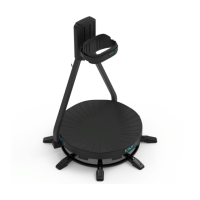
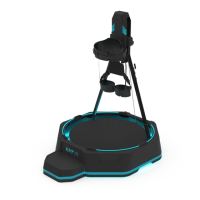
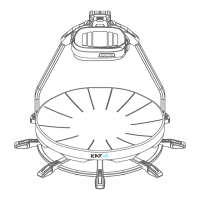
1. Make sure the orientations of the head-mounted display front, the girdle set and the
KAT WALK are consistent during the calibration.
2. Do not randomly move the KAT WALK or the base station after the settings.
Please re-do the set-up if you move the KAT WALK or the base station.


 To Next Page