136
Appendix
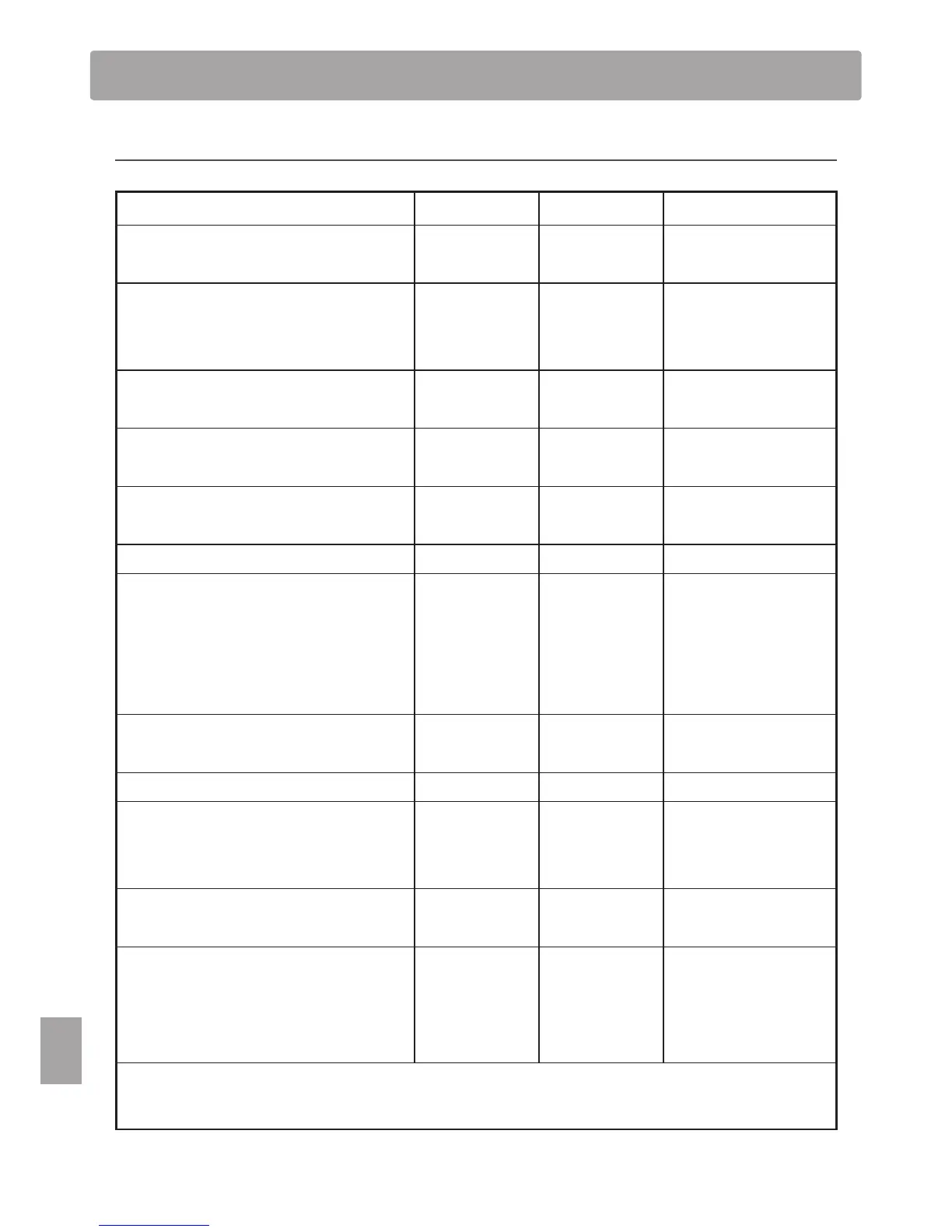
MIDI Implementation Chart
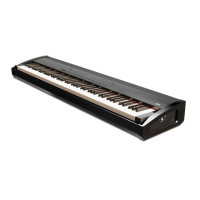
Kawai ES7 digital piano
Date: March 2012 Version: 1.0
Function Transmit Receive Remarks
Basic channel
At power-up 1 1
Settable 1 - 16 1 - 16
Mode
At power-up Mode 3 Mode 1
* The default for the OMNI
mode is On.
Specifying MIDI channels
automatically turns it O.
Message
°
Mode 1, 3
Alternative
ÄÄÄÄÄÄÄÄÄ °
Note number
9 - 120** 0 - 127
** The value depends on the
Transpose setting.
Range
ÄÄÄÄÄÄÄÄÄ
0 - 127
Velocity
Note on
{{
Note o
{{
After touch
Key specic
°°
Channel specic
°°
Pitch bend
°°
Control change
0, 32
7
10
11
64
66
67
{
°
°
°
{
{
*2
{
*3
{
{
{
{
{
{
{
Bank Select *1
Volume
Panpot
Expression Pedal
Sustain Pedal
Sostenuto Pedal
Soft Pedal
Program change
{
0-127
{
*1
True
ÄÄÄÄÄÄÄÄ
Exclusive
{{
On/O Selectable
Common
Song position
°°
Song selection
°°
Tune
°°
Real time
Clock
°°
Commands
°°
Other functions
Local On / O
°{
All notes O
°{
(123 - 127)
Active sensing
°{
Reset
°°
*1 Please refer to the Program Change Number List on page 122.
*2 Applicable only when the optional F-301 triple pedal unit is connected.
*3 Applicable only when the optional F-20 double pedal unit or F-301 triple pedal unit is connected.
Mode 1: omni mode On, Poly Mode 2: omni mode On, Mono
{
: Yes
Mode 3: omni mode O, Poly Mode 4: omni mode O, Mono
°
: No


 To Next Page