1.
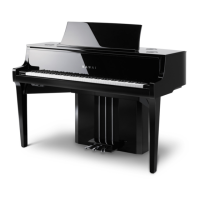
This document contains instructions for updating the software of the NV10 hybrid piano.
Please read these instructions thoroughly before attempting to perform the software update.
The update procedure is performed in three stages and may require up to 2 hours to complete fully.
The software update will clear any user-recorded songs stored in the instru
ment’s memory.
To retain this data, please use the Save Song function to save recordings to a USB memory device.
Update requirements
The software update will require a compter with internet access and an empty USB memory device.
* The USB memory device should be formatted to use the ‘FAT’ or ‘FAT32’ lesystem.
Preparing for the update
After downloading the software update zip le, extract the
contents to a temporary folder (e.g. the Desktop).
The folder should contain four SYS les.
Filename Filesize Description
NVxx_040.SYS 1,024 KB System software
NV10_xx.SYS 3,200 KB System software
CAx8Lapp.SYS 17,588 K B Touchscreen software
CAx8Sapp.SYS 208 KB Touchscreen software
* The ‘xx’ in the NV10_xx.SYS le will change depending on the region.
Software Update
(NV10)
nv10_xx_v1xx.zip
NV10_xx.SYSNVxx_040.SYS CAx8Lapp.SYS CAx8Sapp.SYS
NV10 update

 Need help?
 General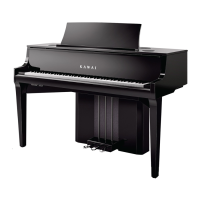

 To Next Page