LS30 CONTROLLER INSTALLATION AND OPERATING GUIDE
6
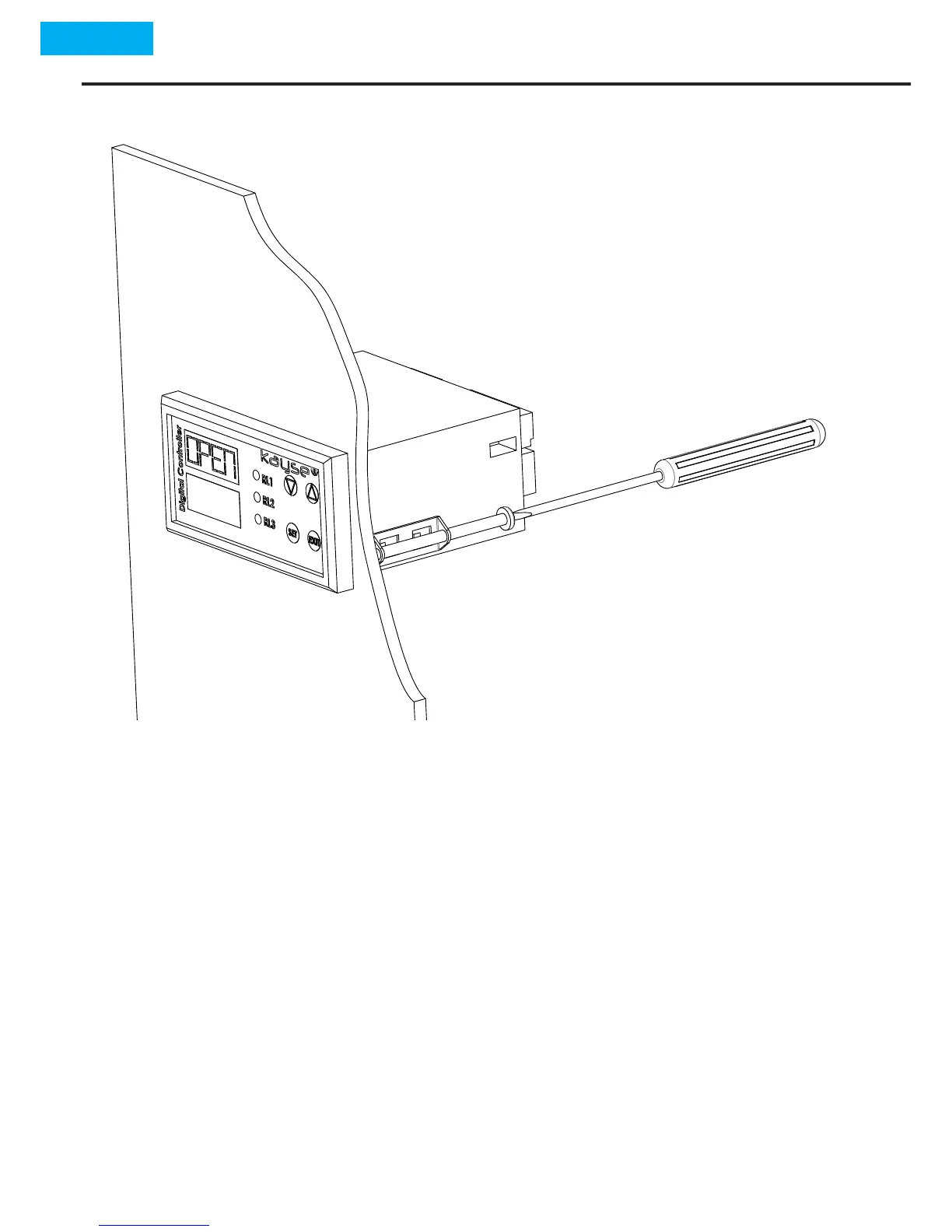
2.4 Mounng Type
2.5 Assembly Sequencing
Place the device to the panel that has been manufactured ac-
cording to 2.2 Panel Cung Dimenons place the device by fac-
ing the screen yourself,
According to the 2.4 Mounng Type ghten the xing stands
within box by means of a suitable screw driver by installing the
side channels located at the sides of device,
In order to make the electricity connecon remove the termi-
nals at the a of device,
By means of a suitable screw driver make connecons as per 3.
Electrical Connecons,
•
•
•
•


 To Next Page