1 023
10:00
Welcome
to Your Keenetic
Next
4
5
3
2
1
DSL
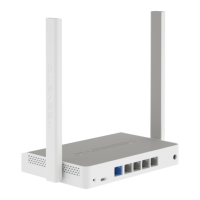
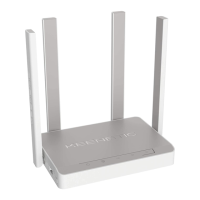
KEENETIC
SKIPPER Ñ
Quick Start Guide
AC1200 Mesh Wi-Fi 5 Supervectoring VDSL2/ADSL2+
Modem Router with a 4-Port Gigabit Smart Switch
and USB Port
Model: KN-2112
Installing Your Keenetic Skipper DSL
1. Position your Keenetic Skipper DSL (hereinafter ‘Keenetic device’) within cable
lengths of phone and power outlets. Place your Keenetic device in an open area
for better wireless coverage.
2. Connect your Keenetic device to a power source. Check that both the
Status LED C and Wi-Fi LED D are illuminated and not blinking.
3. Сonnect a mobile device to your Keenetic device via Wi-Fi. The default Wi-Fi name
(SSID) and the Wi-Fi password are printed on your Keenetic device’s back label
along with a QR code that will automatically connect your mobile device to the
Keenetic device’s Wi-Fi when scanned. Alternatively, сonnect a computer to any
gray Ethernet port on your Keenetic device using the included Ethernet cable.
4. Once connected, an Initial Setup Wizard window will appear on your
mobile device / computer. If the Wizard does not appear, using a browser
go to my.keenetic.net.
Note: If the Initial Setup Wizard doesn’t appear, please refer
to the Frequently Asked Questions section below.
5. In the Initial Setup Wizard window select the configuration option
and follow the setup instructions.
For technical support and other information, please visit
help.keenetic.com

 Need help?
 General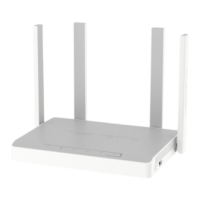

 To Next Page