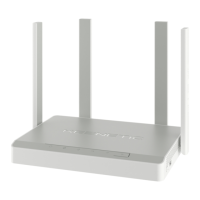
Need help?
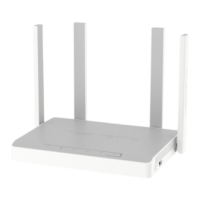
Do you have a question about the KeeNetic Ultra KN-1810 and is the answer not in the manual?
Guide to accessing the web interface via browser and using the quick setup wizard for initial configuration.
Instructions for setting up the Keenetic using the mobile app for smartphone configuration and remote management.
Steps to connect your ISP's Ethernet cable or an SFP module for fiber optic internet connection.
How to connect DSL or PON modems, recommending bridge mode for full Keenetic functionality.
Guide to connecting and setting up a 3G/4G USB modem, including SIM card prep and placement.
Essential safety guidelines for operating the Keenetic, including environmental conditions and power handling.
Precautions for safe USB drive removal, avoiding direct downloads, and power considerations.
 General
| Brand | KeeNetic |
|---|---|
| Model | Ultra KN-1810 |
| Category | Network Router |
| Language | English |


 To Next Page