Settings
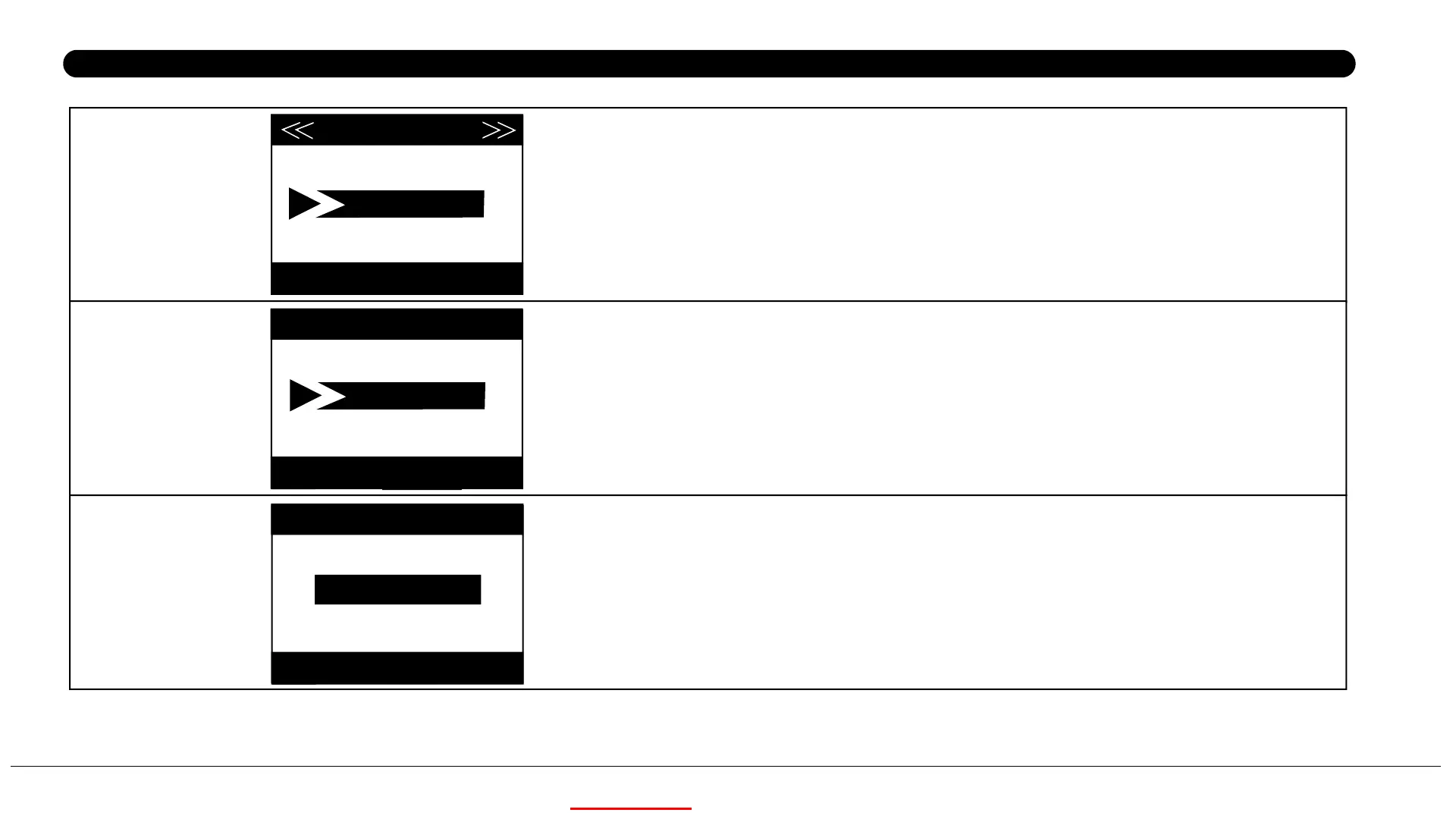
Version
Format SD Card
Default Settings
Set
Exit
Version
OK
MENU
Set
Exit
Format SD Card
OK
Execute
MENU
Select“Execute”and press OK to restore all parameters to
the original factory default settings.
Set
Exit
Default Settings
OK
MENU
Deletes (erases) all files stored on a card to prepare it for
reuse. Always format a card that has been previously used in
other devices. Caution! Make sure you have downloaded and
backed up any files you want to preserve first! Press OK to
execute, press MENU (or select NO then press OK) to exit
without formatting.
Execute
KG762 160830A
KEEPTIME



 To Next Page