– 30 – – 31 –
System requirements for software K-114_Cong
Processor min. Pentium 75 MHz
Screen resolution min. 1024 x 768
Memory min. 16 MB RAM
Hard disk space min. 20 MB recommended
Factory conguration K-114 BT
These are the recommended settings for fault-free operation of KELLER products.
Converter bus address 253 (cannot be changed)
Baud rate 9600 baud
Echo off off
Bias network off
Termination off
Internet connection recommended
(for support)
Operating system Windows XP, 7, 8, 10
Function overview
Bluetooth
USB
RS485
Echo
8
Akkumulator
Bias
Termination
Bias
Echo OFF
The data sent by the PC (Tx) is not sent back.
Bias network
Prevents undened bus levels in the event of inactive line
drivers.
Termination
Prevents reections on the signal lines.
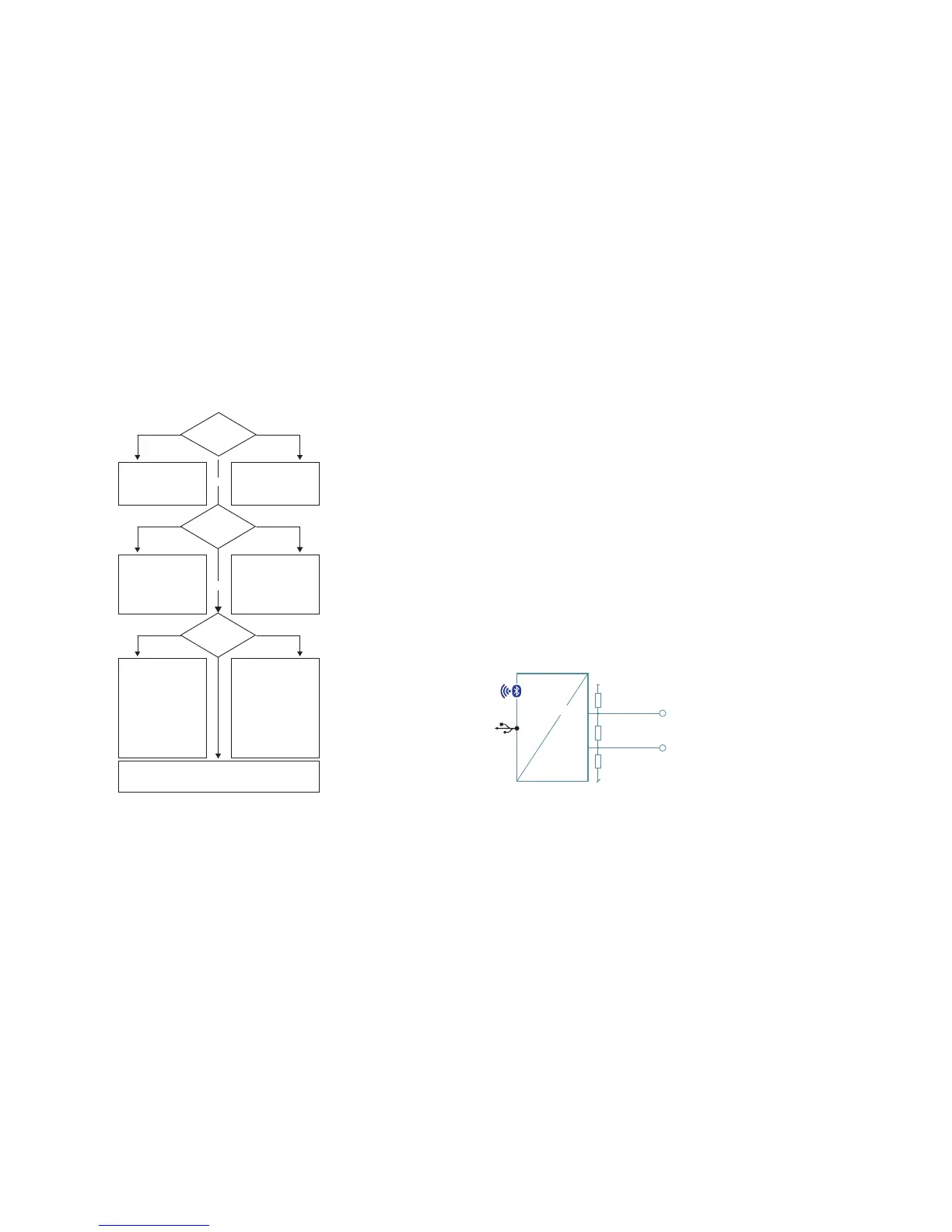
Error analysis support
red off
grün
green
grün
flashing
POWER LED
➞ Check/install K-114 BT
software driver
➞ Internal error
Device is out of operation (it
may have switched itself off)
➞ Press the Power Button
to turn the device on
Bluetooth LED
off shining with a steady light
RxTx / Baud
LED
off shining with a steady light
Bluetooth not initialised
(cannot connect via BT)
➞ Restart the K-114 BT
(switch off and on again)
Device is in USB mode
(no BT connection)
➞ Connect device to PC
➞
Incorrect COM port
number selected
(change selection)
– Check baud rate settings / device addresses
– Reset the K-114 BT to its factory settings
– Request support
COM port already in use
➞
Incorrect COM port number
selected (change selection)
➞ Other software is using
the COM port
Close all software
programs
➞ Check wiring on end
consumer(s)
Bus error
➞ Check wiring on end
consumer(s)
➞ Remove all devices
connected to the
K-114 BT
➞ Check the voltage level
of the RS485 and activate
the Termination or Bias
function if necessary



 To Next Page