– 34 – – 35 –
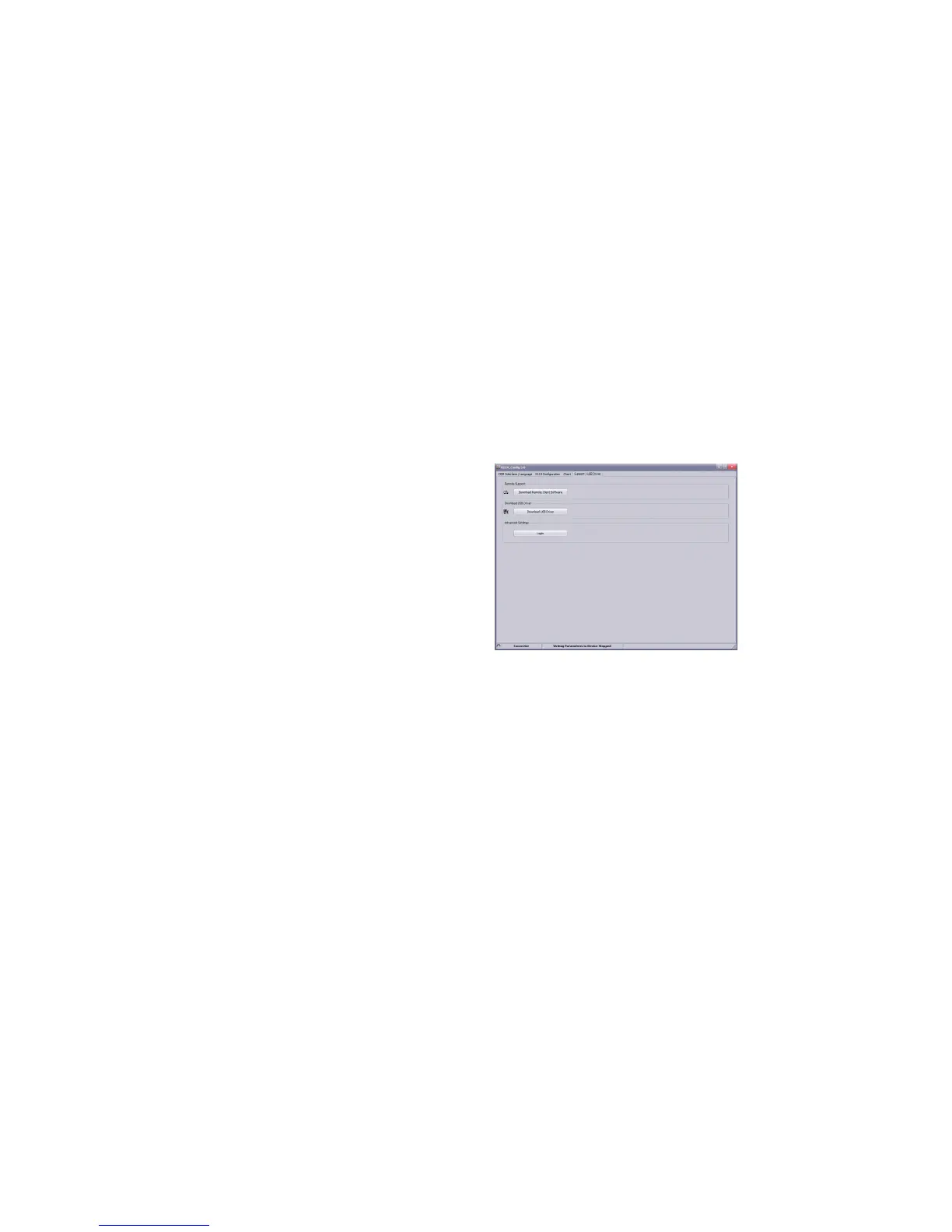
The function „Download remote maintenance software“ automatically begins the download of a remote desktop
program. Launch it once it has downloaded. After sending a connection code, our technical support team will log
into your computer and provide help directly on your screen.
Error analysis/support
If problems arise when using the converter, please refer to the chapter „Error analysis support“ for help. If the
problem persists after you have followed the instructions in this chapter, please contact www.keller-druck.com
Warnings and messages in the software
The following warnings and messages in the „K-114 Cong“ software notify the user that an invalid state has arisen.
The message is displayed in the top line of the window „K-114 Conguration“.
Battery almost empty
If the charging capacity of the battery drops below 20%, the user is notied that the battery is low on power.
Battery low, connect charger
This nal warning appears when the capacity drops below 10% and instructs the user one last time to charge the
device before it switches off automatically.
U-OUT outside of range
This message appears if the voltage U-OUT is less than 14,25 VDC. As an initial measure, remove the external
devices until the error disappears.
Short circuit/overload at output
This message appears if the output current I-OUT exceeds 125 mA. This indicates that the load is too high: please
check the power supply connection. As an initial measure, remove the external devices until the error disappears.
U-IN outside of measurement range
The measurement range for U-IN is 0…12 VDC. The message informs the user that the upper limit of the measure-
ment range that can be represented (> 15VDC) has been reached. The measurement voltage U-IN actually applied
may therefore be greater than the displayed value.



 To Next Page