EasyManua.ls Logo

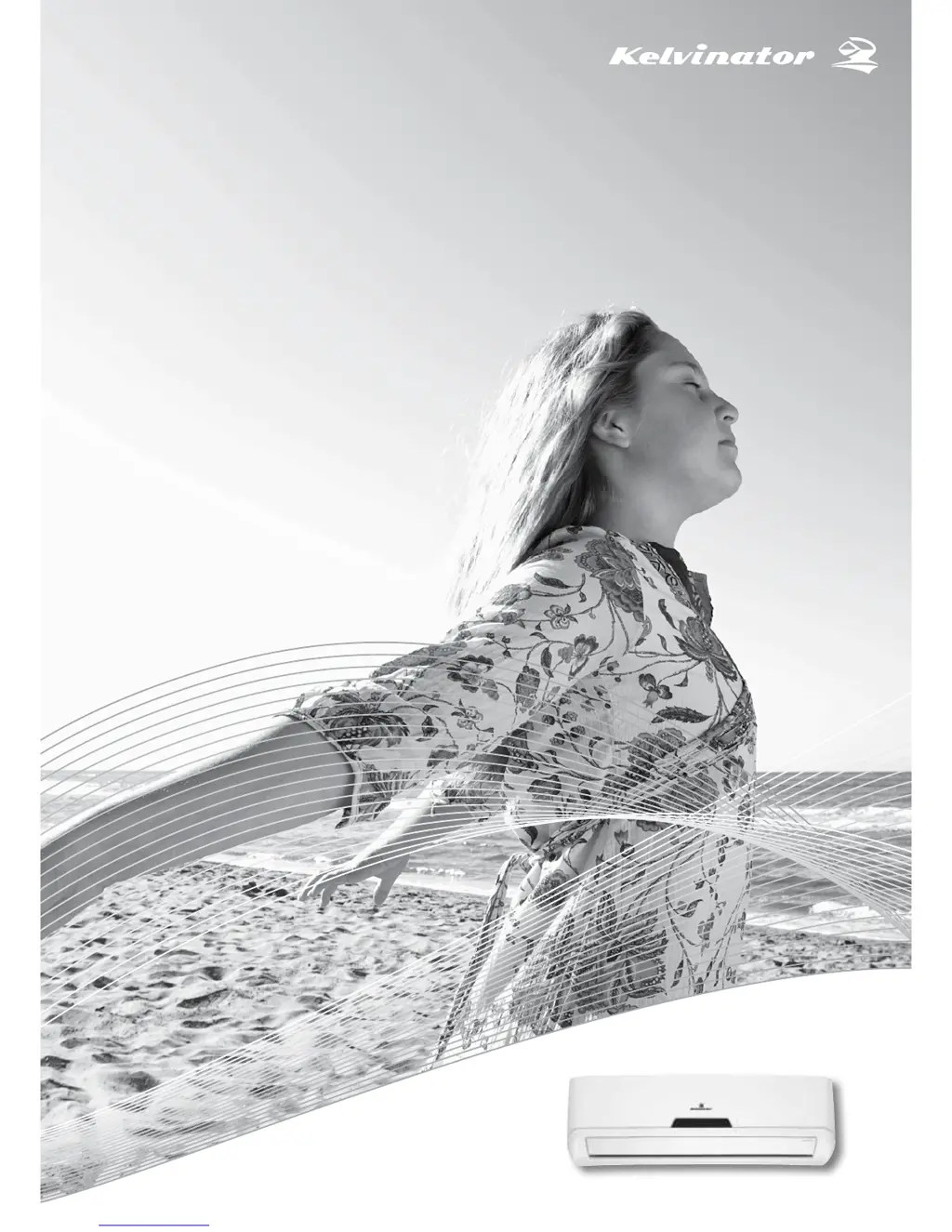
Kelvinator KSV70HRE - User Manual

Kelvinator KSV70HRE
24 pages
Print Icon
To Next Page IconTo Next Page
Loading...
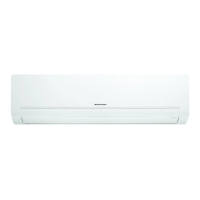
Inverter Split System Room Air Conditioner
User Manual
KSV26CRE, KSV26HRE, KSV35CRE, KSV35HRE,
KSV53HRE, KSV62HRE, KSV70CRE, KSV70HRE,
KSV80HRE
Refrigerant R32

Other manuals for Kelvinator KSV70HRE

Questions and Answers

Summary

Safety Instructions and Precautions

Key Safety Warnings and Cautions

Critical safety warnings and precautions for appliance use.

Safety Symbols and Meanings

Explains safety symbols and their meanings for user guidance.

Operation and Maintenance Guidelines

Prior to Operation and Safe Usage

Essential steps before operation and advice on safe usage.

Cleaning and Service Procedures

Instructions for routine cleaning and contacting service.

Product Description and Components

Indoor and Outdoor Unit Overview

Details the components of the indoor and outdoor units.

Component Identification

Lists and describes the numbered parts of the air conditioner system.

Indoor Display Unit and Remote Control

Indoor Unit Display Indicators

Explains the function of each indicator light on the indoor unit display.

Remote Control Operation and Placement

Describes the remote control's features, operation, and placement advice.

Using the Remote Control Functions

Remote Control Button Functions

Details the function of each button on the remote control.

Selecting Operation Modes

How to select different operating modes like Auto, Fan, Cool, Heat.

Remote Control Display Indicators

Understanding Remote Display Symbols

Explains the various symbols and indicators shown on the remote's LCD screen.

First Use and Automatic Operation

Initial Setup and First Operation

Steps for initial setup and starting the unit for the first time.

Automatic Operation Mode Explained

How the unit automatically selects modes based on conditions.

Dehumidifying and Fan Operations

Dehumidify Mode Operation

Details how the dehumidifying mode works and its settings.

Fan Only Mode Operation

How to use the fan-only mode for air circulation.

Cooling, Heating, and Clock Setting

Cooling and Heating Operation

Steps to operate the unit in cooling or heating modes.

Setting the Clock on the Remote

Instructions for setting the clock time on the remote control.

Timer Settings for Operation

Setting Timer-On and Timer-Off

How to set timers for starting and stopping the unit.

Combined Timer Operation Examples

Using timers for both start and stop operations with examples.

Economy and I FEEL Functions

Economy (Eco) Operation Mode

How to use the energy-saving Eco mode for comfortable sleep.

I FEEL Function for Precise Control

Using the remote as a thermostat for precise temperature control.

Indoor Unit Features and Airflow Control

Airflow Direction Control

How to adjust horizontal and vertical airflow direction manually and automatically.

Additional Indoor Unit Options

Explains smart restart, removable panel, and self-diagnosis features.

Emergency Operation and Temperature Ranges

Manual Control and Emergency Use

How to operate the unit manually during remote failure.

Operating Temperature Ranges

Specifies the recommended indoor and outdoor temperature ranges for optimal performance.

Maintenance and Cleaning the Filters

Cleaning Air Filters

Step-by-step guide to cleaning the air filters for optimal performance.

Cleaning Indoor Unit and Remote

Methods for cleaning the indoor unit casing and remote control.

Filter Replacement and General Maintenance

Healthy Air Filter Maintenance

Instructions for cleaning and replacing healthy air filters.

General Maintenance and Checks

Checks before operation and advice for long-term storage.

Operating Tips and Normal Phenomena

Understanding Normal Operation Sounds

Explains common noises like hissing, squeaking, and cracking during operation.

Managing Airflow and Condensation

Tips for airflow control, preventing condensation, and handling interference.

Troubleshooting Common Issues

Unit Not Starting or Cooling Poorly

Solutions for unit not starting, poor cooling/heating, and filter issues.

Error Codes and Abnormal Situations

What to do if error codes appear or abnormal situations occur.

Troubleshooting Specific Problems

Addressing Unit Operation and Noise Issues

Solutions for unit not operating, odors, water flow, mist, and cracking noises.

Resolving Water Leakage and Airflow Issues

How to fix water leaks, poor airflow, and defrosting code (H1).

Electrolux Warranty Information

Warranty Terms and Conditions

Details terms, conditions, exclusions, and proof of purchase for warranty claims.

How to Claim and Contact Information

Steps to make a warranty claim and contact details for service and parts.

Summary

Safety Instructions and Precautions

Key Safety Warnings and Cautions

Critical safety warnings and precautions for appliance use.

Safety Symbols and Meanings

Explains safety symbols and their meanings for user guidance.

Operation and Maintenance Guidelines

Prior to Operation and Safe Usage

Essential steps before operation and advice on safe usage.

Cleaning and Service Procedures

Instructions for routine cleaning and contacting service.

Product Description and Components

Indoor and Outdoor Unit Overview

Details the components of the indoor and outdoor units.

Component Identification

Lists and describes the numbered parts of the air conditioner system.

Indoor Display Unit and Remote Control

Indoor Unit Display Indicators

Explains the function of each indicator light on the indoor unit display.

Remote Control Operation and Placement

Describes the remote control's features, operation, and placement advice.

Using the Remote Control Functions

Remote Control Button Functions

Details the function of each button on the remote control.

Selecting Operation Modes

How to select different operating modes like Auto, Fan, Cool, Heat.

Remote Control Display Indicators

Understanding Remote Display Symbols

Explains the various symbols and indicators shown on the remote's LCD screen.

First Use and Automatic Operation

Initial Setup and First Operation

Steps for initial setup and starting the unit for the first time.

Automatic Operation Mode Explained

How the unit automatically selects modes based on conditions.

Dehumidifying and Fan Operations

Dehumidify Mode Operation

Details how the dehumidifying mode works and its settings.

Fan Only Mode Operation

How to use the fan-only mode for air circulation.

Cooling, Heating, and Clock Setting

Cooling and Heating Operation

Steps to operate the unit in cooling or heating modes.

Setting the Clock on the Remote

Instructions for setting the clock time on the remote control.

Timer Settings for Operation

Setting Timer-On and Timer-Off

How to set timers for starting and stopping the unit.

Combined Timer Operation Examples

Using timers for both start and stop operations with examples.

Economy and I FEEL Functions

Economy (Eco) Operation Mode

How to use the energy-saving Eco mode for comfortable sleep.

I FEEL Function for Precise Control

Using the remote as a thermostat for precise temperature control.

Indoor Unit Features and Airflow Control

Airflow Direction Control

How to adjust horizontal and vertical airflow direction manually and automatically.

Additional Indoor Unit Options

Explains smart restart, removable panel, and self-diagnosis features.

Emergency Operation and Temperature Ranges

Manual Control and Emergency Use

How to operate the unit manually during remote failure.

Operating Temperature Ranges

Specifies the recommended indoor and outdoor temperature ranges for optimal performance.

Maintenance and Cleaning the Filters

Cleaning Air Filters

Step-by-step guide to cleaning the air filters for optimal performance.

Cleaning Indoor Unit and Remote

Methods for cleaning the indoor unit casing and remote control.

Filter Replacement and General Maintenance

Healthy Air Filter Maintenance

Instructions for cleaning and replacing healthy air filters.

General Maintenance and Checks

Checks before operation and advice for long-term storage.

Operating Tips and Normal Phenomena

Understanding Normal Operation Sounds

Explains common noises like hissing, squeaking, and cracking during operation.

Managing Airflow and Condensation

Tips for airflow control, preventing condensation, and handling interference.

Troubleshooting Common Issues

Unit Not Starting or Cooling Poorly

Solutions for unit not starting, poor cooling/heating, and filter issues.

Error Codes and Abnormal Situations

What to do if error codes appear or abnormal situations occur.

Troubleshooting Specific Problems

Addressing Unit Operation and Noise Issues

Solutions for unit not operating, odors, water flow, mist, and cracking noises.

Resolving Water Leakage and Airflow Issues

How to fix water leaks, poor airflow, and defrosting code (H1).

Electrolux Warranty Information

Warranty Terms and Conditions

Details terms, conditions, exclusions, and proof of purchase for warranty claims.

How to Claim and Contact Information

Steps to make a warranty claim and contact details for service and parts.

Kelvinator KSV70HRE Specifications

General IconGeneral
BrandKelvinator
ModelKSV70HRE
CategoryAir Conditioner
LanguageEnglish

Related product manuals