33. Check that the Interface Address (address[/prefix]), the HA Shared IP address and HA
Partner IP address are correct before adding it to the production unit.
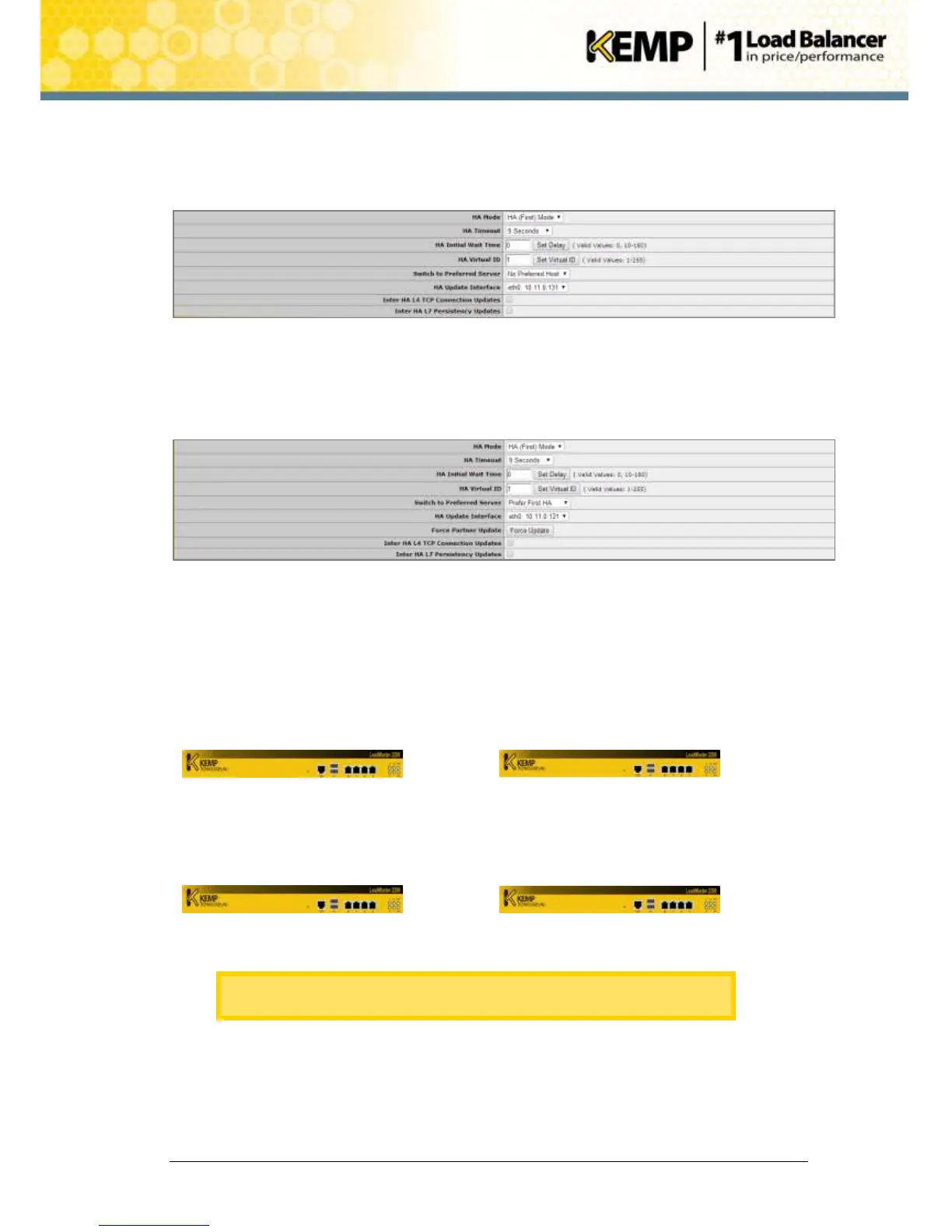
34. In the main menu, go to Local Administration > HA Parameters.
Figure 10-10: HA Virtual ID
35. Ensure that the HA Virtual ID is correct.
36. When new unit 1 (C) is connected, open the WUI of the shared IP address and in the
main menu, go to System Configuration > Miscellaneous Options > HA Parameters.
Figure 10-11: Force Update
37. Click Force Update.
38. This will take approximately 15 seconds.
39. When the update is complete, in the main menu, go to System Configuration >
Miscellaneous Options > HA Parameters.
40. In the Switch to Preferred Server drop-down list, switch the preferred host to the other
unit or select No Preferred Host.


 To Next Page