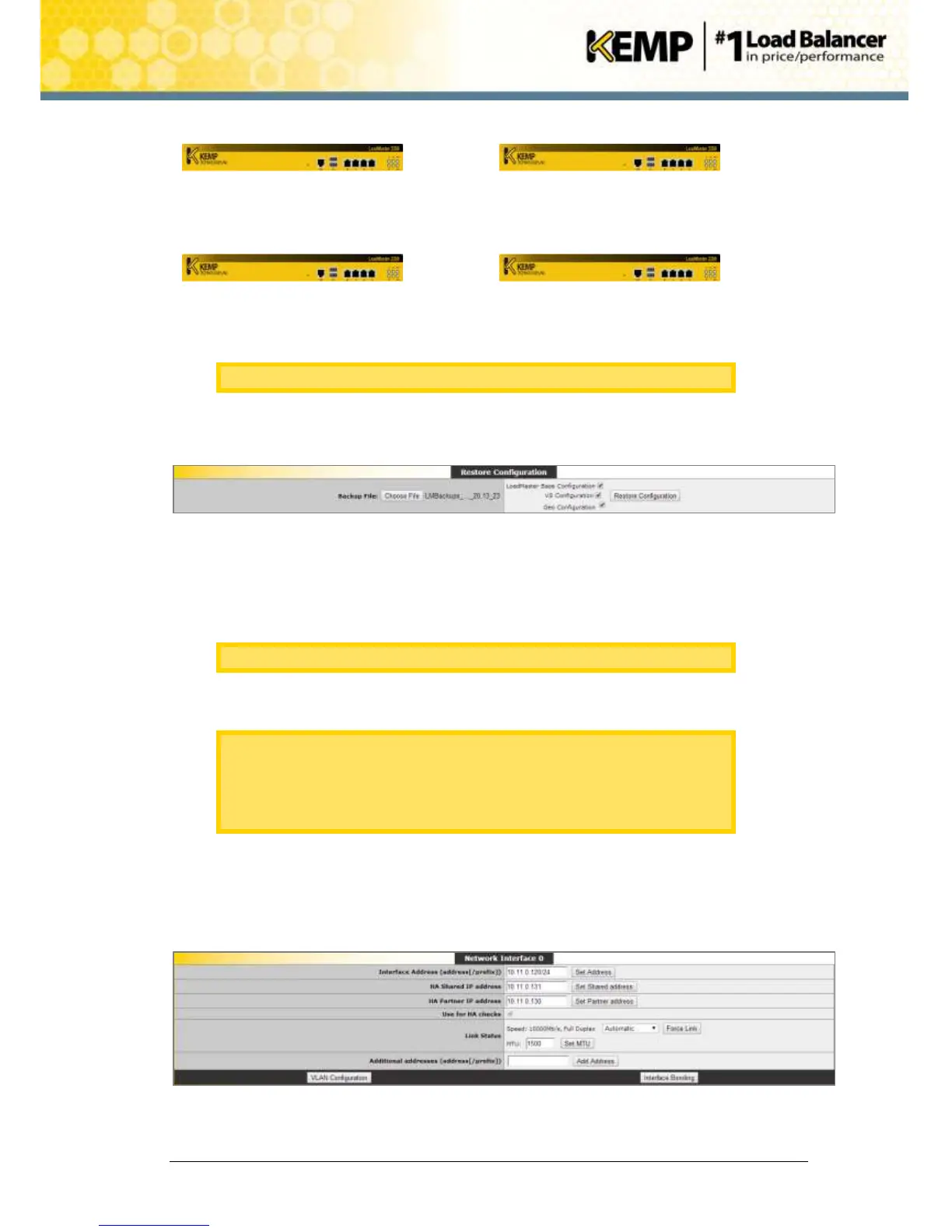
23. Now, old unit 1 (A) can be removed from production.
As new unit 2 (D) is master, this should not affect production.
24. On the WUI of the new unit 1 (C), in the main menu, go to System Configuration >
System Administration > Backup/Restore.
Figure 10-8: Restore Configuration
25. Click Choose File.
26. Browse to and select the backup file.
27. Select the configuration(s) that need to be restored.
This is the backup configuration from old unit 1 (A).
28. Click Restore Configuration.
It is not possible to restore a single machine configuration onto a HA
machine and vice versa.
It is not possible to restore a configuration containing ESP-enabled Virtual
Services onto a machine which is not enabled for ESP.
29. Click Reboot Now.
30. Click Continue.
31. In the main menu, go to Local Administration > Interfaces.
32. Select the relevant interface.
Figure 10-9: Network Interface


 To Next Page