Audible signals are available to guide you when
setting and using your oven:
• A programming tone will sound each time
you touch a pad.
• Seven tones signal the end of a Timer
countdown.
• Four tones signal the end of a cooking cycle.
AUDIBLE SIGNALS
You can stop the oven during a cycle by opening
the door. The oven stops heating and the fan
stops, but the light stays on.
To restart cooking, close the door and Touch
START.
If you do not want to continue cooking,
open the door and touch STOP.
INTERRUPTING COOKING
Use this safety feature to lock the control panel
when you are cleaning the oven, or so that children
cannot use the oven unsupervised.
To set CHILD LOCK:
Touch: Display Shows:
CHILD LOCK
Touch and hold until
“L” appears in the
display
(approximately
4 seconds).
To cancel CHILD LOCK:
Touch: Display Shows:
1.
1.
2.
Touch and hold until
“L” disappears in the
display (approximately 4 seconds).
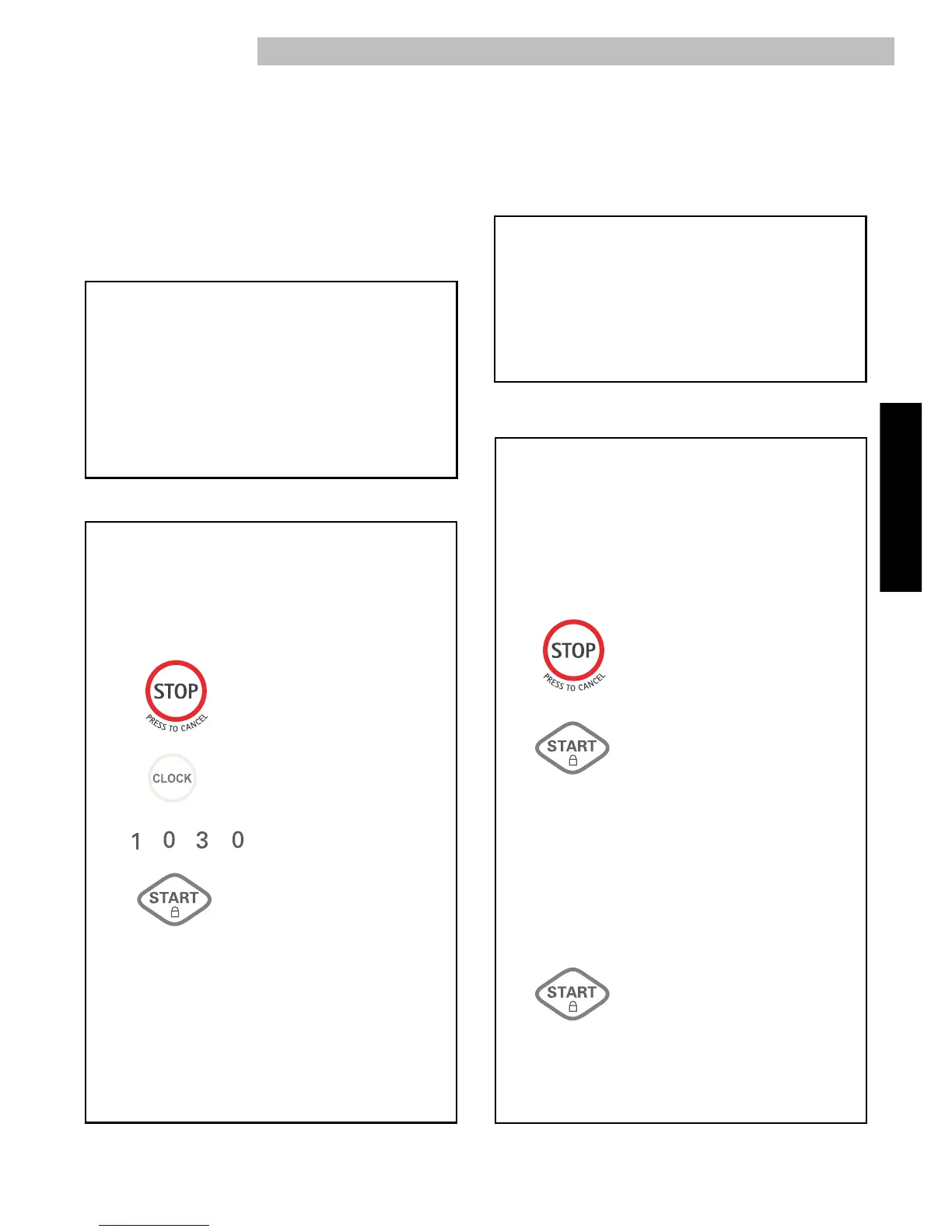
Example: To set the clock for 10:30 AM or PM.
Touch: Display Shows:
When your microwave oven is first plugged in or
after a power failure, the Display will show “:”.
If a time of day is not set, “:” will show on the Display
until you touch “Clock”.
CLOCK
1.
2.
3.
NOTES:
•
If you enter in an incorrect time and touch “
Clock
”
,
you cannot set time of day. Enter the correct time.
• If you touch STOP/Clear while setting the clock, the
Display will show the last time of day set or “:”
if no time of day has been set.
10
::
30
10
::
30
4.
::
1
2
::
00



 To Next Page