4 5
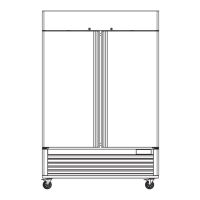
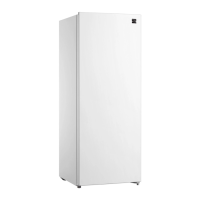
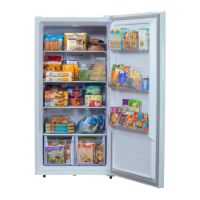
KNOW YOUR FREEZER
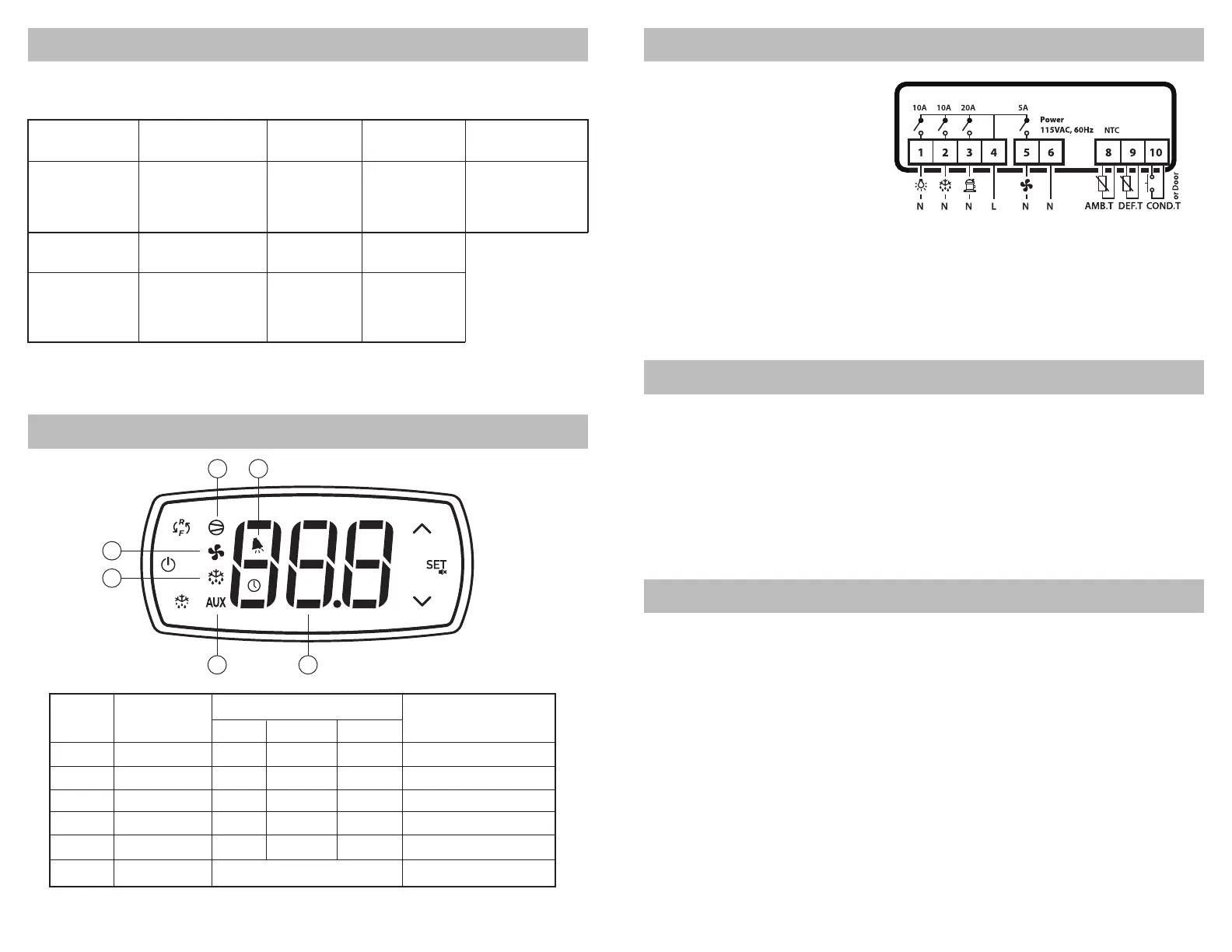
KNOW YOUR CONTROL PANEL
BEFORE FIRST USE
1. Carefully remove the unit from the pallet. Remove all cardboard packaging, plastic bags
and tape from the outside of the unit.
2. Remove any packaging material, keys and any other accessories from the inside of the
unit.
3. Check the unit for any broken or missing parts. Contact the seller with any questions.
4. Place the unit in a suitable location per the safety instructions on the previous pages.
5. Clean the inside and outside of the unit and check the operation of the door(s) before
plugging the unit in.
6. Let the unit cool down to proper operating temperature before storing products inside.
CLEANING PROCEDURES
INSIDE AND OUTSIDE SURFACES
1. Clean the interior and exterior surfaces of the unit with a soft cloth and gentle, non-abra-
sive cleaning agent. Do not use any corrosive cleaning agents.
2. Clean the door gasket on a regular basis to help maintain an airtight seal between the
door and the cabinet.
3. Dry all surfaces with a clean, soft cloth.
CONDENSER COIL
1. Check the condenser coil once a month for visible dirt and dust as a dirty condenser coil
will affect refrigeration performance.
2. Turn off power to the unit before cleaning the condenser coil.
3. Using a soft brush, gently brush vertically along the fins to remove any built up dust. Do
not horizontally against the fins as this could damage them and negatively impact refriger-
ation performance.
NOTE – After cleaning, check to ensure that all parts that were removed have been properly
reinstalled and the unit is safe to use.
CONTROL PANEL TECHNICAL SPECS
Technical Specification Wiring Diagrams
Technical Datasheet
Model
KKPro1D23SS
KKPro2D49SS
KKPro3D66SS
Model
KKPro1D23SS
KKPro2D49SS
KKPro3D66SS
The above specifications are tested in an ambient temperature of 90°F (32°C).
Frequency
(Hz)
60
60
60
Dimension
(L×D×H)
27”x31.5“x83.25”
54.5”x31.5“x83.25”
81.5”x31.5”x83.25”
Net Volume
(cu. ft.)
19.32
43.50
68.30
Temperature
(°F)
33~41 / -13~-5
33~41 / -13~-5
33~41 / -13~-5
Working power
(W)
33~41 / -13~-5
33~41 / -13~-5
33~41 / -13~-5
Net weight
(lb)
264
436
628
Rated Voltage
(V)
115
115
115
Function
compressor
fan
defrost
auxiliary
alarm
digits
Remark
E0/E1/dr/Lo/HI alarm
No.
1
2
3
4
5
6
2
Indicator Lights State
display value and code
ON
on
on
on
on
alarm
OFF
off
off
off
off
no alarm
FLASH
call
call
call
-
-
Connector:
Power supply:
Power consume:
Display:
Fixed terminal
115VAC±10%, 50/60Hz
7.0VA max
Three-digit digital tube
and symbol light
Input:
Outputs:
Working temp.:
Storage temp.:
Relative humidity:
2 NTC probes and
1 single input
Refer to the wiring diagram
-10°C ~ 55°C
-25°C ~ 75°C
20% ~ 85% (no frost)
3
1
4 6
5



 To Next Page