7
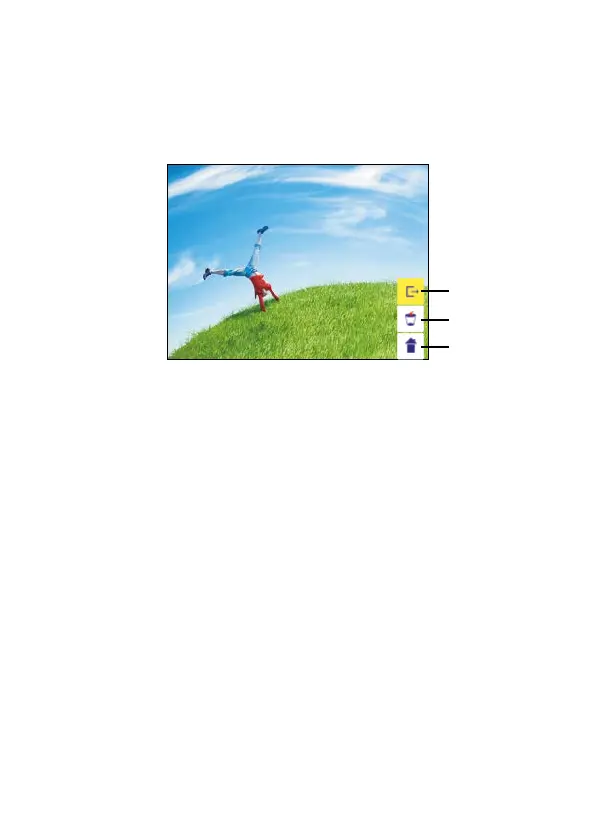
View captured image
In the main menu, use the left and right buttons to highlight the
playback mode, then press [OK/Enter]. Captured images will begin to
play in a slideshow. To pause, press [OK/Enter] again, then use the
left and right arrows to scroll through images manually.
1
2
3
1. Exit the edit mode submenu and return to picture
2. Delete the current picture from the memory card
3. Exit the edit mode submenu and return to scan


 To Next Page