7 / 15
3. Function Setting
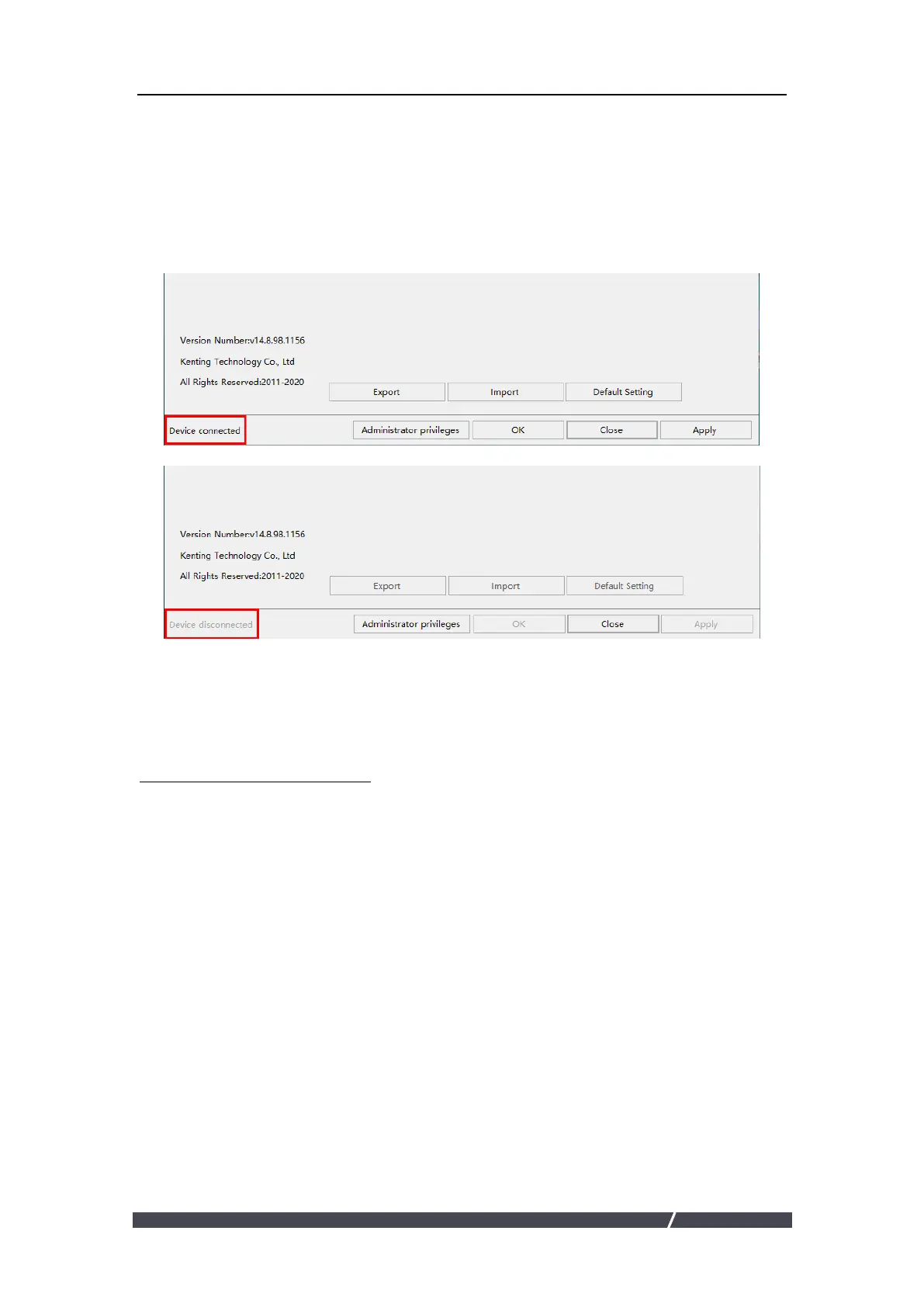
3.1 Device Connection Prompt
1.Device disconnected: The display has not been recognized by your computer
successfully yet.
2.Device connected: has been recognized by your computer successfully already.
3.2 Working Area Setting
3.2.1 Using Multiple Monitors
When the KenTing Display and other monitors are used in the same system, the
movement of the screen cursor on the standard display depends on the system
configuration.
If the secondary display is a mirrored mode connection, this display and another
monitor will display exactly the same image and screen cursor movement.
If you are in the extended display mode, you need to set the display on the driver
that which portion of the display screen your display will map to.


 To Next Page