EasyManua.ls Logo

Kenwood FP540 Series - User Manual

Kenwood FP540 Series
11 pages
Print Icon
To Next Page IconTo Next Page
Loading...
FP540 series

Questions and Answers

  • D
    Daniel KingAug 12, 2025
    Why Kenwood FP540 processor will not operate?
    • B
      Brian BarrAug 12, 2025
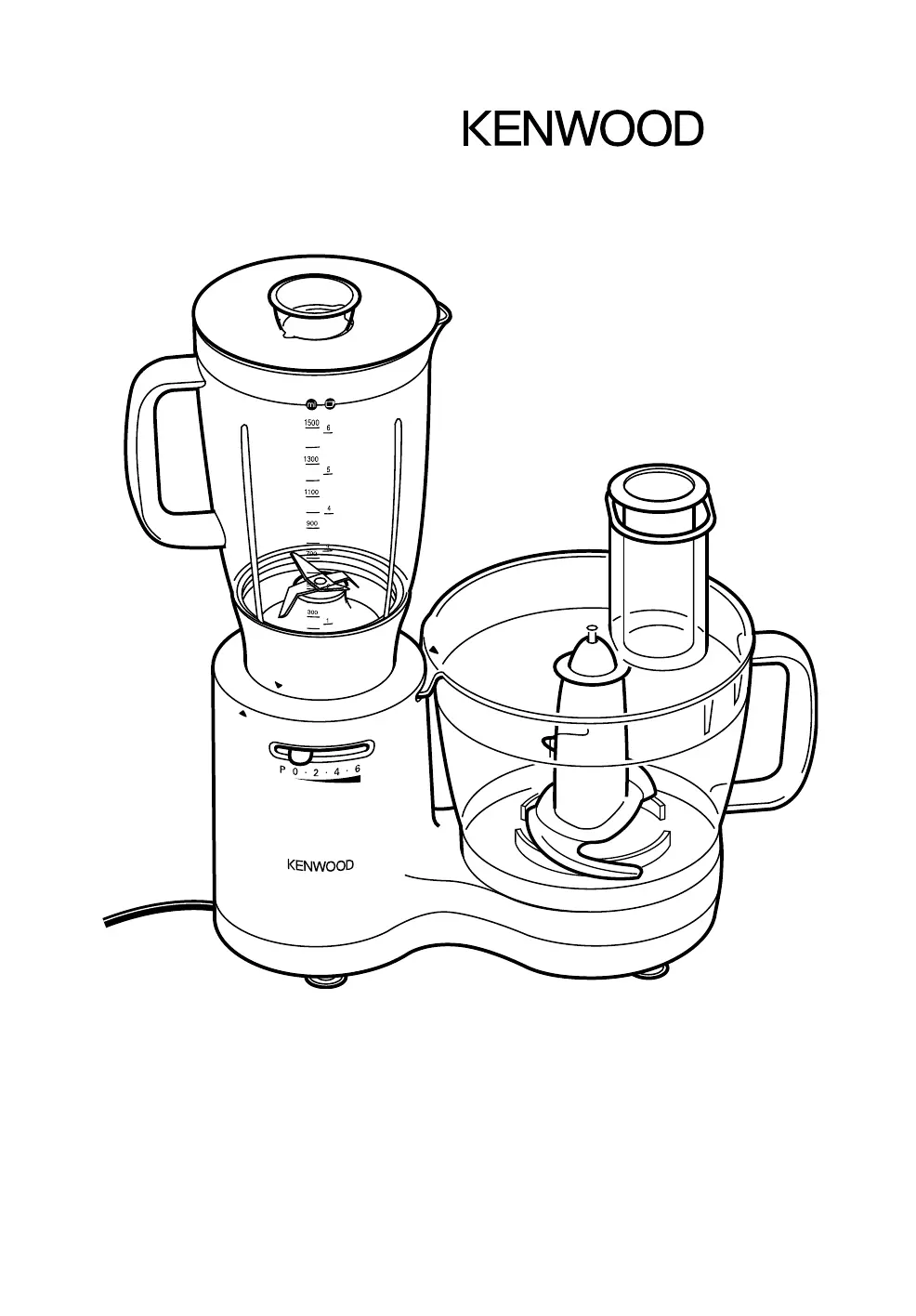
      If your Kenwood Blender processor won't operate, first ensure it's plugged in. When using the processor bowl, the outlet cover must be locked. Also, the bowl lid and liquidiser must be correctly fitted. If issues persist, check the fuse/circuit breaker in your home.
  • M
    Mrs. Susan CookeAug 18, 2025
    What to do if Kenwood FP540 liquidiser leaking?
    • A
      April WhiteAug 19, 2025
      If your Kenwood Blender liquidiser is leaking, check if the seal is correctly fitted and undamaged. If the seal is damaged, contact Customer Care for a replacement.
  • K
    Katherine HernandezAug 27, 2025
    How to fix poor performance of tools/attachments Kenwood FP540 Blender?
    • K
      Katie ShafferAug 27, 2025
      To address poor performance of tools or attachments with your Kenwood Blender, check that the attachments are assembled correctly. Refer to hints in the relevant “Using the attachment” section for more guidance.
  • N
    Natalie StanleySep 2, 2025
    What to do if lid unlocked but speed control light is still on Kenwood FP540 Blender?
    • S
      sheila76Sep 2, 2025
      If the speed control light is still on after unlocking the lid of your Kenwood Blender, always turn the speed control to “0” before removing the lid.

Kenwood FP540 Series Specifications

General IconGeneral
BrandKenwood
ModelFP540 Series
CategoryBlender
LanguageEnglish

Related product manuals