EasyManua.ls Logo

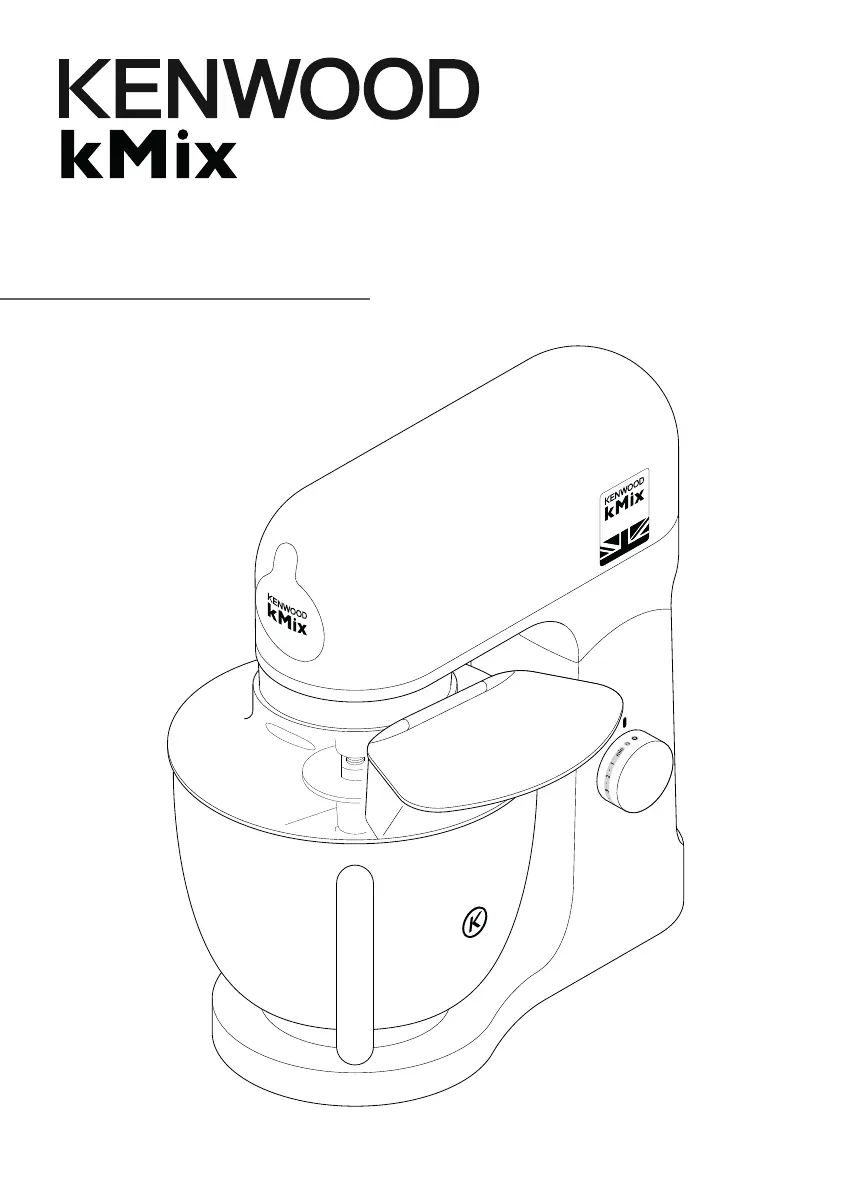
Kenwood kMix KMX76 - User Manual

Kenwood kMix KMX76
31 pages
Print Icon
To Next Page IconTo Next Page
Loading...
TYPE KMX75
TYPE KMX76
instructions

Questions and Answers

  • C
    Christina ClarkAug 12, 2025
    What to do if ‘Mixer ready indicator light’ flashing slowly on Kenwood Mixer?
    • M
      molinamatthewAug 13, 2025
      If the ‘Mixer ready indicator light’ on your Kenwood Mixer is flashing slowly while the machine is plugged in, it means the mixer has been left plugged in for more than 30 minutes without being operated and has entered Standby mode. To reset the machine, turn the speed control to ‘min’ and then back to ‘O’.
  • K
    Krista OrtizAug 16, 2025
    What to do if my Kenwood Kitchen Appliances stops during operation and the mixer ready indicator light is flashing rapidly?
    • E
      Elizabeth HoodAug 16, 2025
      If your Kenwood Kitchen Appliances stops during operation and the ‘Mixer ready indicator light’ is flashing rapidly, it indicates that the overload protection or overheat system has been activated, or that the maximum capacity has been exceeded. Unplug the machine and check for any obstruction or overloading. Turn the speed control to “O” and then restart. If the machine still won’t operate, remove some ingredients to reduce the load and restart. If the problem persists, unplug the appliance and allow it to stand for 15 minutes, then plug it back in and reselect the speed.
  • M
    Michael MullinsAug 20, 2025
    Why is the ‘Mixer ready indicator light’ flashing when my Kenwood Kitchen Appliances is first plugged in?
    • E
      Elaine VaughanAug 20, 2025
      If the ‘Mixer ready indicator light’ is flashing when your Kenwood Kitchen Appliances is first plugged in, it means that the speed control is not in the ‘O’ position. To fix this, check and turn the speed control to the ‘O’ position.
  • S
    Sabrina JohnsonAug 25, 2025
    How to fix Kenwood Kitchen Appliances when the whisk or K-beater knocks against the bottom of the bowl?
    • L
      Laura VargasAug 25, 2025
      If the whisk or K-beater of your Kenwood Kitchen Appliances is knocking against the bottom of the bowl, or not reaching the ingredients at the bottom, it means the tool is at the wrong height and needs adjustment. Adjust the height using a suitable spanner.
  • J
    Jonathan ReyesAug 28, 2025
    What to do if the ‘Mixer ready indicator light’ flashing slowly whilst my Kenwood Kitchen Appliances is plugged in?
    • D
      David SolisAug 28, 2025
      If the ‘Mixer ready indicator light’ is flashing slowly while your Kenwood Kitchen Appliances is plugged in, it indicates that the machine has been left plugged in for more than 30 minutes without being operated and has entered Standby mode. To reset the machine, turn the speed control to ‘min’ and then back to ‘O’.
  • K
    Kevin LangSep 1, 2025
    What to do if my Kenwood Kitchen Appliances stand mixer stops and the indicator light is flashing rapidly?
    • M
      mckinneyricardoSep 1, 2025
      If your Kenwood Kitchen Appliances stand mixer stops during operation and the mixer ready indicator light is flashing rapidly, it indicates that the overload protection or overheat system has been activated, possibly due to exceeding the maximum capacity. Unplug the mixer and check for any obstructions or overloading. Turn the speed control to “O” and then restart it. If it doesn't work, remove some ingredients to reduce the load and try restarting again. If the problem persists, unplug the mixer and let it stand for 15 minutes before plugging it back in and reselecting the speed. If the machine still doesn’t restart, contact customer care for further assistance.
  • A
    Anne GarciaSep 4, 2025
    Why is the ‘Mixer ready indicator light’ flashing when my Kenwood Kitchen Appliances stand mixer is first plugged in?
    • M
      michele30Sep 4, 2025
      If the ‘Mixer ready indicator light’ is flashing when your Kenwood Kitchen Appliances stand mixer is first plugged in, it means that the speed control is not in the ‘O’ position. Check the speed control and turn it to the ‘O’ position.
  • R
    Rebecca GibsonSep 8, 2025
    What to do if the ‘Mixer ready indicator light’ is flashing slowly on my Kenwood Kitchen Appliances mixer?
    • D
      Douglas DiazSep 8, 2025
      If the ‘Mixer ready indicator light’ is flashing slowly while your Kenwood Kitchen Appliances machine is plugged in, it indicates that the stand mixer has been left plugged in for more than 30 minutes without being operated and has entered Standby mode. Turn the speed control to ‘min’ then return to ‘O’ to reset the machine.

Summary

Safety

Special Care Instructions

Before plugging in

Ensure your electricity supply matches the appliance's underside.

Important - Plug and Fuse Information

Details on cord wiring, fuse replacement, and earthing requirements.

To Use Your Mixer

Hints

Tips for folding ingredients and using the soft start feature.

Electronic Speed Sensor Control

Explanation of the mixer's speed sensor for maintaining speed under load.

Recommended Usage Chart

To Fit And Use Your Splashguard

Tool Adjustment

K-beater, Whisk, and Folding Tool Adjustment

Adjusting tools for correct height and clearance in the bowl.

Fitting the Wiper Blade

Instructions for fitting the flexible wiper blade onto the tool.

Care and Cleaning

Power unit and outlet cover

Wiping with a damp cloth and storing excess cord.

Stainless steel bowl

Washing, avoiding abrasives, and keeping away from heat.

Tools and splashguard

Washing tools and splashguard by hand or dishwasher.

Creaming beater

Removing wiper blade, washing, and inspecting for wear.

Glass bowl

Washing the bowl and collar, noting dishwasher safety.

Service and Customer Care

Troubleshooting Guide

Kenwood kMix KMX76 Specifications

General IconGeneral
BrandKenwood
ModelkMix KMX76
CategoryMixer
LanguageEnglish

Related product manuals