USER
LOG
ON
USER
PANIC
ALARM
OPTIONAL FUNCTIONS
USER
LOG
OFF
YOUR
USER
NAME
Helpdesk for any problems, or assistance Phone
0 8 7 0 2 4 0 5 5 3 8
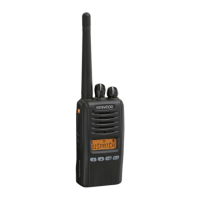
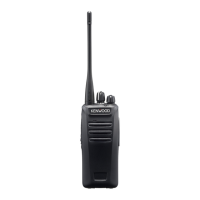
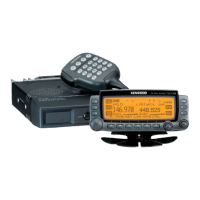
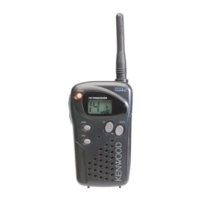
Opera t i n g Inst r u c t i o n s fo r the
Kenwood NX300
S
witch on and adjust volume
End of day, user log off
2
seconds
1 seconds
2 seconds
Press to talk,
Release to
listen
Audio Tone:
Cycle through 3
volume levels:
(i) High (ii) Low(iii) Off
‘backlight’ to illuminate
the display
User Group Selection:
Where available, turn to
change and select User Group.
Scan Button:
Where available,
press to turn
scan on, press
again to scan
off.
Panic
Alarm
IN SHORT PHRASES:
STORE NAME
LOCATION
INCIDENT
DIRECTION
Sex / Nationality
Hair / Colour
Age / Build
Clothes / Colour
Carrying
Peculiarities

 Need help?
 General

 To Next Page