EasyManua.ls Logo

Kenwood ProTalk NX-P1302AU - User Manual

Kenwood ProTalk NX-P1302AU
51 pages
Print Icon
To Next Page IconTo Next Page
Loading...
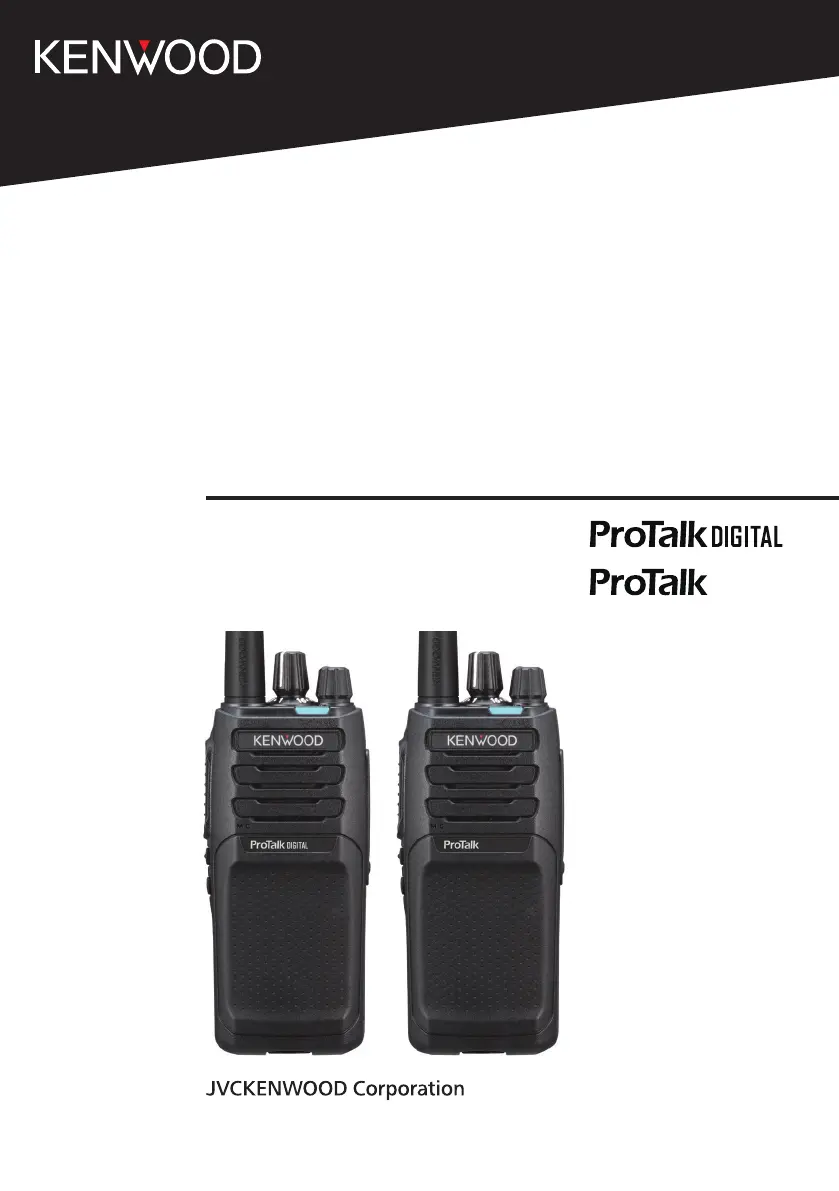
USER MANUAL
NX-P1200NV
NX-P1200AV
NX-P1202AV
NX-P1300NU
NX-P1300AU
NX-P1302AU
B5A-3583-00_EN

Table of Contents

Questions and Answers

  • J
    Jeffrey LopezAug 9, 2025
    What to do if Kenwood Transceiver buttons and selector do not function?
    • T
      torresjenniferAug 9, 2025
      If the buttons and selector on your Kenwood Transceiver are not working, the Button Lock may be activated. Try pressing or holding the button programmed as [Button Lock] to deactivate it. Alternatively, Super Lock may be activated. To deactivate Super Lock, turn OFF the transceiver, then press and hold the PTT switch and Side 2 button while turning ON the transceiver.
  • K
    Karen ArnoldAug 15, 2025
    How to fix Kenwood Transceiver that cannot turn on?
    • J
      Jennifer BurnsAug 15, 2025
      If your Kenwood Transceiver will not turn on, the battery pack may be dead. Try recharging or replacing the battery pack. Alternatively, the battery pack may not be installed correctly. Remove the battery pack and reinstall it.
  • S
    Shelley MooreAug 21, 2025
    What to do if I cannot talk to or hear other members in my Kenwood Transceiver group?
    • M
      marylewisAug 21, 2025
      If you cannot communicate with other members in your Kenwood Transceiver group, ensure you are using the same frequency, QT/DQT, or RAN settings. Also, verify if other group members are using Scrambler/Encryption; if so, turn on your transceiver’s Scrambler/Encryption. When using the Reserved Group function, confirm that your Reserved Group ID matches the other group members'.
  • G
    greenjeffreyAug 27, 2025
    Why does my Kenwood ProTalk NX-P1302AU Transceiver battery power die shortly after charging?
    • S
      Stephanie JosephAug 27, 2025
      If your Kenwood Transceiver battery dies quickly after being charged, it likely means the battery pack's lifespan is over and needs replacing.
  • C
    Christopher HoweSep 2, 2025
    What to do if I hear other voices (besides group members) on the channel of my Kenwood ProTalk NX-P1302AU?
    • J
      James WyattSep 2, 2025
      If you are hearing voices other than your group members on the channel of your Kenwood Transceiver, change the QT/DQT or RAN settings. Make sure all group members also change their transceiver settings to match the new QT/DQT or RAN settings.

Summary

Preparation

Installing the Antenna

Instructions for attaching the radio antenna securely.

Installing;Removing the Battery Pack

Steps for attaching and detaching the battery pack.

Basic Operation

Power On

How to turn the transceiver on.

Adjust the Volume

Guide to setting the audio volume level.

Select a Zone

Steps to choose a radio zone.

Select a Channel

Procedure for selecting an operating channel.

Make a Call

How to transmit a voice call.

Power Off

Instructions for shutting down the transceiver.

Self-Programming Mode

Self-Programming Flow

Diagram illustrating the process for programming settings.

ID Setup

NXDN ID Setup (Digital)

Configuring the unique NXDN identification code.

Reserved Group Setup (Digital)

Setting up IDs for group communication.

Zone Selection

Channel Setup

Frequency Setup

How to set the operating frequency for a channel.

Channel Type Setup

Selecting between Analog, NXDN, or Mixed modes.

Button Function Programming Mode

Functions List

Overview of functions assignable to buttons.

Programmable Functions

Scrambler; Encryption

Secures communications by scrambling or encrypting audio.

Voice Operated Transmission (VOX)

VOX Function Setup

Steps to activate and configure VOX features.

All Reset Mode

Troubleshooting Guide

Specifications

Kenwood ProTalk NX-P1302AU Specifications

General IconGeneral
BrandKenwood
ModelProTalk NX-P1302AU
CategoryTransceiver
LanguageEnglish

Related product manuals