31
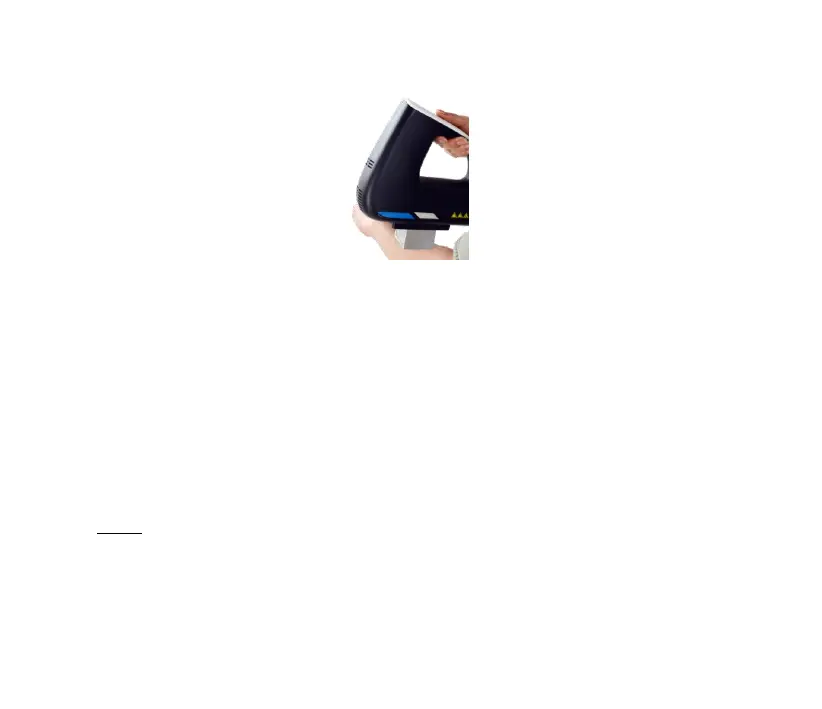
Figure 4-1
Calibration
For the equipment with calibration function, enter the calibration
interface and follow the steps for calibration. Please refer to the section
4.3.5.
Method of turn off the equipment
If the equipment is not used for a long time, please turn the switch to the
“○” position and disconnect the power wire.
Note!



 To Next Page