50
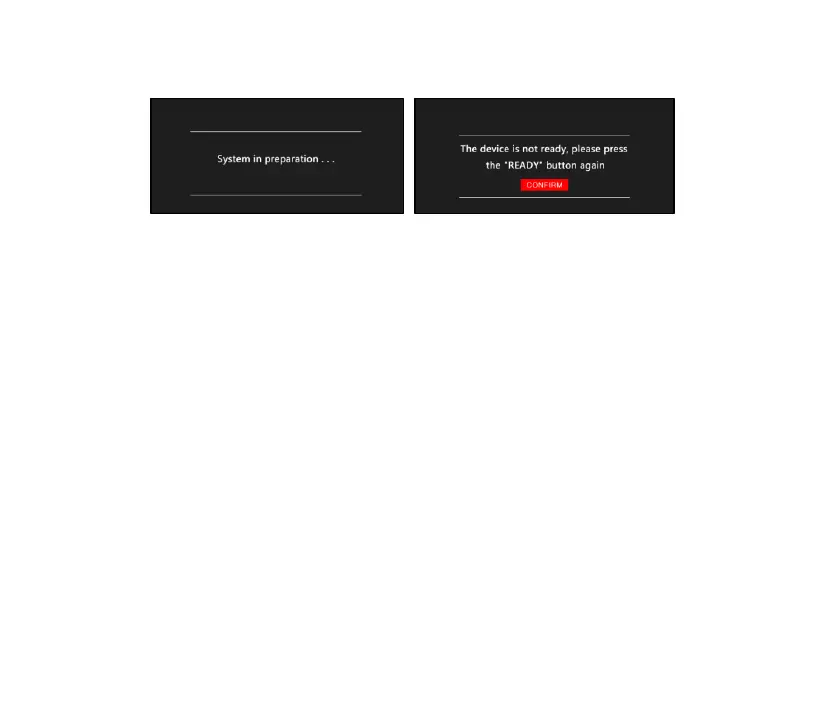
Figure 4-9
➢ Press the “Pause” button to pause the UV light output and the
“TREATMENT TIME” or “TREATMENT DOSE” counting down. Press
the “Ready” button and the “ON” button on the handle to continue
the UV light output and “TREATMENT TIME” or "TREATMENT DOSE"
counting down.
➢ Press the "Stop" button to end the UV light output and the
"TREATMENT TIME" or "TREATMENT DOSE" counting down will be
cleared.
Note: In order to protect the light source, the cooling fan inside the
handle will be turned off for 10s delay after the light source stops working.
If the temperature inside the handle is too high, the fan will continue to



 To Next Page