58
Click "Irradiation Intensity Calibration" to adjust the calibration value
manually or automatically.
✓ Manual adjustment calibration (applicable to KN-5000C):
Measure the irradiation intensity at the light output holes with a
professional irradiation intensity measurement tool at the source output
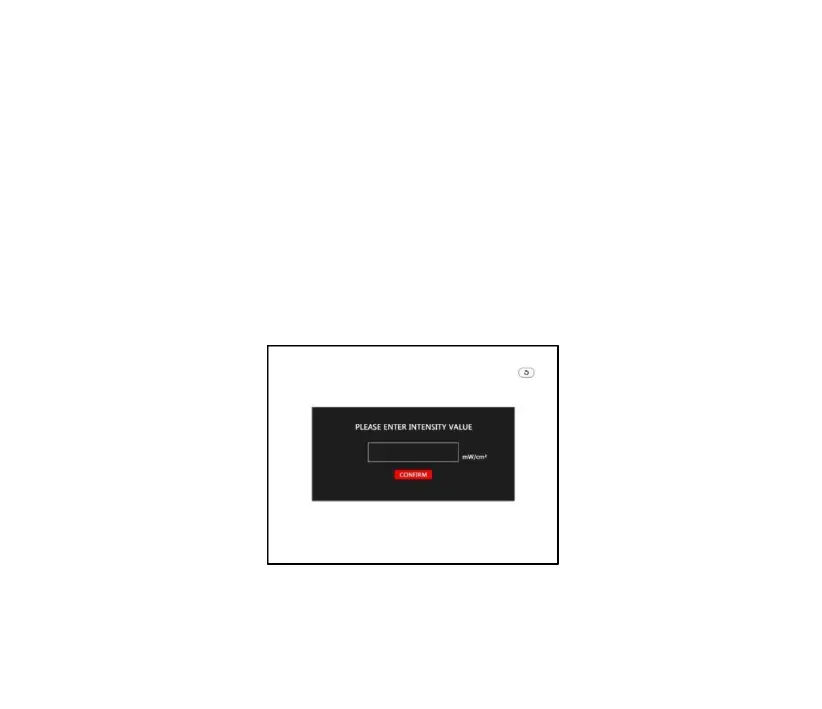
state. Click "Irradiation Intensity Calibration", enter "Intensity setting
password" (123456), enter the following interface, enter the new
irradiation intensity value, click “Confirm” to save.
Figure 4-14



 To Next Page