Front Panel
https://www.ketron.it/images/ketron/Manuali_HTML/SD90/english/03_pannello%20frontale.html[13/05/2020 12:36:44]
-
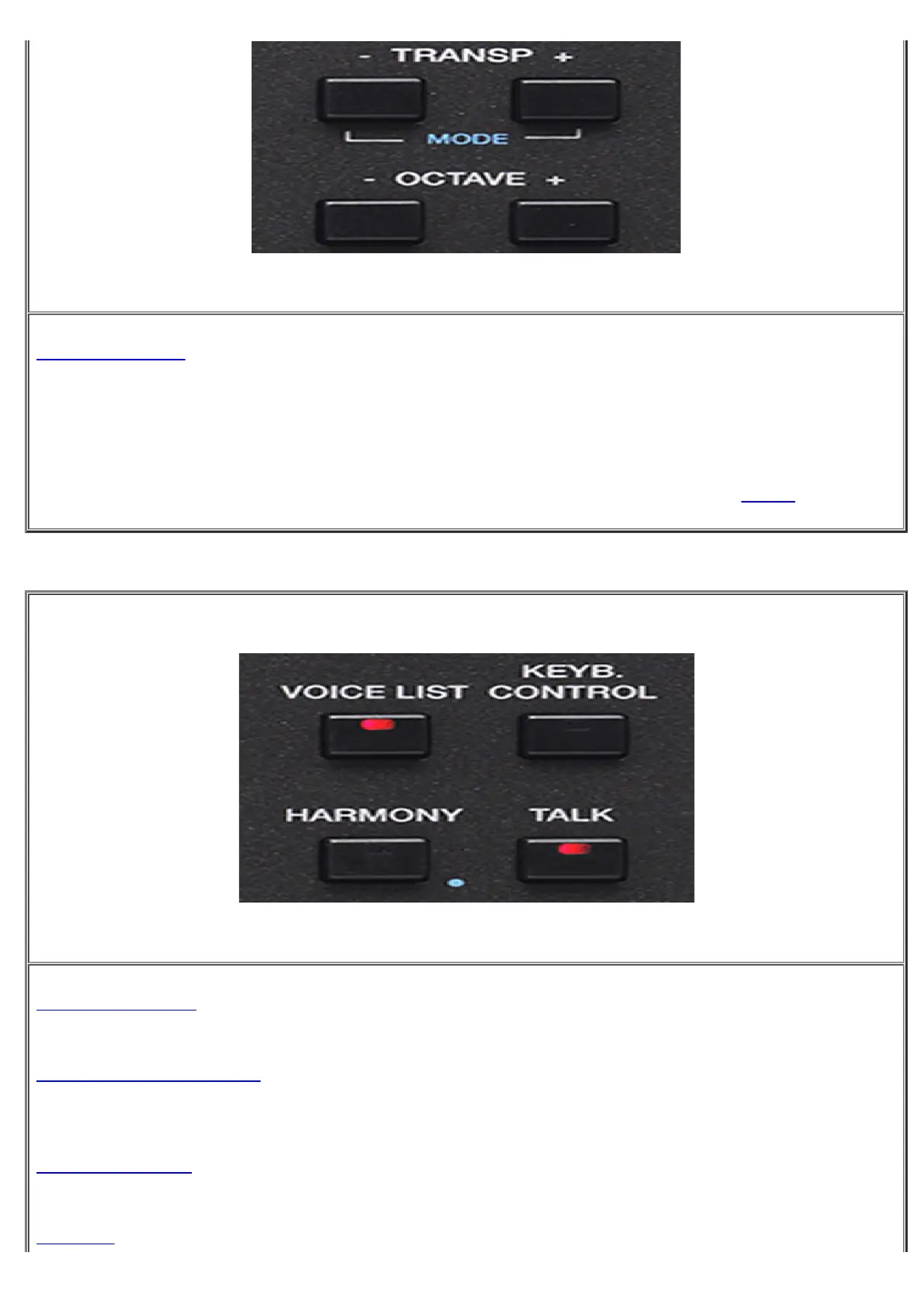
TRANSP - + : Press the keys - and + to transposes the entire keyboard in semitone steps. By pressing both
tabs simultaneously SD90 allow a Pop Up menu.
-
OCTAVE - + :By pressing the + and - buttons transposes the right part of SD90 on octave above or below.
Display shows the value of OCTAVE Up or Down in use.
-
MODE: Holding down the buttons + and - for a few moments you will display in this way MENU
-
VOICE LIST: This command activates the VOICE LIST menu that features 32 sound locations for your
"favorite" Voices.
-
KEYB CONTROL : By pressing this button DOUBLE Voice function is activated on right hand. Pressing
and holding this tab for a few seconds to access on Keyb.Ctrl Pop Up functions forr Portamento and Aftertouch
feature
-
HARMONY : Pressing HARMONY function is activated harmonization dedicated to VOICES
available for the right hand. Press this buutton for a while for the selection of available presets.
-
: This button remove (or decreases depending on the selected preset) the effect from 1 Micro. Useful



 To Next Page