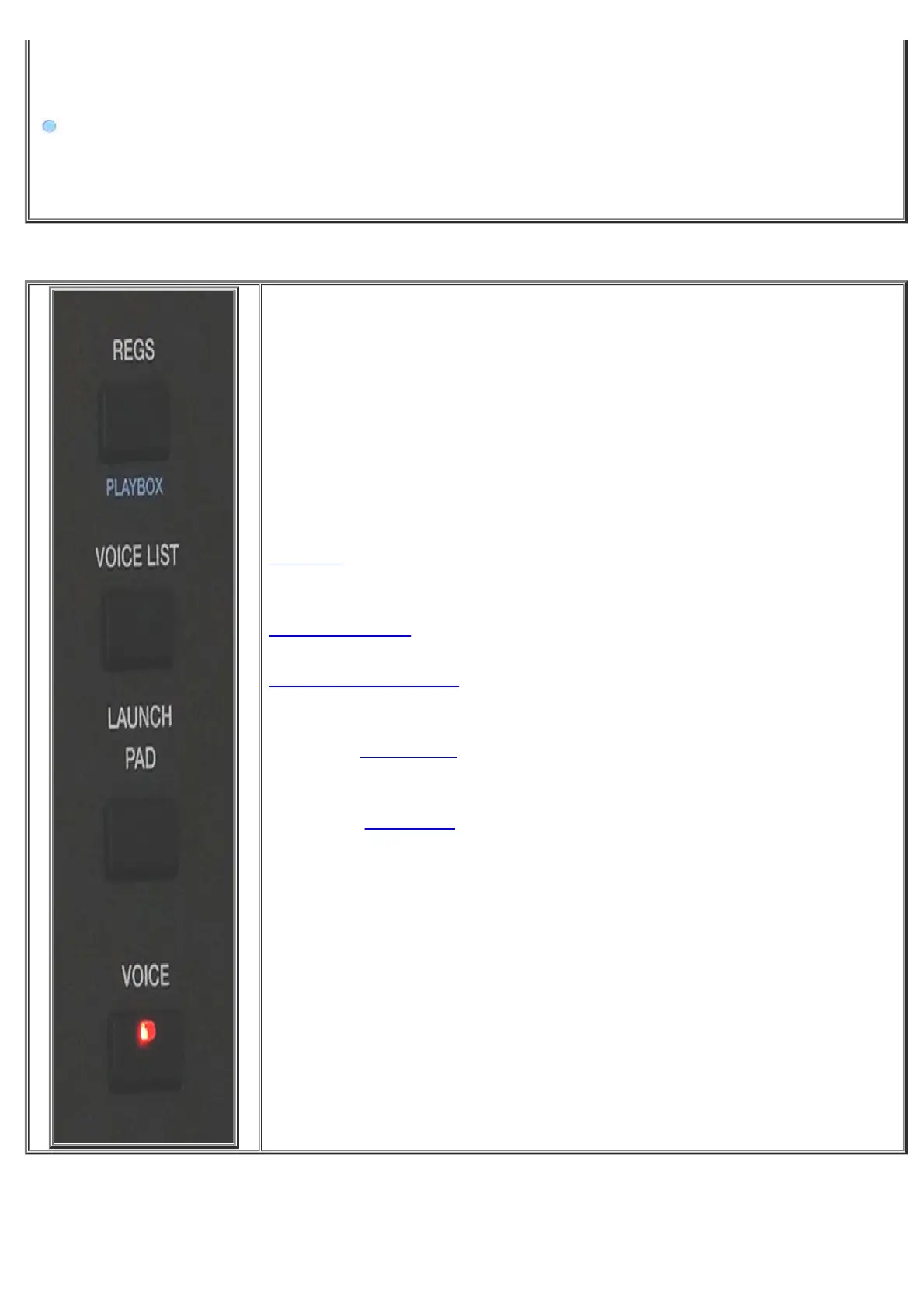
Front Panel
https://www.ketron.it/images/ketron/Manuali_HTML/SD90/english/03_pannello%20frontale.html[13/05/2020 12:36:44]
function when you stop singing and if you want to speak into the microphone.
-
- This symbol, found alongside some tabs, represents the 2nd "Edit" function . Holding down for a while will
show related secondary menu EDIT related.
-REGS: Provides access to the page for selection of Registrations, in other words a
page on which you may select the main user settings of the instrument saved.
-
PLAYBOX.: Playbox enviroment allows to place your most used files.
-
LAUNCH PAD.:structure where you can build sequences of various types
using different formats (Audio and midi)
Press the key
VOICE to access the mode which allows you to select and manage
the instrument sounds.
Press the key
STYLE to access the mode which allows you to select and manage
the styles



 To Next Page