Disk Edit
https://www.ketron.it/images/ketron/Manuali_HTML/SD90/english/16_disk_edit.html[13/05/2020 13:50:21]
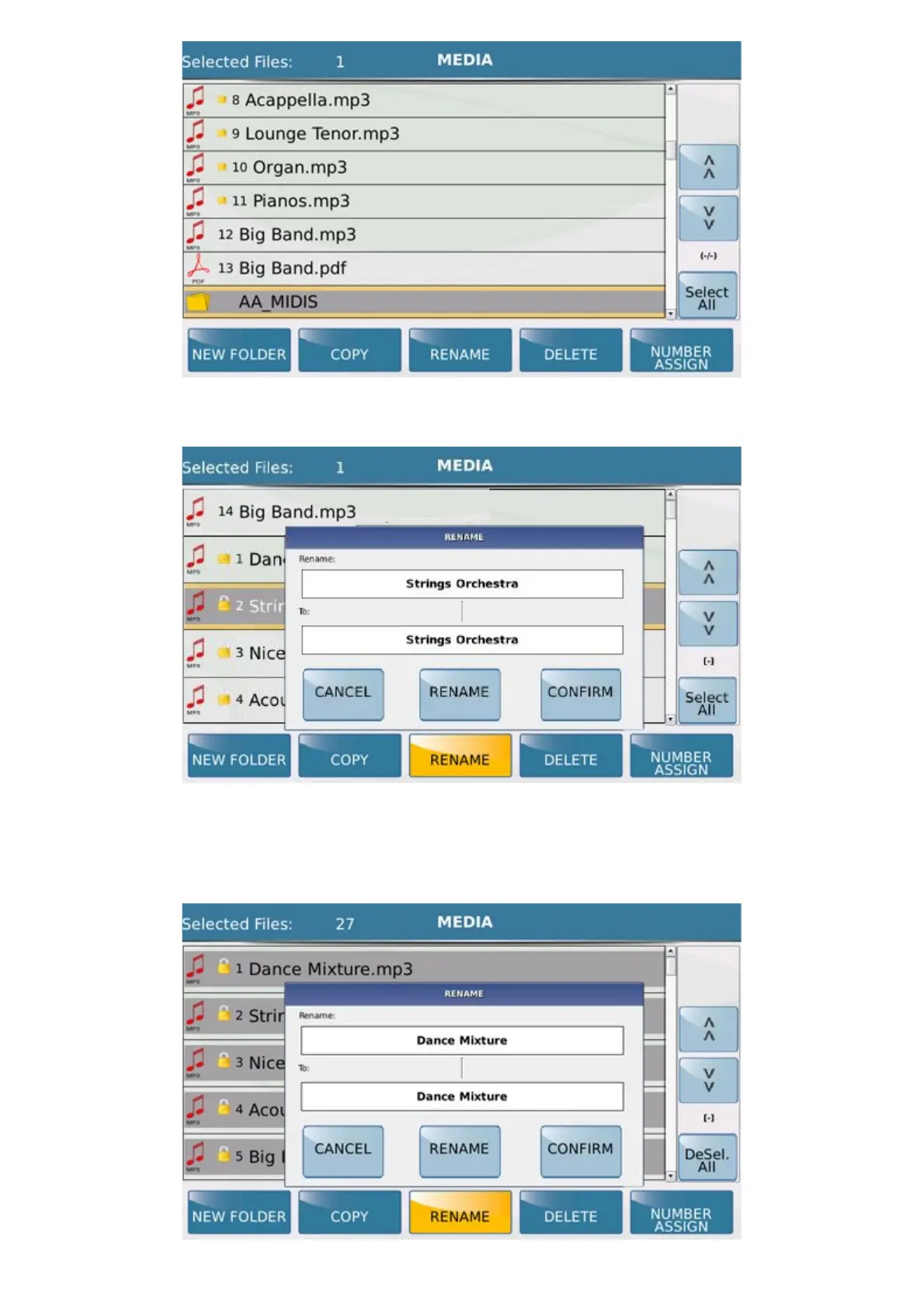
- RENAME: Allows you to rename a selected file.
Here again a window is displayed at the centre of the screen, on which you can CANCEL the operation or go ahead
with the RENAME by enabling a virtual alphanumeric keypad on which to write the name, confirming this by
pressing CONFIRM. The correct name of the file or current names of the files selected are displayed in the Rename
box. The modified name or names will be displayed in the box below (To:).



 To Next Page