Disk Edit
https://www.ketron.it/images/ketron/Manuali_HTML/SD90/english/16_disk_edit.html[13/05/2020 13:50:21]
-
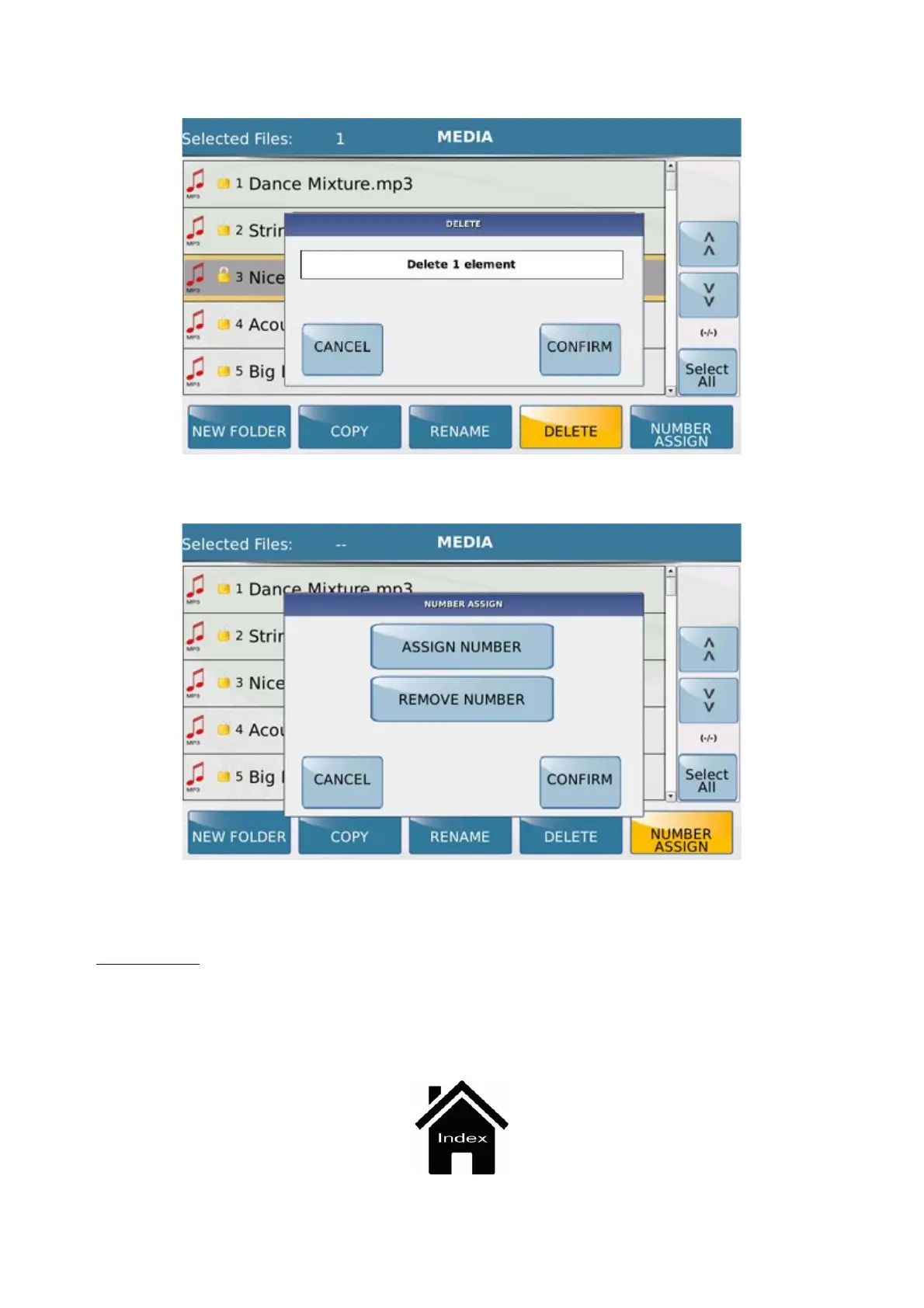
: Deletes one or more previously selected files. Here again a dialogue box is displayed asking you to
confirm or cancel the operation.
- NUMBER : Allows you to assign or remove the number from a file or files which have been selected.
Here again, the dialogue box which appears at the centre of the display allows you to confirm or cancel the
operation.
Press the
MEDIA key again to return to the main screen of MEDIA mode.
When you are in Disk Edit, the led of the MEDIA key will flash.



 To Next Page