Modeling
https://www.ketron.it/images/ketron/Manuali_HTML/SD90/english/55_modeling.html[13/05/2020 13:55:18]
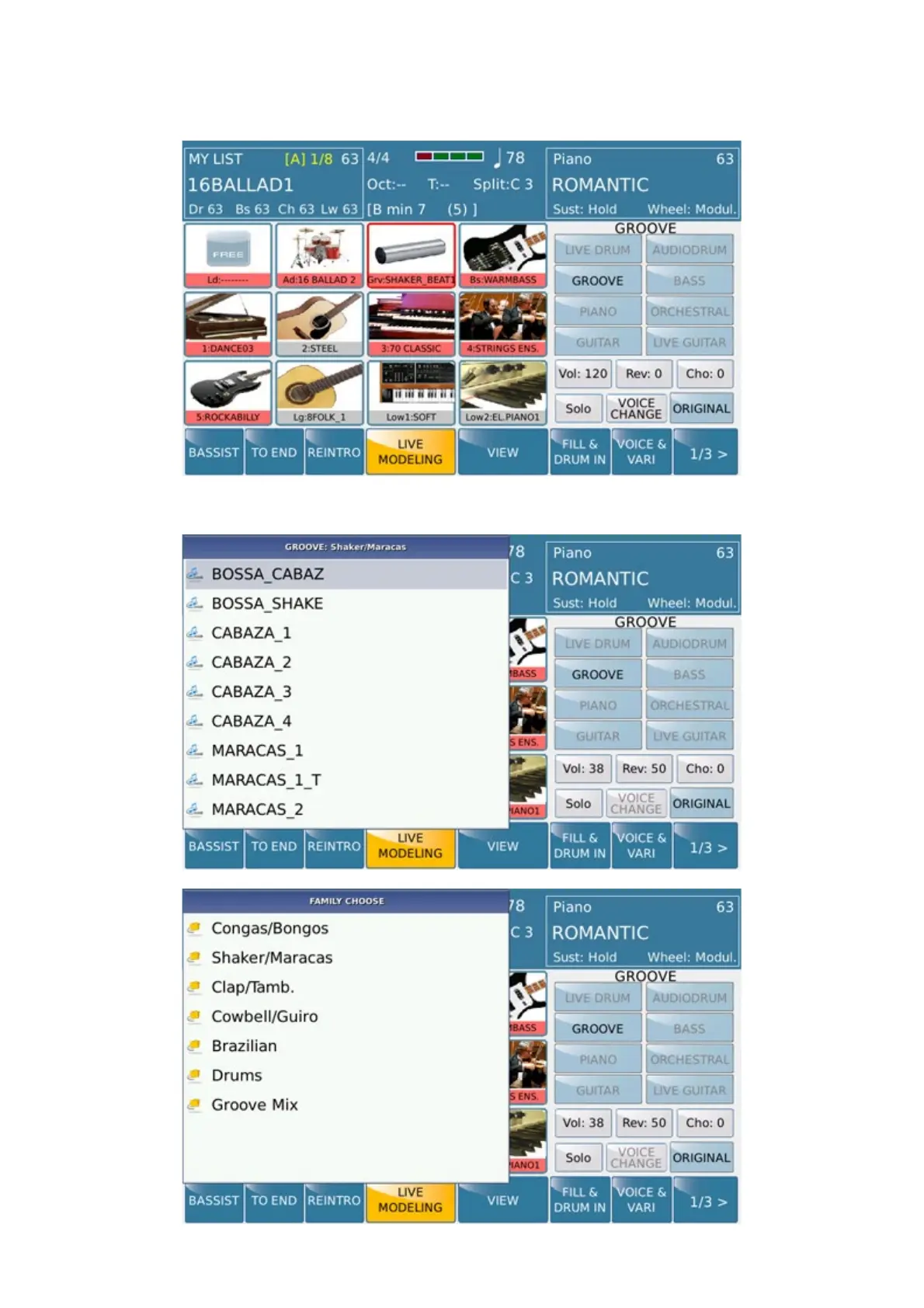
We choose to start with GROOVE part by pressing for few seconds the corresponding icon.
Info: Chord, Bass, Drum, etc etc selection icon has a dual propriety .On / Off operation at the first contact. If
pressed for a while allows access to the selection of the Live Modeling files.
By pressing GROOVE Tab display will show a pop up menu with folders and file available for Live Modeling.



 To Next Page