Front Panel
https://www.ketron.it/images/ketron/Manuali_HTML/SD90/english/03_pannello%20frontale.html[13/05/2020 12:40:06]
-
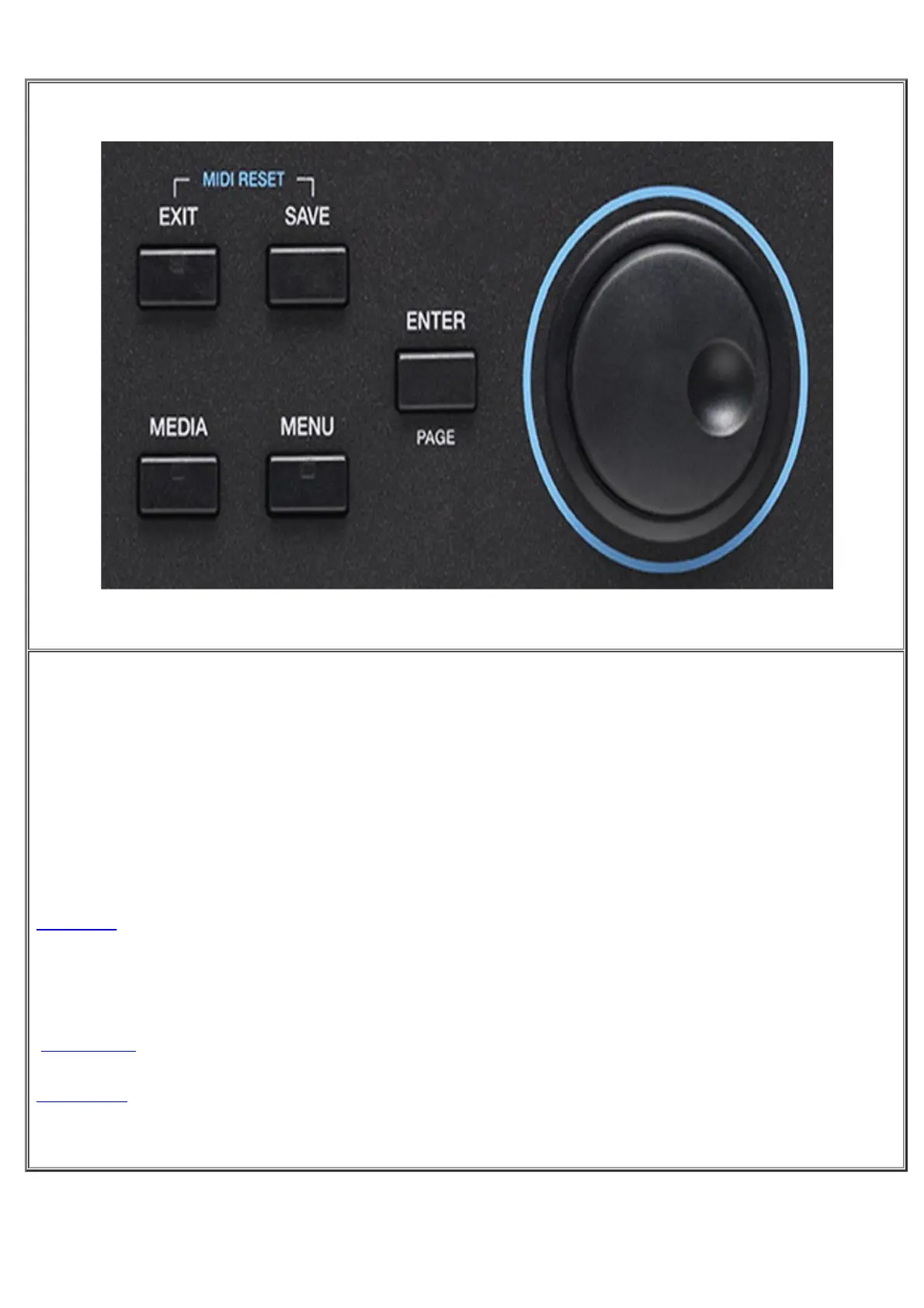
DATA/VALUE, this knob is also called Dial, and allows you to select files and parameters and edit the
values selected.
Next, you will find the following keys.
-
ENTER /Page : Use to confirm different operations or enter the folders selected
-
EXIT: Use to cancel an operation or escape from the current screen and display the previous screen, or exit a
folder and back root. This button also support led of incoming activity on Midi In port.
-
SAVE: Saves any modifications made on the instrument.
-
Midi Reset: Pressing Exit and Save simultaneously SD90 send a Midi Reset (Reset all events and midi
controller instantly).
-
MEDIA: Displays the memory devices installed on the instrument or connected via the USB ports
-
MENU: Displays and provides access to all the sections of the instrument



 To Next Page