Front Panel
https://www.ketron.it/images/ketron/Manuali_HTML/SD90/english/03_pannello%20frontale.html[13/05/2020 12:40:06]
-
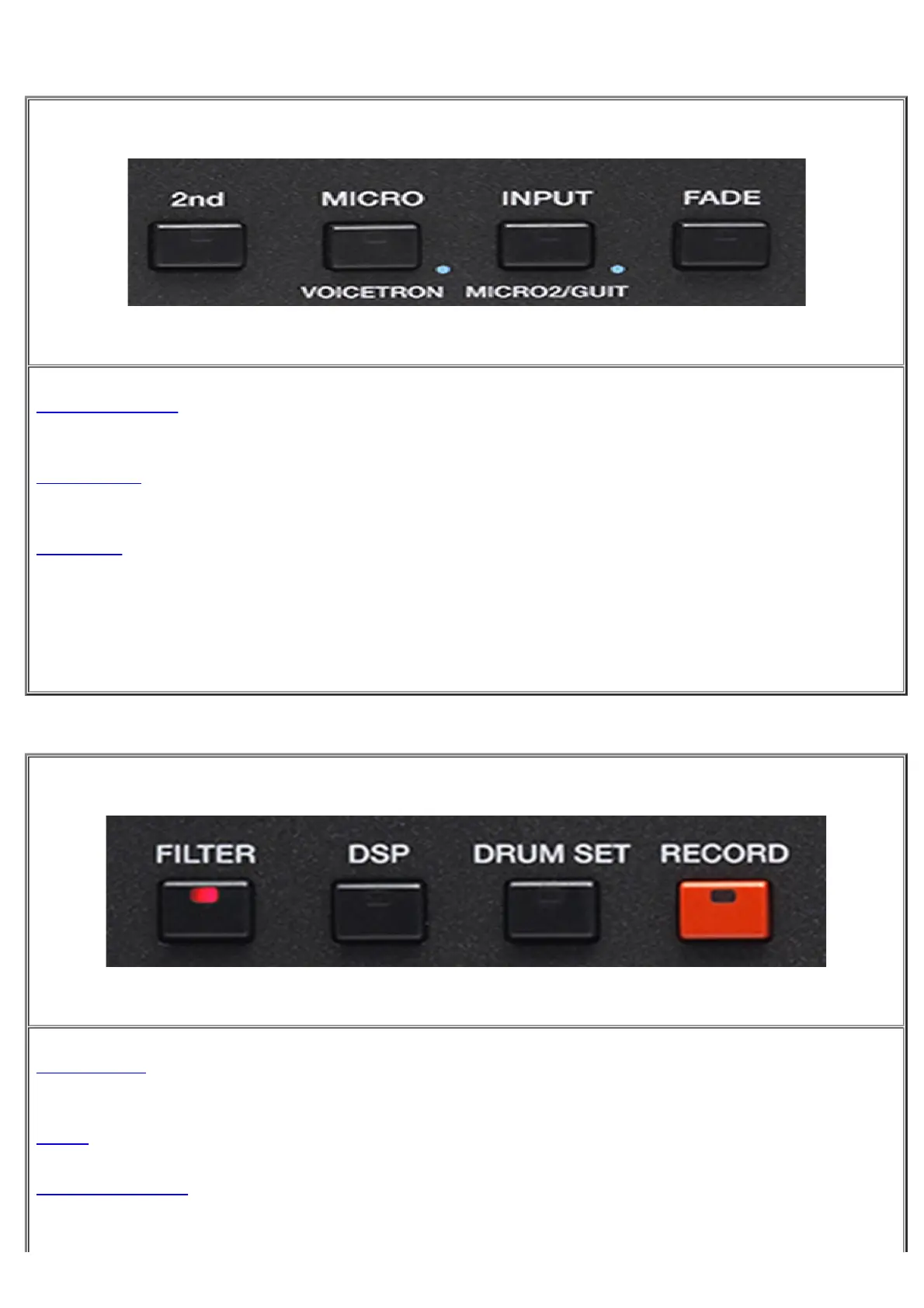
2nd VOICE : The button allows you to turn on or off "on the fly" 2nd Voice on the right part. The name of the
2nd voice assigned appears in the display (bottom right side)
-
MICRO : This button activates microphone connected to the MICRO 1. Hold down for a while to access on
Edit page and presets.
-
INPUT: Activates the signal connected to the INPUT usable for Micro, .Guitar or else. Hold down for a while to
access on Edit page and presets.
-FADE: Button that activates FadeOut feature automatically. Is applied on SD90 MAIN audio output.
-
FILTER : Pres this button to activate FILTER function. Hold on this tab for few seconds to access the 2nd
menu/Edit dedicated.
-
DSP : Press this tab for viewing section dedicated to effects such as reverbs, modulations and other EFX
-
DRUM SET :Activates the Manual Drum. Moreover allows Drum Kit and Drum Mixer changing of volume
and reverb on percussive sounds.



 To Next Page