11
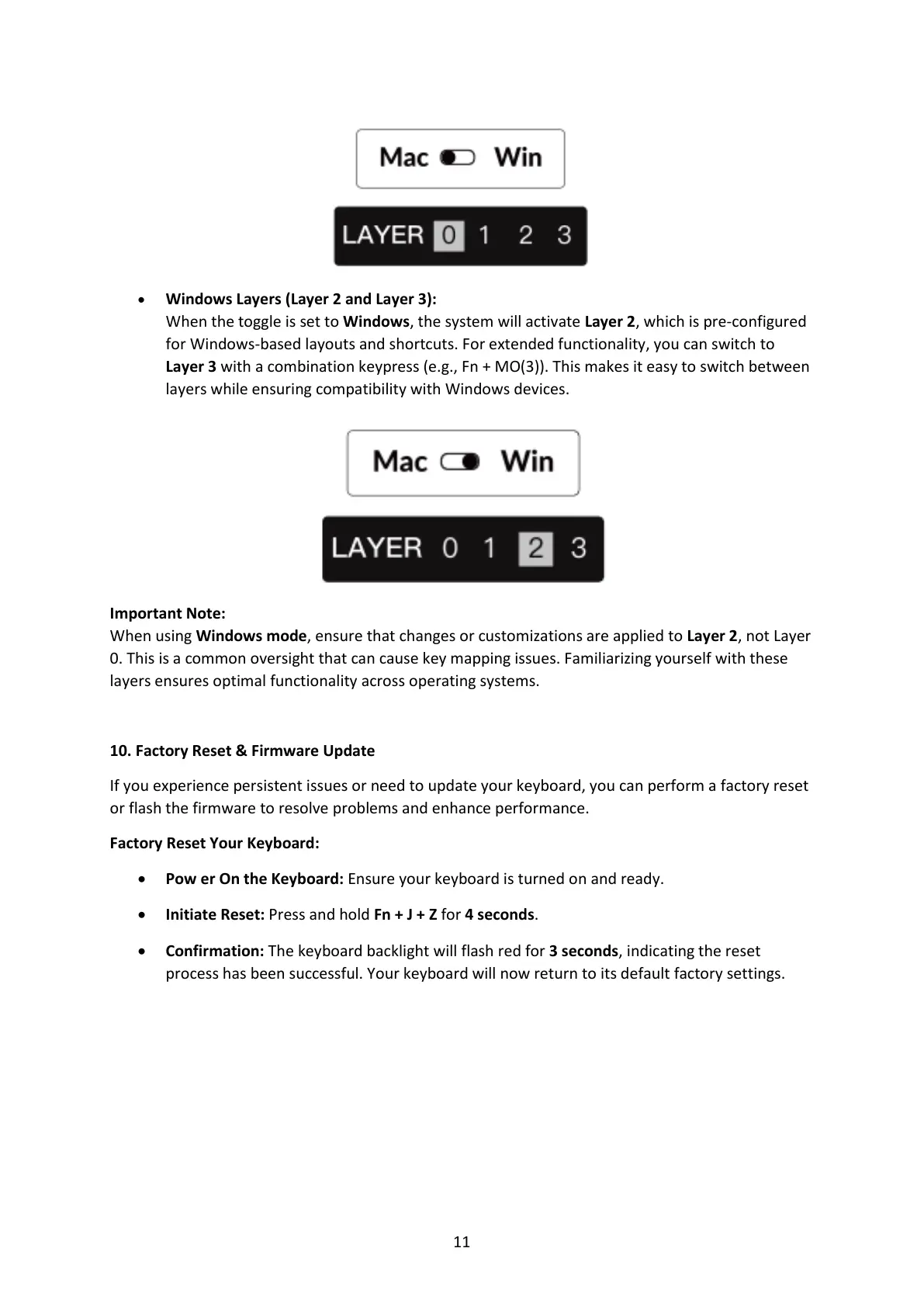
• Windows Layers (Layer 2 and Layer 3):
When the toggle is set to Windows, the system will activate Layer 2, which is pre-configured
for Windows-based layouts and shortcuts. For extended functionality, you can switch to
Layer 3 with a combination keypress (e.g., Fn + MO(3)). This makes it easy to switch between
layers while ensuring compatibility with Windows devices.
Important Note:
When using Windows mode, ensure that changes or customizations are applied to Layer 2, not Layer
0. This is a common oversight that can cause key mapping issues. Familiarizing yourself with these
layers ensures optimal functionality across operating systems.
10. Factory Reset & Firmware Update
If you experience persistent issues or need to update your keyboard, you can perform a factory reset
or flash the firmware to resolve problems and enhance performance.
Factory Reset Your Keyboard:
• Pow er On the Keyboard: Ensure your keyboard is turned on and ready.
• Initiate Reset: Press and hold Fn + J + Z for 4 seconds.
• Confirmation: The keyboard backlight will flash red for 3 seconds, indicating the reset
process has been successful. Your keyboard will now return to its default factory settings.


 To Next Page
 Loading...