Connect micro:bit to computer by USB cable
Open online Makecode editor
Import Hex profile (How to import?) , or click“New Project”and drag
blocks step by step(add MecanumRobot extension library first)
(How to add MecanumRobot extension?)
(3)Test Code:
Code 1:
KS4031(4032) folder/Makecode
Tutorial/Makecode Code/Project
16:Motor-1.hex
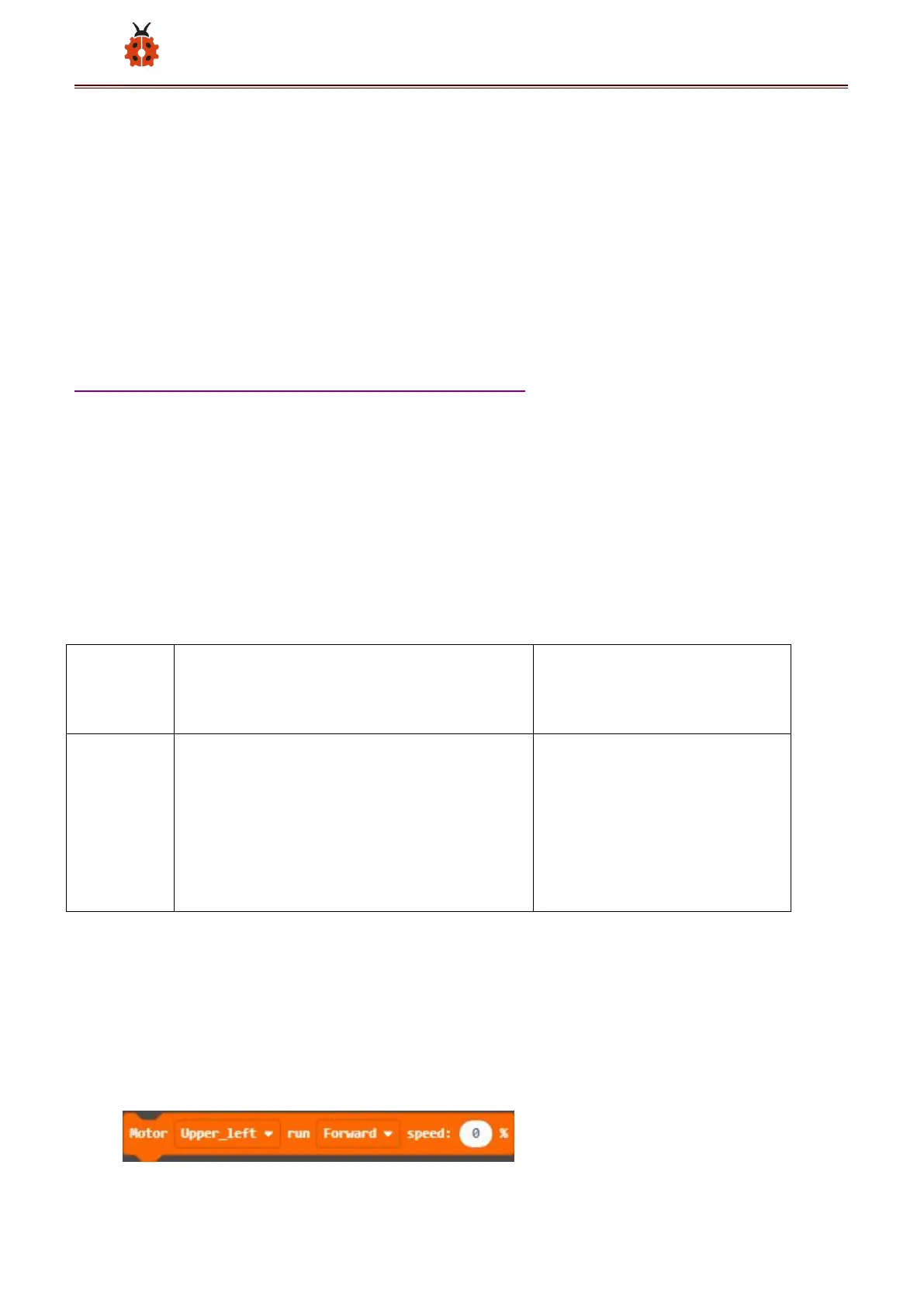
Or you could edit code step by step in the editing area.
(1)Click “ MecanumRobot ” to find and
drag into“forever”;click the number



 To Next Page