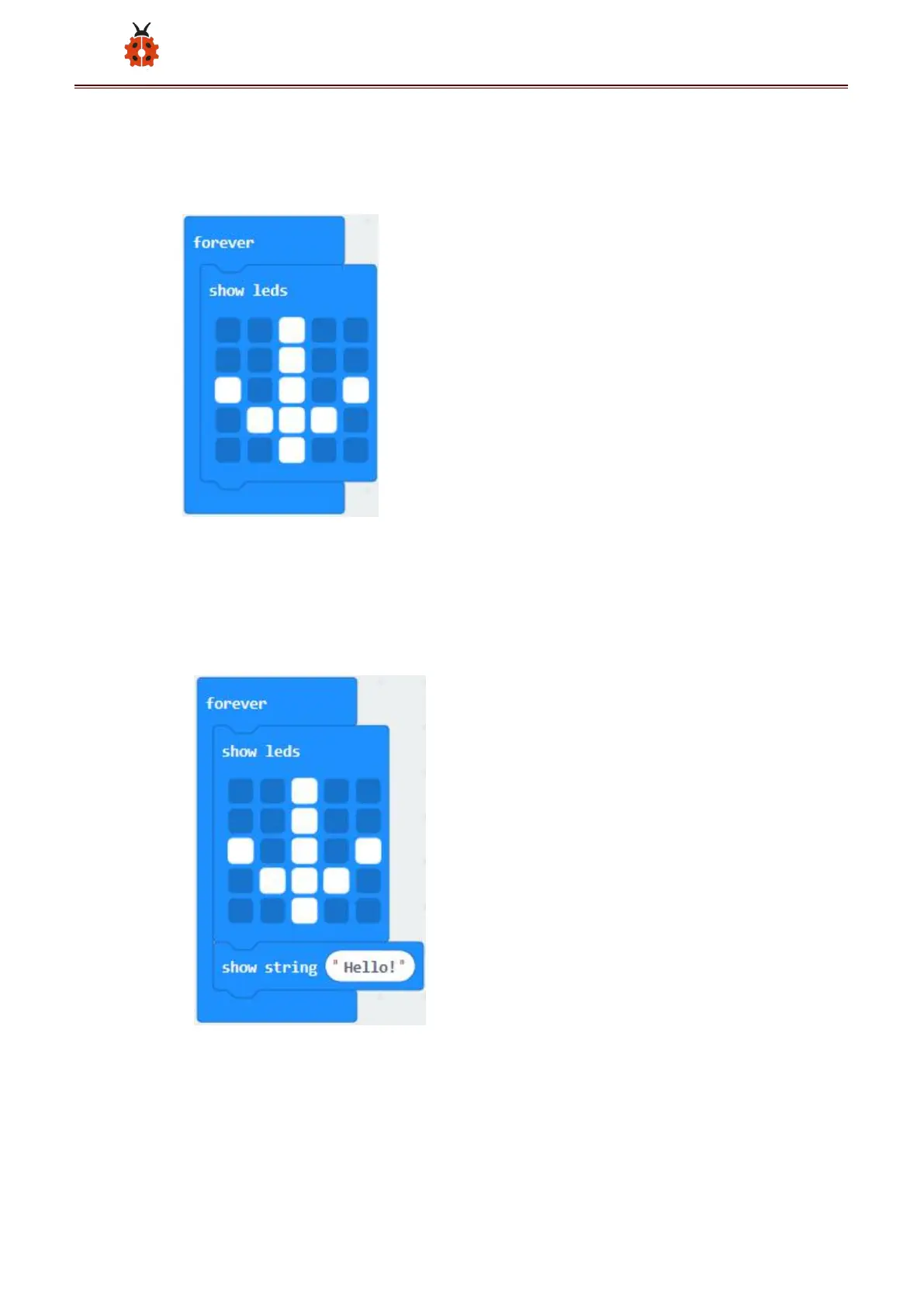
Click“Basic”→“show leds”, then put it into“forever”block,tick blue boxes
to light L
ED and generate“↓”pattern.
*****************************************************************
(1) Move out the block“show string” from“Basic”block, and leave it
beneath the“show leds” block
Choose“show icon”from“Basic”block, and leave it beneath the
block“show string“Hello!”block



 To Next Page