Features of your vehicle
4231
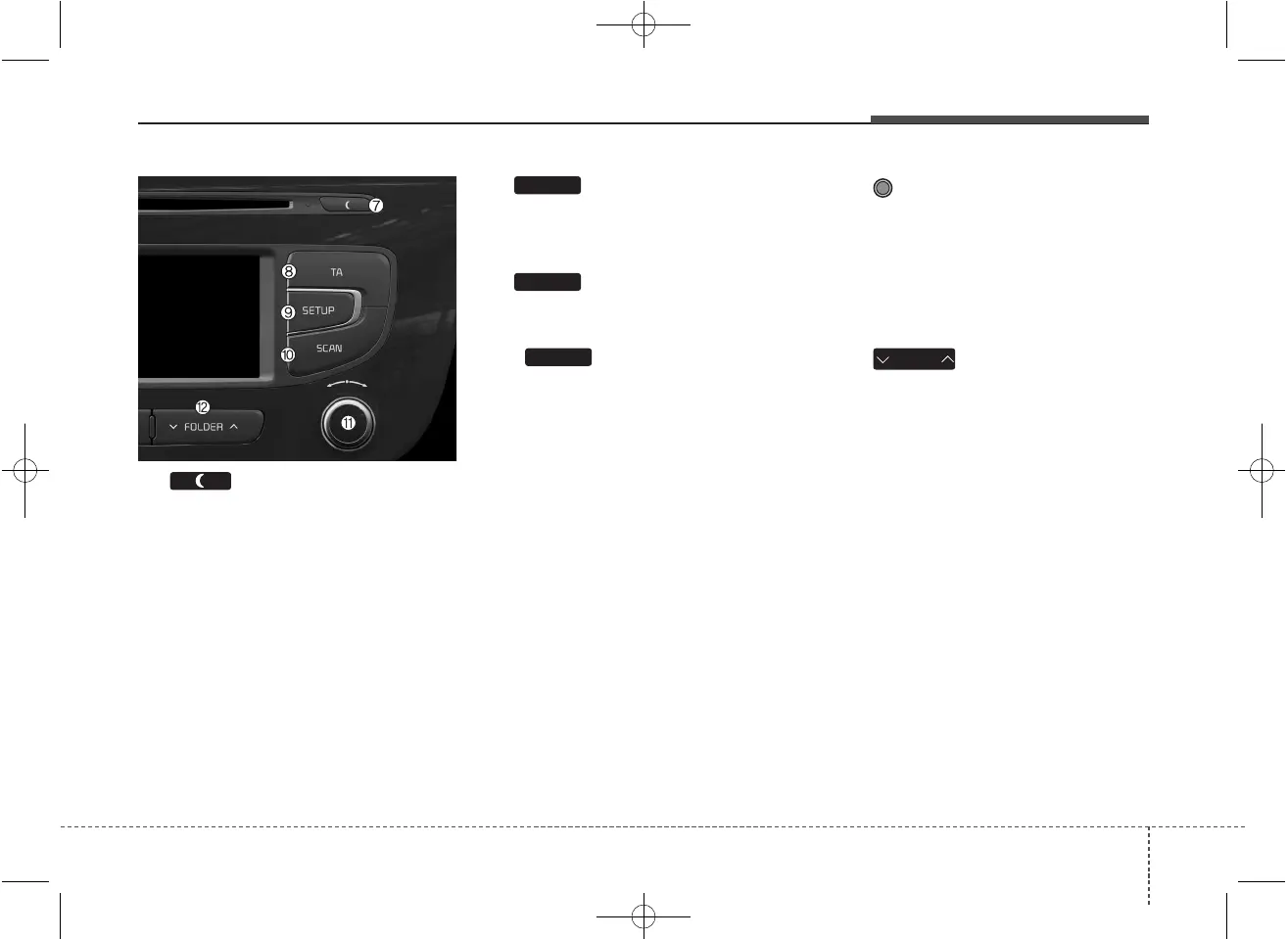
(7)
• Each time the button is shortly
pressed (under 0.8 seconds), sets
Screen Off ➟ Screen On ➟ Screen
Off
❈ Audio operation is maintained and
only the screen will be turned Off.
In the Screen Off state, press any
key to turn the Screen On again.
(8)
Set TA(Traffic Announcement) feature
On/Off.
(9)
Converts to Setup mode.
(10)
• Radio Mode
- Press and hold the key (over 0.8
seconds): Previews each broad-
cast for 5 seconds each.
• Media mode
- Press and hold the key (over 0.8
seconds): Previews each song
(file) for 10 seconds each.
❈ Press and holding the key again to
continue listening to the current
song (file).
(11) TUNE knob
- Radio mode : turn to change
broadcast frequencies.
- Media (CD / USB / iPod
®
/ My
Music) modes : turn to search
tracks/channels/files.
(12)
MP3 CD / USB mode : Folder Search
❈ May differ depending on the
selected audio.
FOLDER
SCAN
SETUP
TA



 To Next Page