Features of your vehicle
2384
Using Audio CD Mode
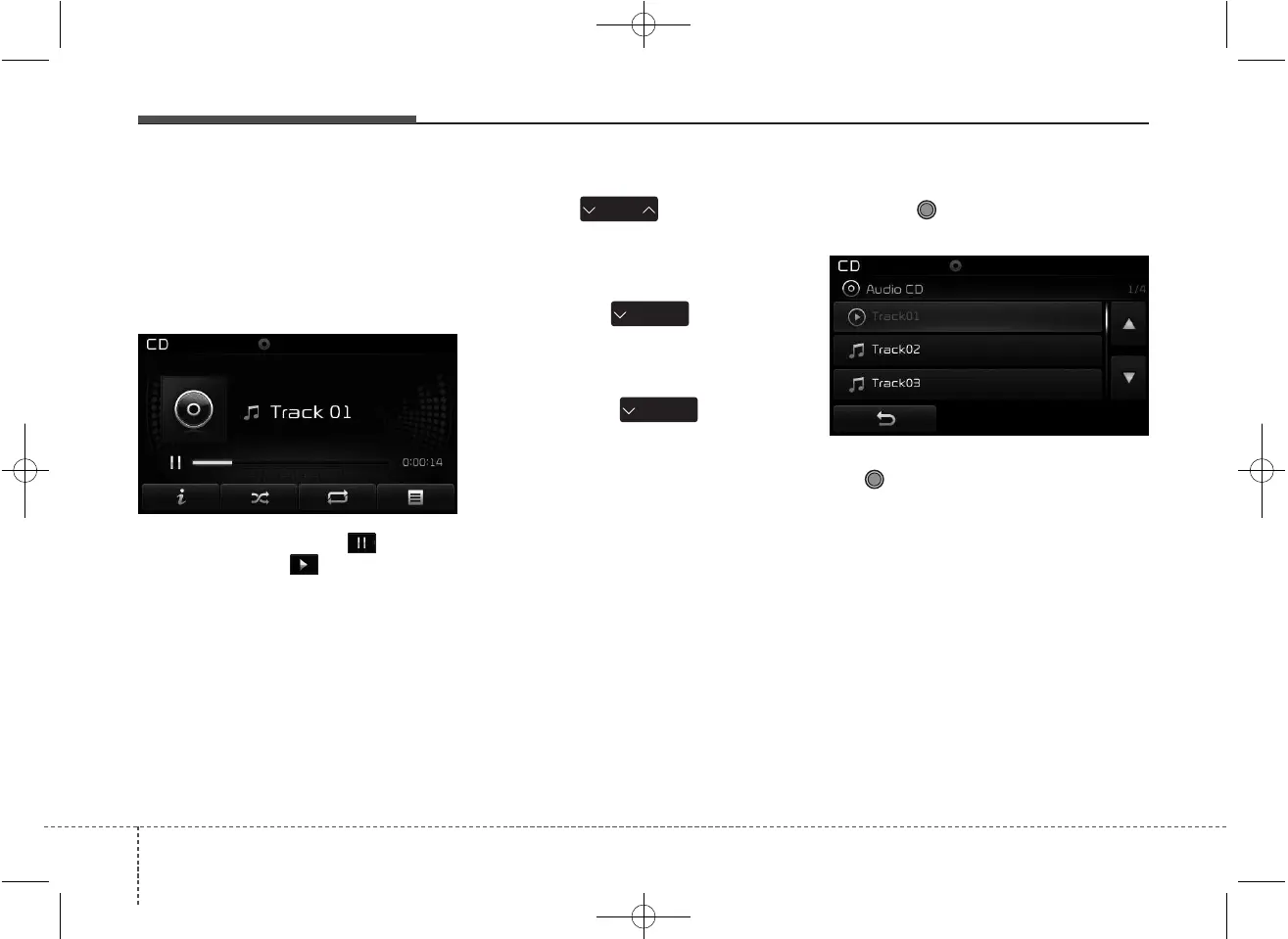
Playing/Pausing CD Tracks
Once an audio CD is inserted, the
mode will automatically start and
begin playing.
While playing, press the button to
pause and press button to play.
✽✽
NOTICE
• Only genuine audio CDs are sup-
ported. Other discs may result in
recognition failure (e.g. copy CD-
R, CDs with labels)
• The artist and title information
are displayed on the screen if
track information is included
within the audio CD.
Changing Tracks
Press the key to move to
the previous or next track.
✽✽
NOTICE
• Pressing the key after the
track has been playing for 2 sec-
onds will start the current track
from the beginning.
• Pressing the key before
the track has been playing for 1
second will start the previous track.
Selecting from the List
Turn the TUNE knob left/right to
search for the desired track.
Once you find the desired track, press
the TUNE knob to start playing.
SEEK
TRACK
SEEK
TRACK
SEEK
TRACK
JDB5010LU JDB5011LU



 To Next Page