Features of your vehicle
4239
Rewinding / Fast-forwarding
Tracks
While playing, press and hold the
key (over 0.8 seconds) to
rewind or fast-forward the current
track.
Scan
Press the key to play the first
10 seconds of each file.
Press the key again to turn
off.
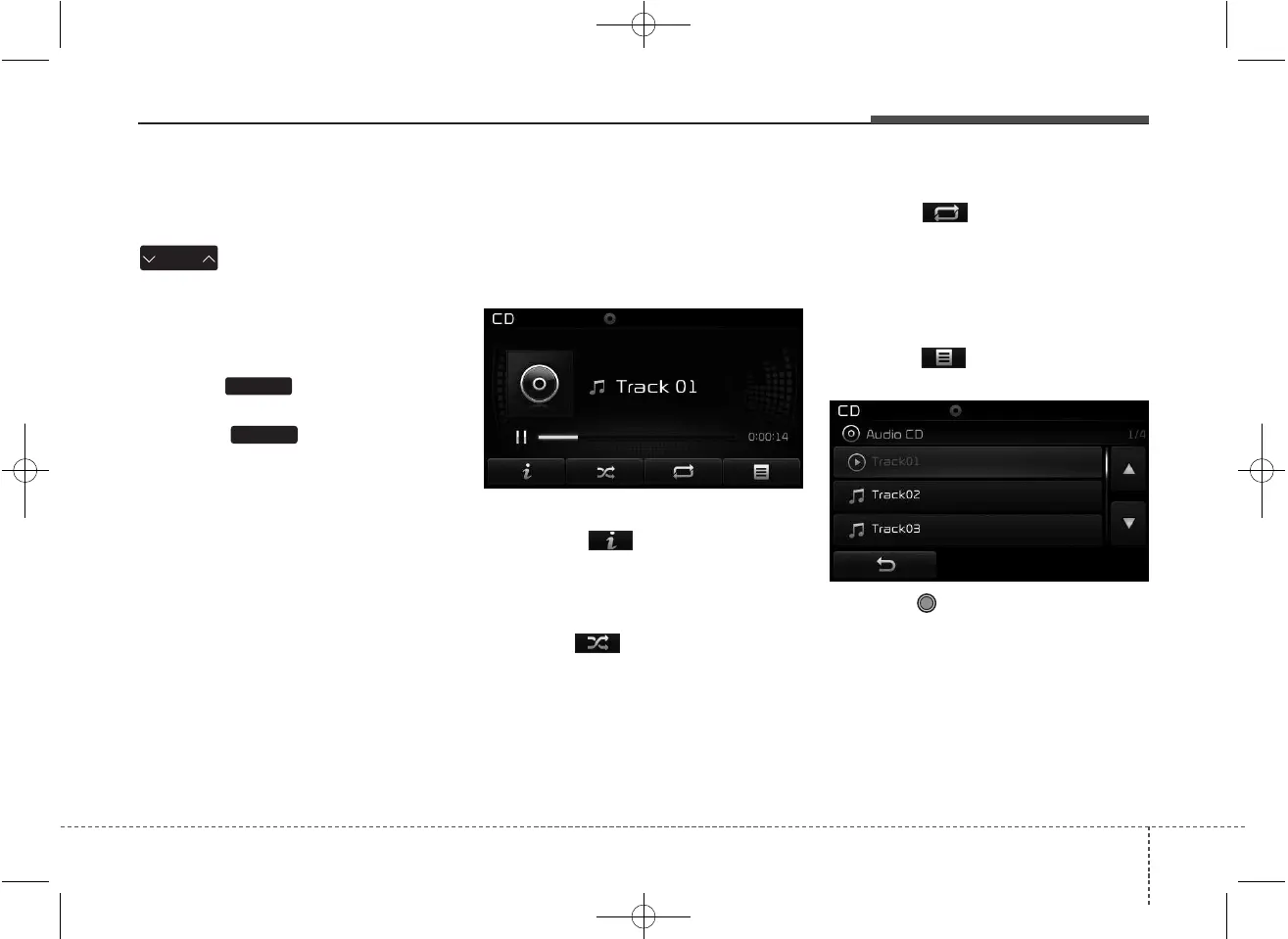
Audio CD Mode Menu
Within this mode, you will have
access to the Info, Random, Repeat
and List features.
Info
Press the button to display
details about the current disc.
Random
Press the button to play tracks
in random order.
Press the button again to turn the
Random feature off.
• Random : Plays all tracks in ran-
dom order.
Repeat
Press the button to repeat the
current track. Press the button again
to turn the repeat feature off.
• Repeat: Repeats the current track.
List
Press the button to display the
track list screen.
Turn the TUNE knob left/right to
search for tracks. Once the desired
track is displayed, press the knob to
select and play.
SCAN
SCAN
SEEK
TRACK



 To Next Page