Features of your vehicle
2484
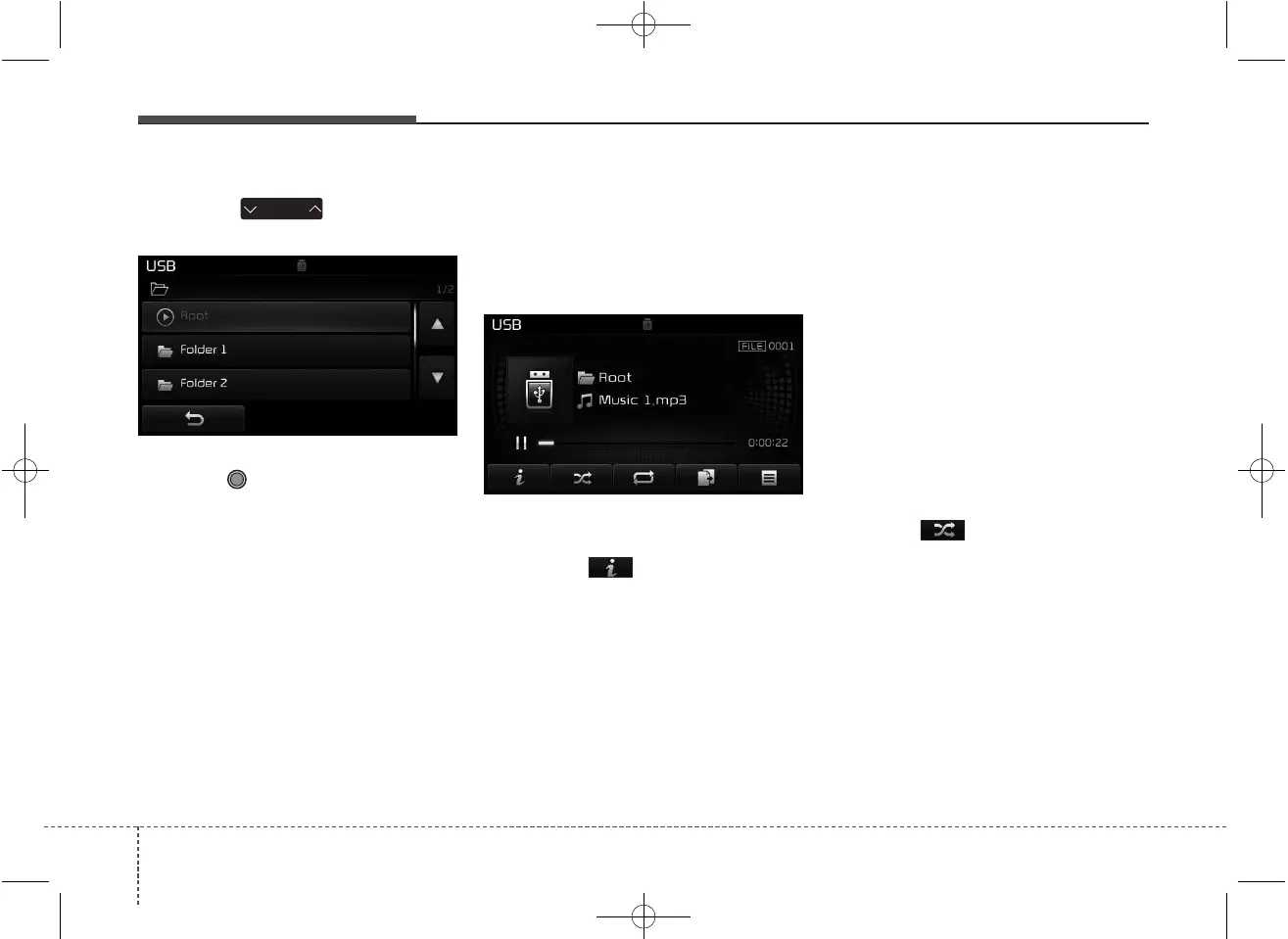
Searching Folders
Press the key to select
and search folders.
Once the desired folder is displayed,
press the TUNE knob to select.
The first file within the selected fold-
er will begin playing.
USB Mode Menu
Within this mode, you will have
access to the Info, Random, Repeat,
Copy and List features.
Info
Press the button to display
details about the current file.
✽✽
NOTICE
• When the ‘Folder File’ option is
set as the default display within
Display setup, the album/artist/file
information are displayed as
detailed file information.
• When the ‘Album Artist Song’
option is set as the default display,
the folder name/file name are dis-
played as detailed file information.
• The title, artist and album info are
displayed only when such infor-
mation are recorded within the
MP3 file ID3 tag.
Random
Press the button to play files in
random order.
Each time the button is pressed, the
feature changes in order of Random
Folder ➟ Random All ➟ Off.
• Random Folder : Plays the files in
the current folder in random order.
• Random All : Plays all files in ran-
dom order.
FOLDER



 To Next Page