Features of your vehicle
4249
Repeat
Press the button to repeat the
current file or folder.
Each time the button is pressed, the
feature changes in order of Repeat➟
Repeat Folder ➟ Off.
• Repeat : Repeats the current file.
• Repeat Folder : Repeats all files
within the current folder.
Copying Files
Press the button to copy the
current file into My Music.
✽✽
NOTICE
Selecting another feature during
copying will display a pop-up asking
whether you wish to cancel copying.
To cancel, select “Yes”.
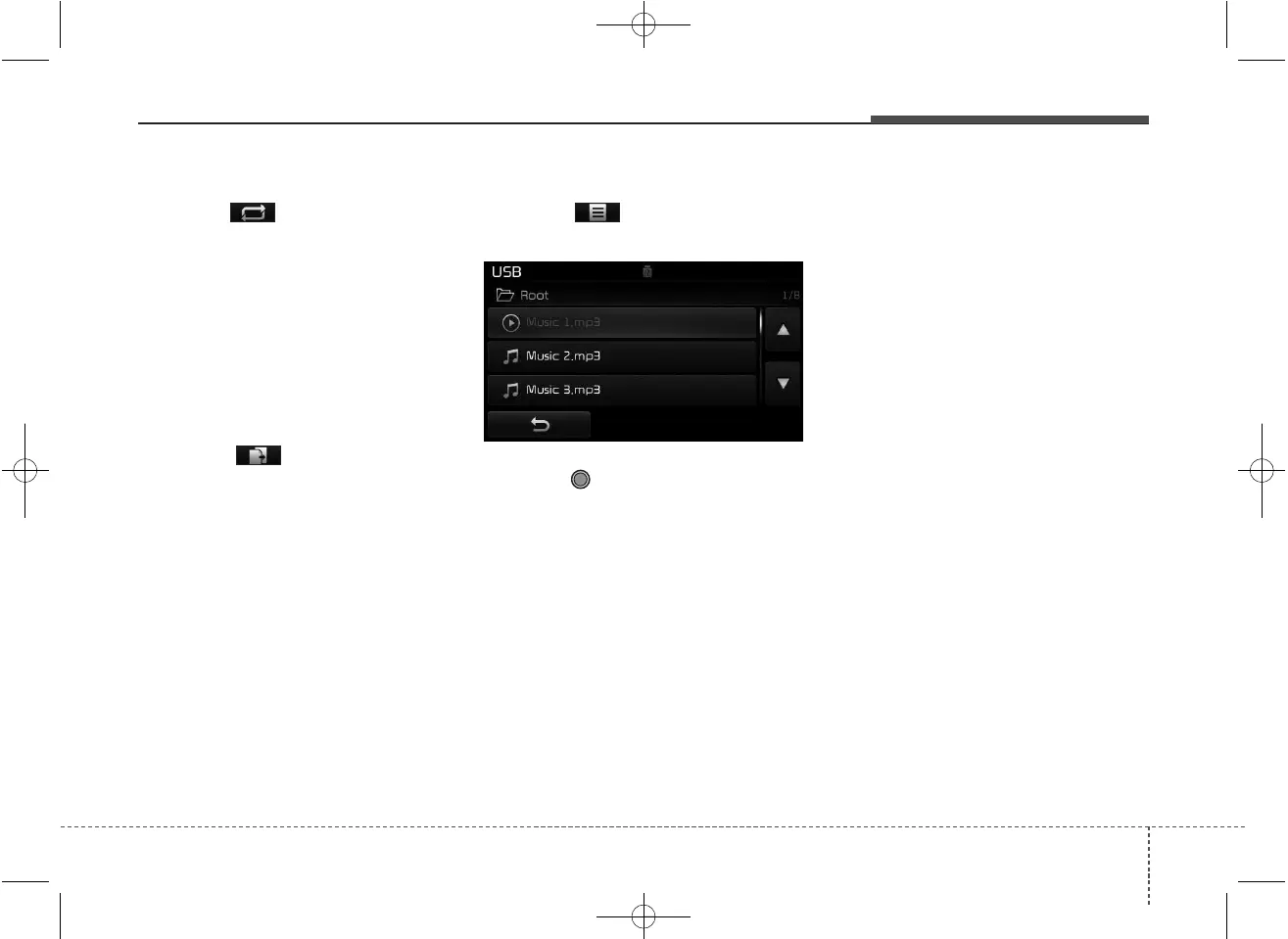
List
Press the button to display the
file list screen.
Turn the TUNE knob left/right to
search for files. Once the desired file
is displayed, press the knob to select
and play.



 To Next Page