Features of your vehicle
4259
(Continued)
• When returning to Bluetooth
®
Wireless Technology Audio mode
after ending a call, the mode may
not automatically restart in some
mobile phones.
• Receiving an incoming call or
making an outgoing call while
playing Bluetooth
®
Wireless
Technology Audio may result in
audio interference.
Bluetooth
®
Wireless
Technology AUDIO MODE
Using
Bluetooth
®
Wireless
Technology Audio Mode
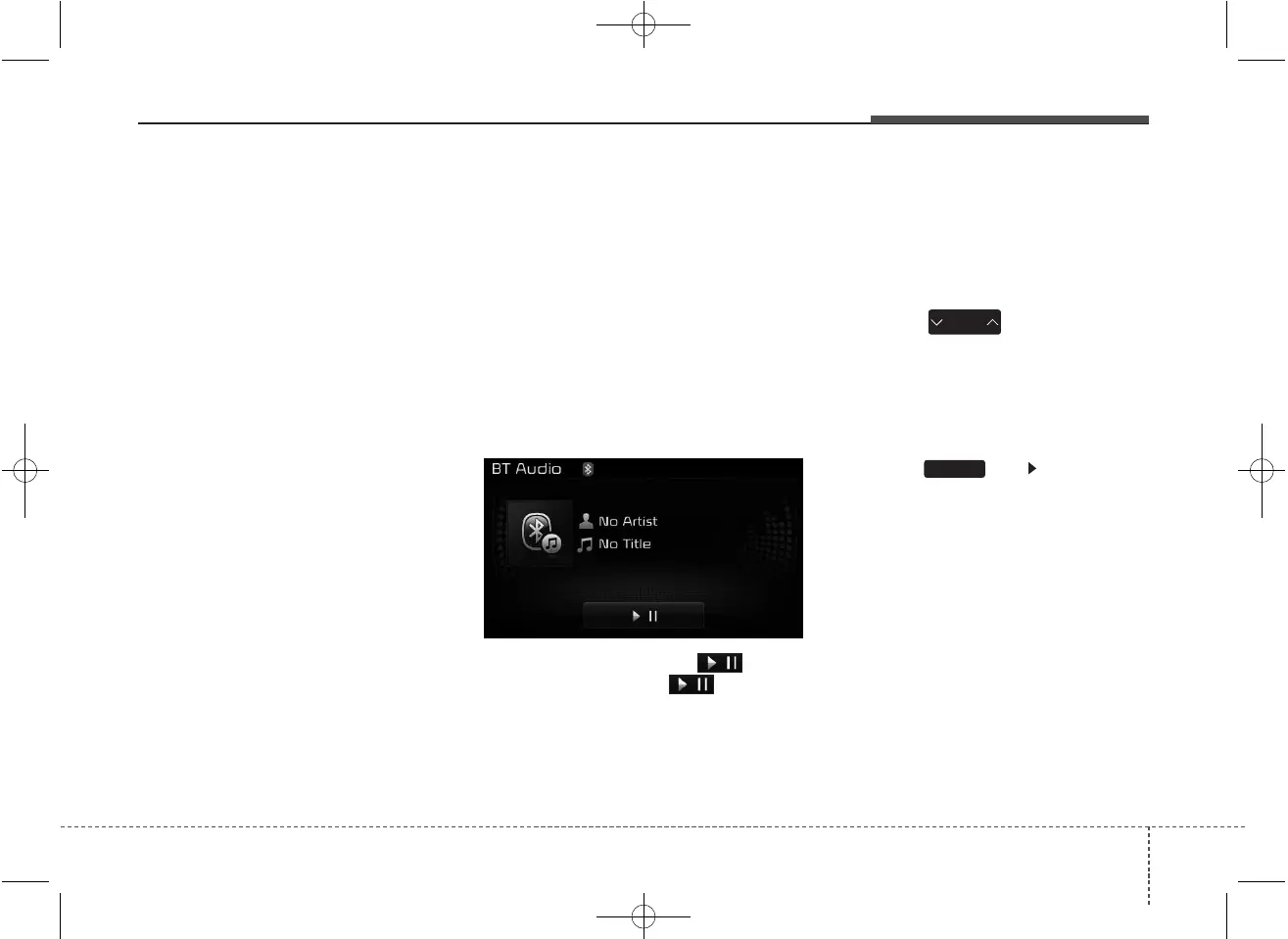
Playing/Pausing Bluetooth
®
Wireless Technology
Audio
Once a
Bluetooth
®
Wireless Technology
device is connected, the mode will
automatically start.
While playing, press the button
to pause and press button to
play.
✽✽
NOTICE
The play/pause feature may operate
differently depending on the mobile
phone.
Changing Files
Press the key to move to
the previous or next file.
Setting Connection
If a
Bluetooth
®
Wireless Technology
device has not been connected,
press the key [Phone] but-
ton to display the
Bluetooth
®
Wireless
Technology connection screen.
It is possible to use the pair phone,
connect/disconnect and delete fea-
tures from your
Bluetooth
®
Wireless
Technology phone.
SETUP
SEEK
TRACK



 To Next Page