Features of your vehicle
4 203
SETUP
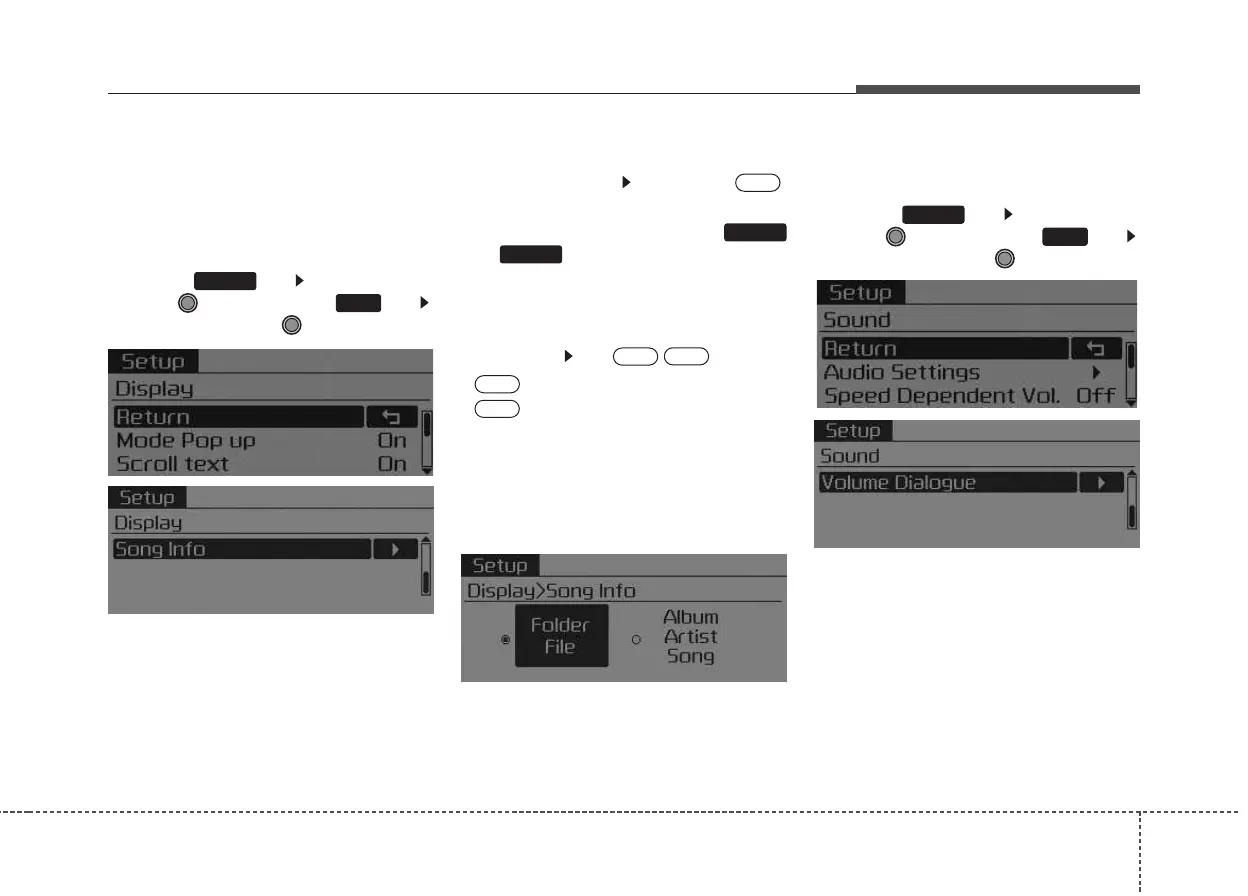
Display Settings
Press the key Select [Display]
through TUNE knob or key
Select menu through TUNE knob
Mode Pop up
[Mode Pop up] Changes .
selection mode
• During On state, press the
or key to display the mode
change pop up screen.
Scroll text
[Scroll text] Set /
• : Maintains scroll
• : Scrolls only one (1) time.
Song Info
When playing an MP3 file, select the
desired display info from ‘Folder/File’
or ‘Album/Artist/Song’.
Sound Settings
Press the key Select [Sound]
through TUNE knob or key
Select menu through TUNE knob
2
RDM
SETUP
OFF
ON
OFF
ON
MEDIA
RADIO
ON
1
RPT
SETUP



 To Next Page