575
Driving your vehicle
BSD (Blind Spot Detection) /
LCA (Lane Change Assist)
Operating conditions
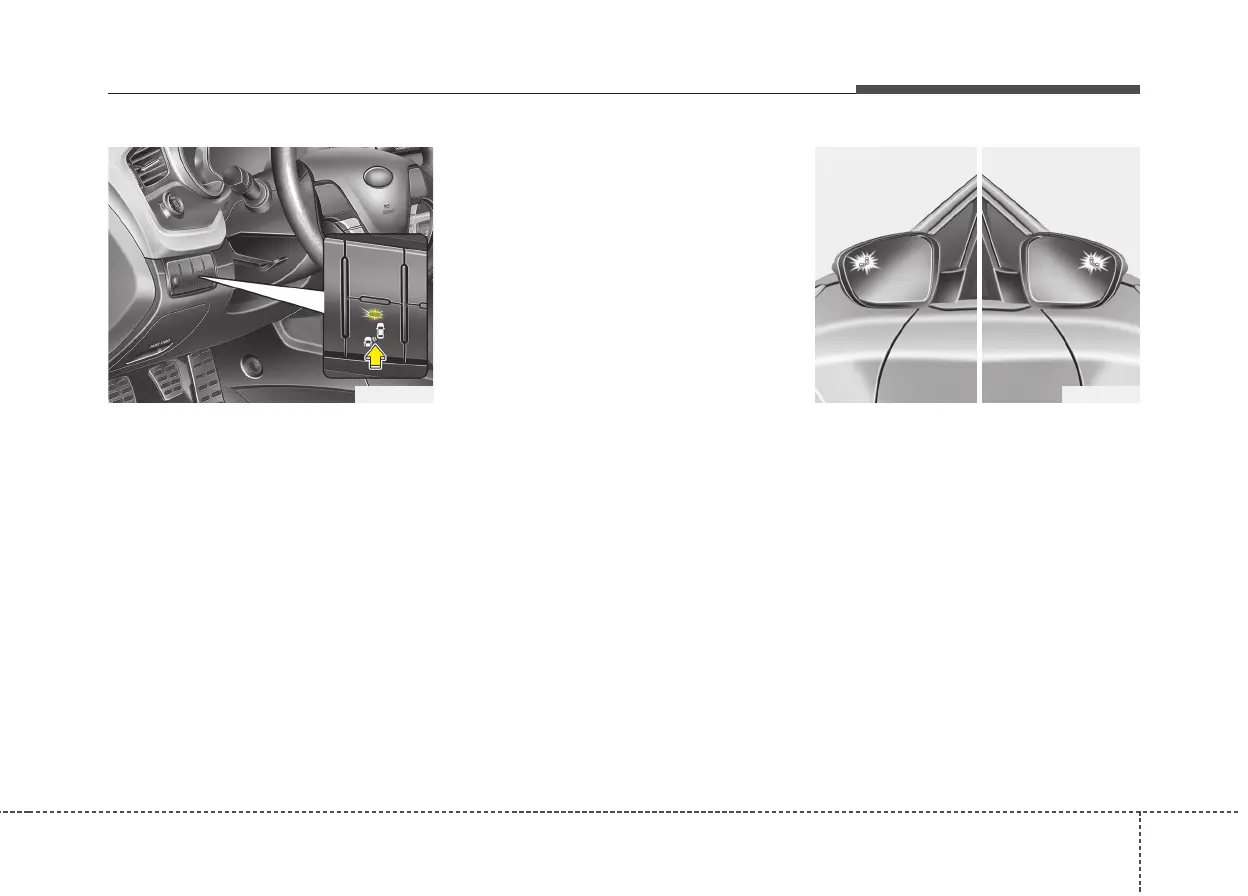
To operate:
Press the BSD switch with the Ignition
switch in the ON position.
The indicator on the BSD switch will illumi-
nate. When the vehicle speed exceeds 30
km/h (20 mph), the system will be activat-
ed.
To cancel:
Press the BSD switch again. The indicator
on the switch will go off.
When the system is not used, turn the sys-
tem off by turning off the switch.
✽✽
NOTICE
• If the vehicle is turned off then on
again, the BSD system returns to the
previous state.
• When the system is turned on, the
warning light will illuminate for 3 sec-
onds on the outside rearview mirror.
The system will activate when:
1. The system is on.
2. The vehicle speed is above about 30
km/h (20 mph).
3. An oncoming vehicle is detected in the
blind spot area.
First stage alert
If a vehicle is detected within the bound-
ary of the system, an amber warning light
will illuminate on the outside rearview
mirror.
Once the detected vehicle is no longer
within the blind spot area, the warning
will turn off according to the driving con-
ditions of the vehicle
OJD055061 OJD055059
1st stage



 To Next Page