Driving your vehicle
325
(Continued)
• If the clutch becomes overheated
by excessive use of the clutch to
hold on a hill, you may notice a
shudder feeling and a blinking
display on the instrument cluster.
When this occurs, the clutch is
disabled until the clutch cools to
normal temperatures. If this
occurs, pull over to a safe loca-
tion, shift into P (Park) and apply
the foot brake for a few minutes.
• If the LCD warning is active, the
foot brake must be applied.
• Ignoring the warnings can lead to
damage to the transmission.
• If the display continues to blink,
for your safety, we recommend
that you contact an authorized
Kia dealer.
(Continued)
(Continued)
• Under certain conditions such as
repeated launch on steep grades,
the clutch in the transmission
could overheat. When the clutch
is overheated, the safe protection
mode engages. If the safe protec-
tion mode engages, the gear posi-
tion indicator on the cluster
blinks with a chime sound.
(Continued)
OJD055175L
OJD055177L
(Continued)
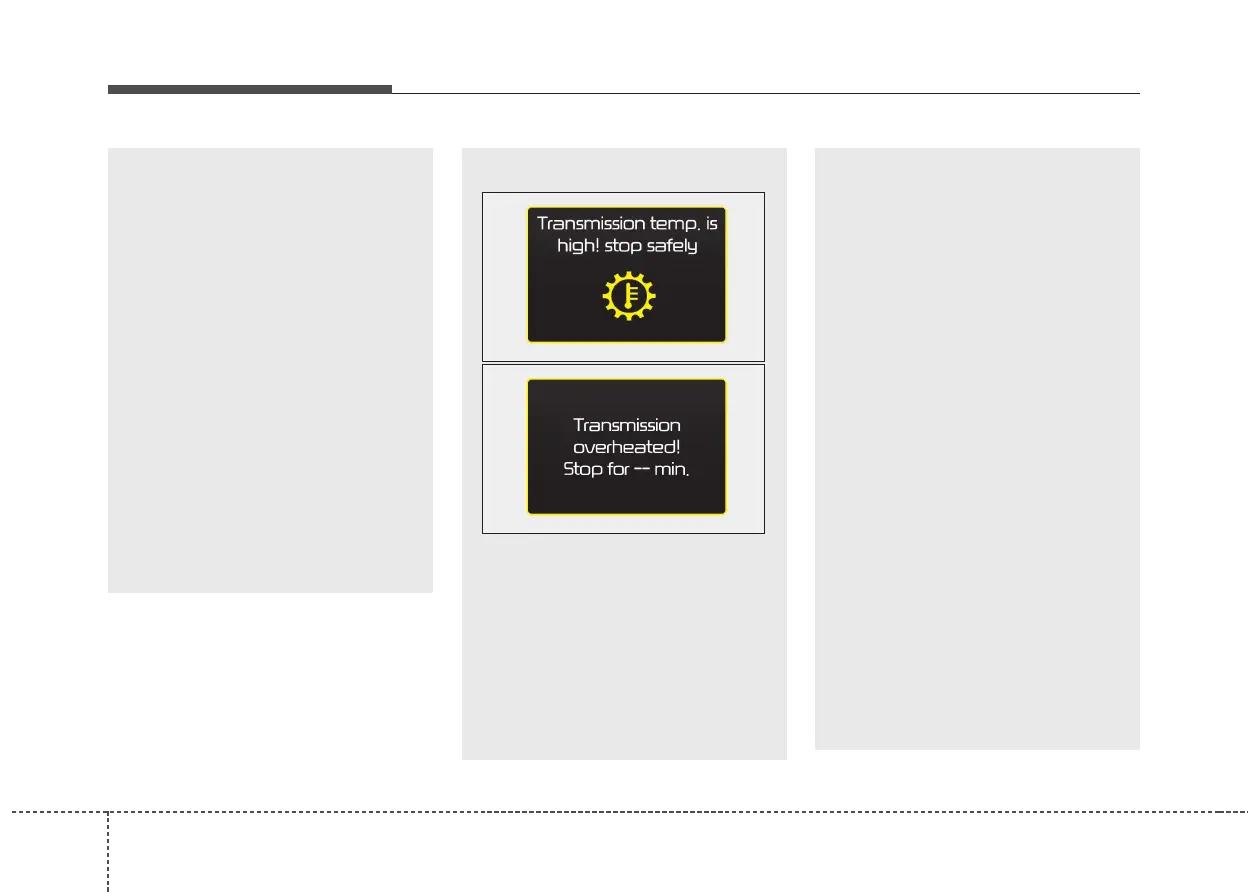
At this time, a warning message
will appear on the LCD display
and driving may not be smooth.
If you ignore this warning, the
driving condition may become
worse. To return the normal driv-
ing condition, stop the vehicle
and apply the foot brake for a few
minutes before driving off.
• Gear shifts may be more notice-
able than a conventional automat-
ic transmission. This is a normal
characteristic of this type of dual
clutch transmission.
• The overheated Dual clutch trans-
mission may change the gear
shifting characteristics, and illumi-
nate the warning message on the
LCD display under the conditions
that operation of the kickdown
mechanism is repetitively used.
• Do not use the kickdown mecha-
nism to return to the normal driv-
ing condition. Also, temporarily
stop the vehicle at a safe location,
when the warning message illu-
minates on the LCD display.
(Continued)



 To Next Page