579
Driving your vehicle
Operating conditions
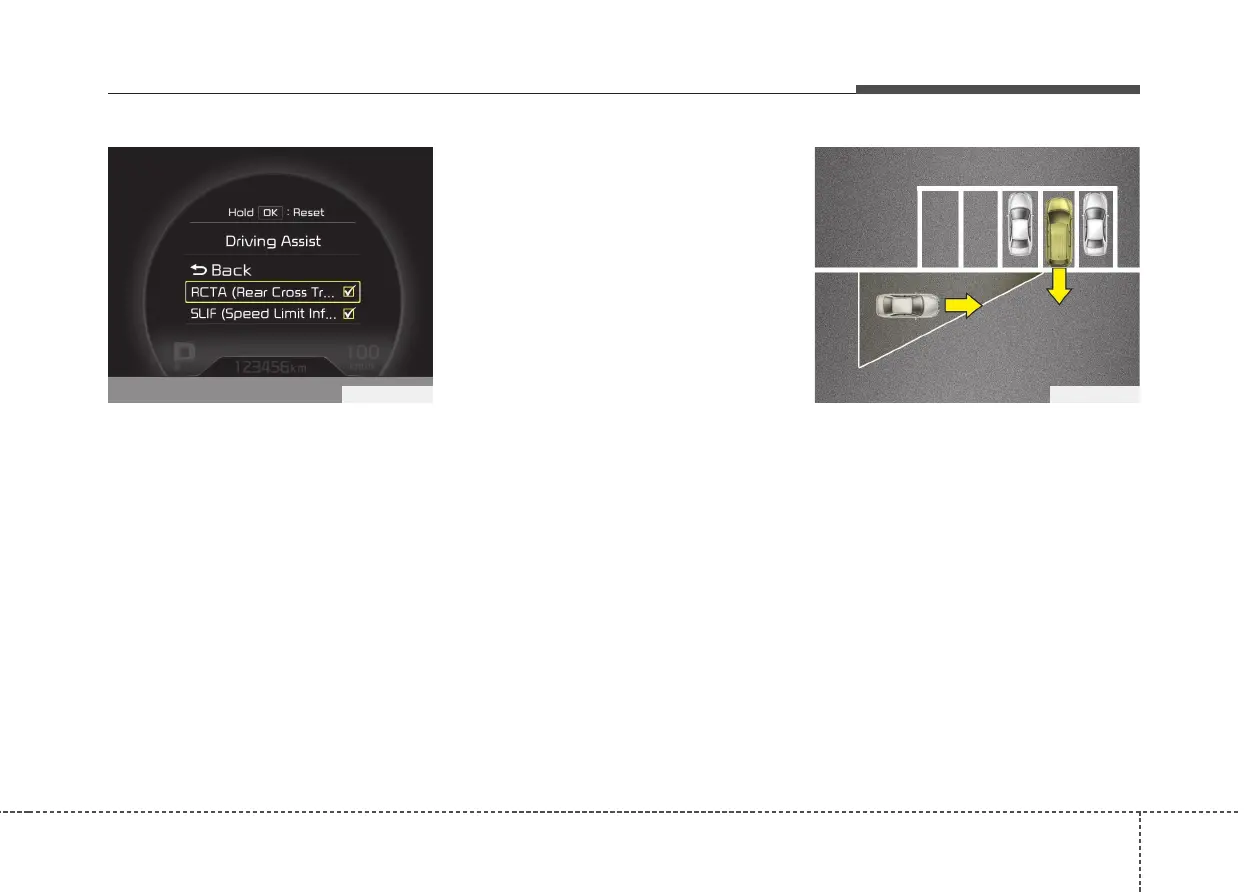
• Select RCTA (Rear Cross Traffic Alert)
in "User Settings" under "Driving Assist"
on the instrument cluster. The system
will turn on and stand by to be activated.
• Select RCTA again, to turn the system
off.
• If the vehicle is turned off and on
again, the RCTA system will return to
the state right before the vehicle was
turned off. Turn the RCTA system off
when not in use.
• The system is operated when the vehi-
cle speed is below 10km/h (6.2mph)
with the shift lever in R (Reverse).
✽✽
NOTICE
The Rear Cross Traffic Alert (RCTA)
detecting range is approximately
0.5 m ~ 20 m (1 ft ~ 65 ft). An approach-
ing vehicle will be detected if their vehi-
cle speed is within 4 km/h ~ 36 km/h (2.5
~ 22.5 mph ).
Note that the detecting range may vary
under certain conditions. As always, use
caution and pay close attention to your
surroundings when backing up your
vehicle.
Warning type
• If the vehicle detected by the sensors
approaches your vehicle, the warning
chime will sound, the warning light on
the outside rearview mirror will blink.
• If the detected vehicle is out of detec-
tion range, moving away in the oppo-
site direction or moving slow, the warn-
ing is cancelled.
• The system may not operate properly
due to other factors or circumstances.
Always pay attention to your surround-
ing.
• If the sensing area near the rear
bumper is blocked by either a wall or
barrier or by a parked vehicle, the sys-
tem sensing area may be reduced.
OYP054027KOJD055124L



 To Next Page