4-2 Basic Operation PLZ-U
4.1 Panel Control Basics
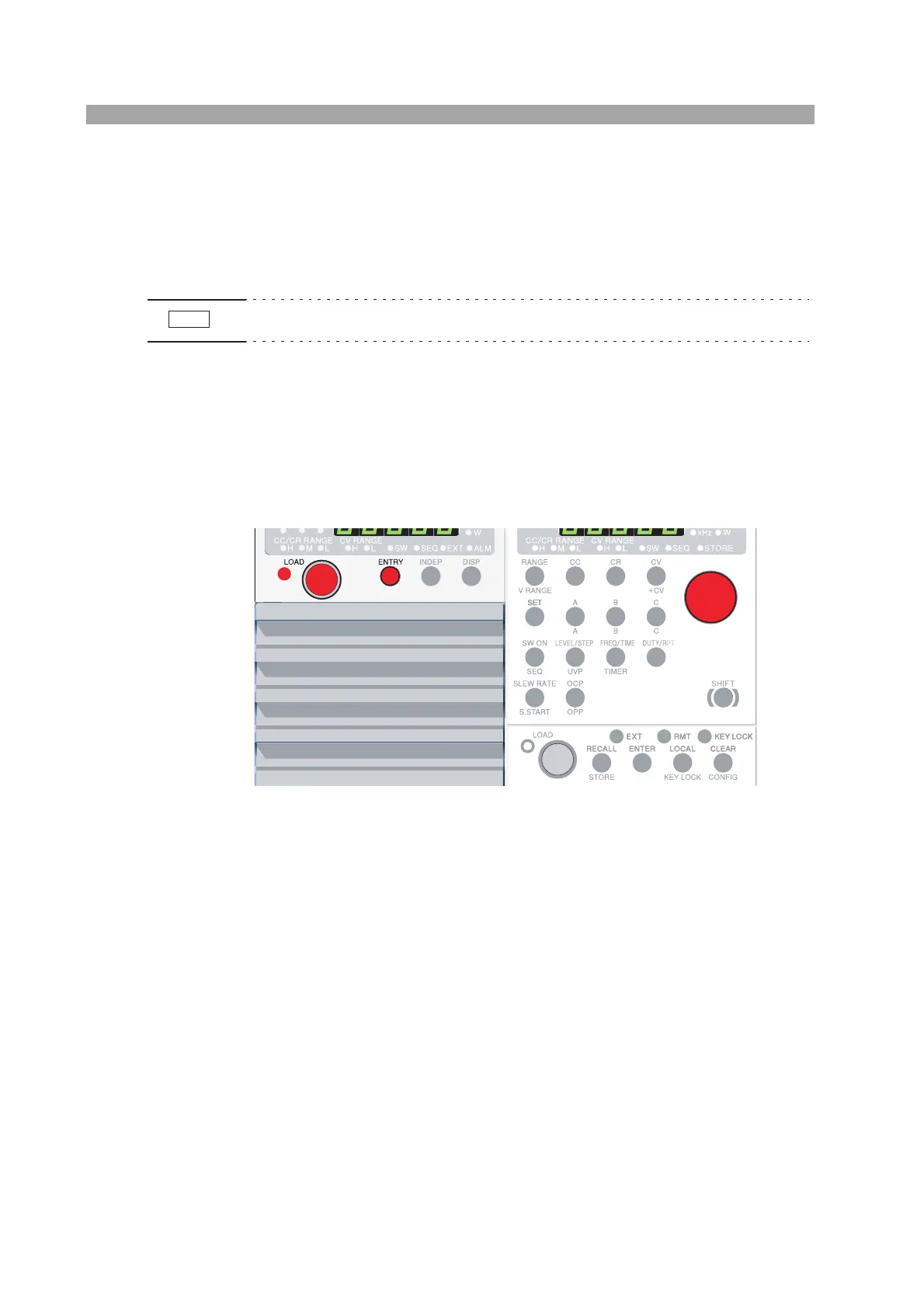
■ Selecting and setting a channel
Use the ENTRY key on the load unit to select a channel. The selected channel is
configured on the frame.
• LOAD, INDEP, or DISP keys can also be used to select a channel.
■ Setting
On the frame, press the function key and then turn the rotary knob to set the value. If
you press an invalid key, a buzzer sounds.
Fig.4-1 Channel selection
NOTE
Load unit Frame


 To Next Page