EasyManua.ls Logo

King gates STARG8 24 - User Manual

King gates STARG8 24
32 pages
Print Icon
To Next Page IconTo Next Page
Loading...
Made in Italy
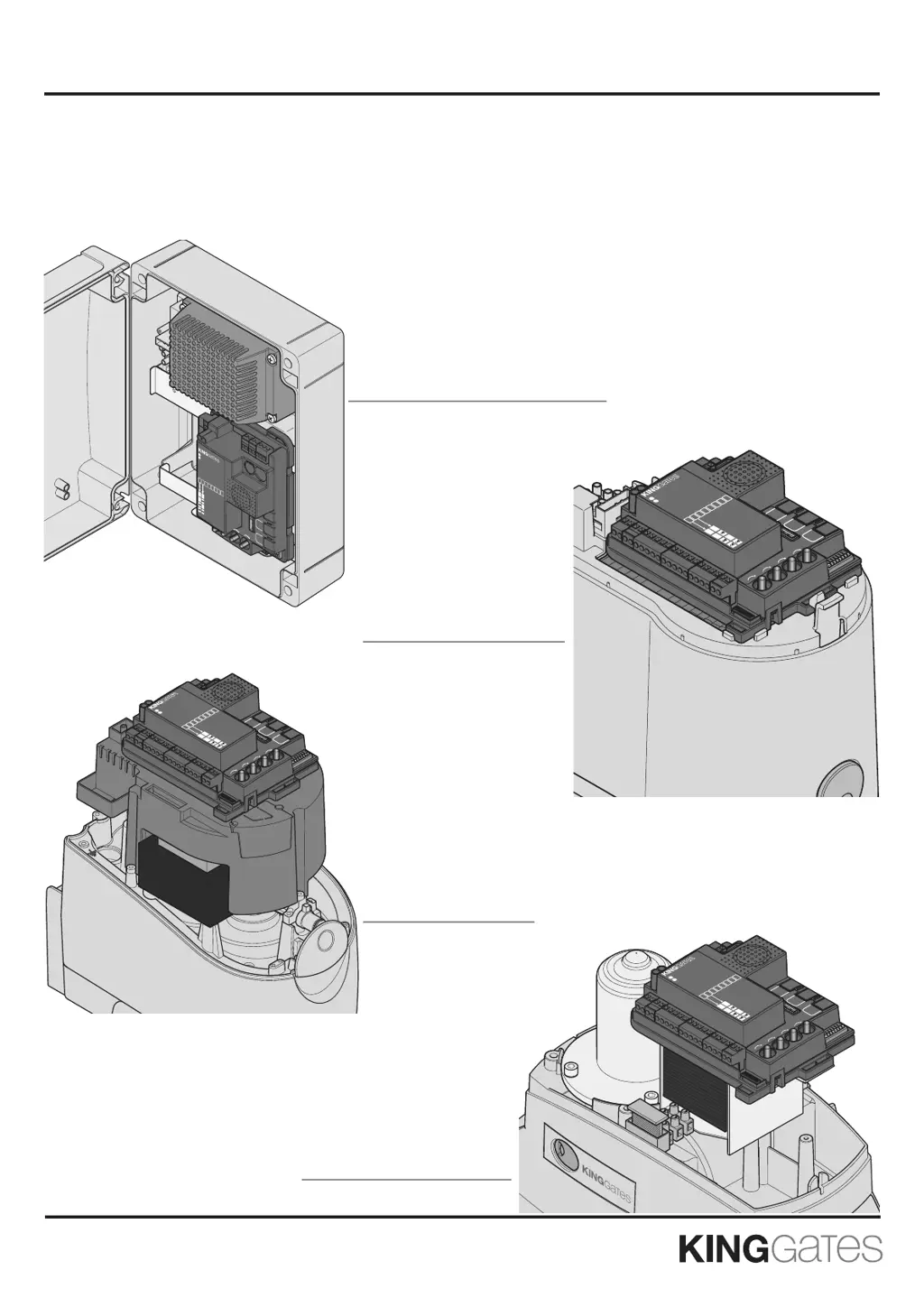
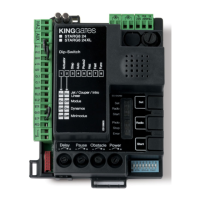
Control unit for 24V sliding and swing gates motors
Installation instructions
STARG8 24
STARG8 24 BOX
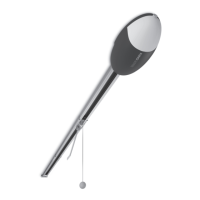
Control unit for Jet 24, Jet 24 XL,
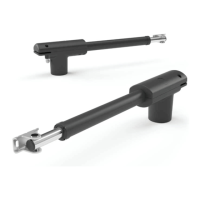
Couper, Linear 24V or Intro 24-400
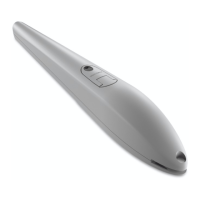
Control unit for Minimodus
Control unit for
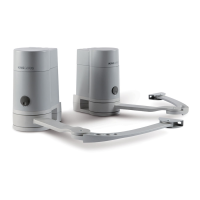
Modus280, Modus420
or Modus XL
Control unit for Dynamos 24
PH 01
PH 02
GND
+ VA
GS
I
STR
GND
STP
PED
GND
ANT
OL 1
CL 1
OL 2
CL 2
GND
AUX
HAZ
V
H
V
RE F
Start
Radio
Set
Power
-
+
Obstacle
-
+
Pause
-
+
Dela
y
-
+
Dip-Switch
Ac
tuat
o
r
Jet / Couper / Intro
Linear
S
t
e
p
Au
t
o
Ph
o
t
o
2
H
a
z
Fas
t
Fu
nc
1
42 8GRATS
LX 42 8GRATS
2
3
4
5
6
7
8
On
On
Modus
On
Dynamos
On
Minimodus
Power
-
+
Obstacle
-
+
Start
Radio
MOT1
MOT2
V
H
V
L
V
RE F
Photo
Stop
Error
Dip-Switch
Actuator
Jet / Couper / Intr
o
Linear
Step
Auto
Photo2
Haz
Fast
Func
1
42 8GRATS
LX 42 8GRATS
ES133800
2
3
4
5
6
7
8
On
On
On
Dynamos
On
Min
imodus
HZA
AUX
PH 01
PH 02
GND
+ VA
GS I
STR
GND
STP
PED
GND
ANT
OL 1
CL 1
OL 2
CL 2
GND
AUX
HAZ
V
H
V
RE F
Start
Radio
Set
Power
-
+
Obstacle
-
+
Pause
-
+
Delay
-
+
Dip-Switch
Ac
tu
a
tor
Jet / Couper / Intro
Linear
Step
Au
to
Ph
ot
o
2
Haz
Fast
Fu
nc
1
42 8GRATS
LX 42 8GRATS
2
3
4
5
6
7
8
On On
Modus
On
Dynamos
On
Minimodus
PH 01
PH 02
GND
+ VA
GS I
STR
GND
STP
PED
GND
ANT
OL 1
CL 1
OL 2
CL 2
GND
AUX
HAZ
V
H
V
RE F
Start
Radio
Set
Power
-
+
Obstacle
-
+
Pause
-
+
Delay
-
+
Dip-Switch
Actuat
or
Jet / Couper / Intro
Linear
Step
Au
to
Photo2
Ha
z
Fa
st
Fu
nc
1
STARG8 24
STARG8 24 XL
2
3
4
5
6
7
8
On
On
Modus
On
Dynamos
On
Minimodus

Table of Contents

Other manuals for King gates STARG8 24

Questions and Answers

  • D
    Dustin MccarthyAug 16, 2025
    Why King gates Garage Door Opener does not cover the full path?
    • E
      Erika WaltonAug 16, 2025
      If your King gates Garage Door Opener starts the automation but doesn't cover the full path, it might be due to obstacle detection problems. The control unit detects power draw peaks and enters obstacle present mode. First, ensure the system works in manual mode without any stopping points. Increase the “OBS” trimmer clockwise. If that's not enough, increase the “POWER” trimmer setting and reprogram the stroke. If the problem occurs at the final stage, try minimizing slowdown points.
  • M
    Monica CharlesAug 19, 2025
    Why does my King gates STARG8 24 transmitter have little range?
    • D
      David ParkerAug 19, 2025
      If the King gates Garage Door Opener transmitter has little range, try replacing the transmitter's battery. If that doesn't solve the problem, the control unit can connect to external antennas.
  • J
    James BenderAug 21, 2025
    How to troubleshoot King gates STARG8 24 Garage Door Opener when control unit LEDs are off?
    • C
      Colleen MorenoAug 21, 2025
      If your King gates Garage Door Opener control unit LEDs are turned off, it could be due to several reasons: * A mains power shortage: Check for input mains voltage. * Damaged fuses: Replace the fuses. Before replacing them, disconnect the mains electricity and check for short-circuits. * The control unit is in energy-saving mode or operating with batteries: Deactivate energy-saving mode and ensure mains power is available.
  • L
    Lisa ConleyAug 25, 2025
    What to do if King gates STARG8 24 doesn't respond to commands after programming?
    • J
      Joseph AdamsAug 26, 2025
      If your King gates Garage Door Opener control unit completes the programming sequence but doesn't respond to commands in standard operating mode, it may be due to problems with the safety devices. Check that the “PHO1”, “PHO2” and “STOP” contacts are closed. Also, if the photo-test of safety devices failed, you can deactivate the photo-test.
  • R
    Robert CamposAug 27, 2025
    Why King gates Garage Door Opener control unit does not slow down the gate?
    • K
      Katie MartinezAug 27, 2025
      If your King gates Garage Door Opener control unit does not slow down the gate, it might be because the “Power” trimmer is set too high. Reduce the setting of the POWER trimmer and reprogram the stroke. If that's not enough, program the deceleration points and set a longer deceleration zone.
  • K
    Karen PetersenAug 31, 2025
    What to do if King gates STARG8 24 transmitter does not function?
    • F
      fglennAug 31, 2025
      If the King gates Garage Door Opener transmitter does not function, verify the transmitter’s compatibility: the code must be “Stylo4K” or “Stylo2K”. If the transmitter’s LED does not light up clearly, replace the battery.
  • R
    Richard WyattSep 2, 2025
    Why King gates Garage Door Opener does not accept wired start and pedestrian commands?
    • L
      Laura RodriguezSep 2, 2025
      If the King gates Garage Door Opener control unit functions correctly but doesn't accept wired start and pedestrian commands, the command lock may be activated. Deactivate the pedestrian and start block.
  • D
    Daniel SteeleSep 6, 2025
    What to do if King gates STARG8 24 Garage Door Opener does not make dip-switch or trimmer modifications effective?
    • J
      John PhillipsSep 6, 2025
      If your King gates Garage Door Opener control unit does not make the dip-switch or trimmer modifications effective, it could be due to the control unit protection being activated. Deactivate the control unit lock. To make the “power” trimmer or dip-switch 1-2 “motor” modifications effective, the basic or advanced path programming must be redone.
  • A
    Aaron MorganSep 9, 2025
    What to do if King gates STARG8 24 does not enter the programming sequence?
    • B
      Brandon OchoaSep 9, 2025
      If the King gates Garage Door Opener control unit does not enter the programming sequence and all the LEDs flash when the button is pressed, the control unit protection has likely been activated. Deactivate the protection.
  • K
    Kevin RamosSep 12, 2025
    Why King gates Garage Door Opener accessories remain powered with energy saving on?
    • B
      benjamin84Sep 12, 2025
      If the accessories remain powered with the King gates Garage Door Opener energy saving function active, make sure to have connected the accessories properly. If the accessories remain powered only during the opening phase the DIP7 is put to ON.

King gates STARG8 24 Specifications

General IconGeneral
BrandKing gates
ModelSTARG8 24
CategoryGarage Door Opener
LanguageEnglish

Related product manuals