EasyManua.ls Logo

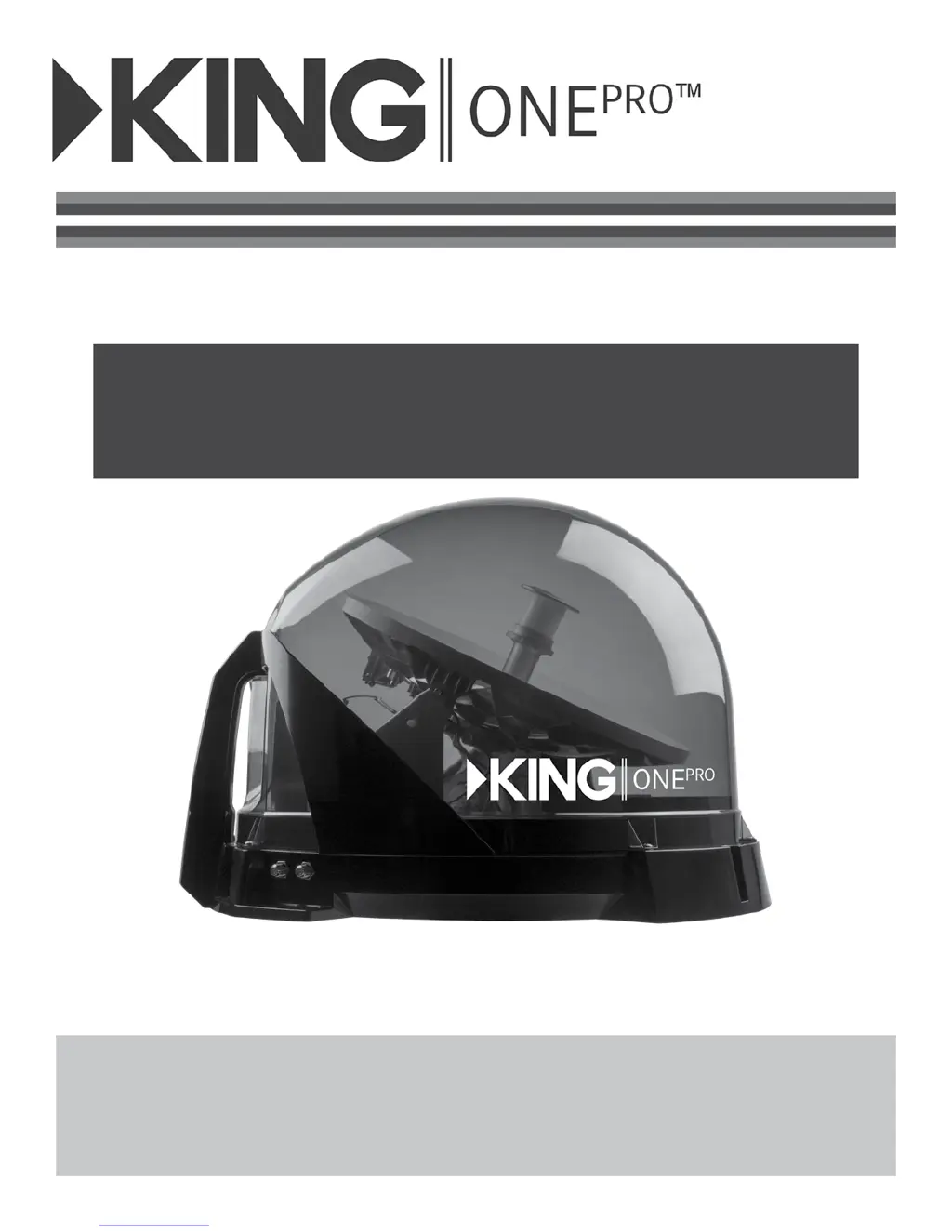
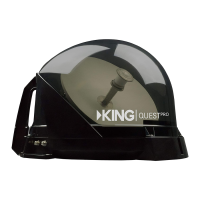
KING One Pro KOP4800 - User Manual

KING One Pro KOP4800
28 pages
Print Icon
To Next Page IconTo Next Page
Loading...
KOP4800 Owners Manual
DISH
®
& Wally
®
Receivers
This manual contains detailed information on your KING One Pro.
To start using your KING One Pro right away,
see the Quick Reference Guide.
IMPORTANT!
The KING One Pro works with DIRECTV
®
, DISH, and Bell
TV. This manual is for DISH
subscribers with Wally receivers. Manuals for DISH (with other receivers), DIRECTV and
Bell subscribers are available at kingconnect.com. Use this manual only if you have a Wally
receiver.

Questions and Answers

  • K
    khoustonSep 10, 2025
    What to do if my KING Antenna unit does not scan for satellites?
    • C
      Candice MorenoSep 10, 2025
      If your KING Antenna unit isn't scanning for satellites, ensure the unit is connected to the power inserter and that the power supply is plugged in and connected to the power inserter. This will ensure the unit is receiving power.
  • L
    Lorraine LopezAug 22, 2025
    What to do if my KING Antenna scans but there is no picture on the TV?
    • J
      Jon SmithAug 23, 2025
      Ensure the antenna unit is connected to the power inserter and that the power inserter is plugged in. Also, verify that the powered receiver is connected to the TV and the power inserter.
  • E
    Elizabeth DeleonAug 25, 2025
    How to troubleshoot KING One Pro KOP4800 Antenna when it does not scan for satellites?
    • E
      Emily ColeAug 25, 2025
      Make sure the antenna unit is connected to the power inserter and that the power supply is plugged in and connected to the power inserter.
  • P
    Patrick FloresAug 26, 2025
    What to do if my KING One Pro KOP4800 Antenna remote is not working?
    • D
      Dr. Robert KennedyAug 27, 2025
      If your KING Antenna remote isn't working, first, ensure it's in the correct mode by pressing the “SAT” button. If the “SAT” button on the remote doesn't light up, replace the batteries, ensuring they are correctly inserted. If it still doesn't work, your remote may not be paired with your receiver. To pair it, press the “SYS INFO” button on the front of the Wally and then press the “SAT” button on the left side of your remote.
  • G
    gregory83Aug 27, 2025
    Why does the picture on my KING Antenna TV go in and out?
    • T
      Taylor MullenAug 27, 2025
      Heavy rain or snow may cause signal loss, but reception will improve as the weather clears. Also, ensure that nothing is temporarily obstructing the view of the southern sky, such as tree branches.
  • J
    Jenna DiazAug 29, 2025
    Why does my KING One Pro Antenna show Complete Signal Loss - 015A?
    • M
      Michelle PettyAug 29, 2025
      Complete signal loss (error 015A) on your KING One Pro antenna can occur due to obstructions blocking the view of the southern sky, such as tree branches or heavy rain. Ensure there are no obstructions. Also, verify that the coax cable between your Wally and the KING One Pro is properly connected and hand-tightened. If you've selected a local channel, you might be outside its spot beam area; try a nationally broadcast channel. If the KING One Pro has been moved, initiate a new scan.
  • N
    Nicholas GonzalezSep 18, 2025
    What to do if my KING Antenna says 'Outside of Viewing Area - 120'?
    • V
      Victor JonesSep 18, 2025
      Call DISH at 1-800-333-DISH to have your locals switched to your current area.
  • K
    Karen BennettSep 12, 2025
    What does it mean when my KING One Pro KOP4800 Antenna displays 'OTA Tuner Module Not Detected - 978'?
    • J
      James FisherSep 12, 2025
      The error message 'OTA Tuner Module Not Detected - 978' on your KING Antenna indicates that an over-the-air (OTA) tuner module has been removed. Reinstall the OTA tuner module. The Wally will then prompt you to reset; select YES to proceed.
  • E
    Eric DavidsonSep 8, 2025
    What causes Channel Signal Loss - 004 on the KING One Pro Antenna?
    • R
      Rachel AndrewsSep 8, 2025
      Channel Signal Loss - 004 on the KING One Pro Antenna may occur if the unit hasn't tracked to the correct orbital slot when you change channels. Verify that there are no obstructions blocking the signal from the newly chosen satellite. If obstructions exist, move the KING One Pro to have a better view of the southern sky and start a new scan. It may take a few minutes to download the electronic program guide and acquire signal before live TV appears.
  • S
    Sara PerezSep 5, 2025
    Why is my KING One Pro KOP4800 picture on TV going in and out?
    • B
      Bailey MarshallSep 5, 2025
      If the picture on your TV goes in and out while using your KING Antenna, it could be due to a temporary obstruction of the signal. Heavy rain or snow may cause signal loss; reception should improve as the weather clears. Also, ensure nothing is temporarily blocking the view to the southern sky, such as tree branches blowing in the wind.

Summary

Introduction

Important Safety and Care Information

Essential safety precautions and guidelines for operating and maintaining the KING One Pro device.

About Signal Loss

Explains factors causing signal loss, such as obstructions and weather, and how to mitigate them.

Security

Details methods for securing the KING One Pro antenna unit to prevent theft or unauthorized movement.

Setup

Contents

Lists all components included in the KING One Pro package and required separate items.

Apply Rubber Feet to Antenna Unit

Instructions on correctly applying the rubber feet to the antenna unit for stability and protection.

Operation

New and Unactivated Wally Receiver

Step-by-step guide for setting up and activating a new, unactivated Wally receiver with the KING One Pro.

Standard Operation

Instructions for operating the KING One Pro after initial setup, including basic usage and troubleshooting.

Troubleshooting

General

Common troubleshooting tips and solutions for general issues encountered with the KING One Pro system.

Wally Receivers

Specific troubleshooting advice for issues related to Wally receivers when used with the KING One Pro.

KING One Pro KOP4800 Specifications

General IconGeneral
Frequency Range470-862 MHz
PolarizationVertical
Impedance75 Ohm
Operating Temperature-40°C to +60°C
MaterialAluminum
Weight2.5 kg
VSWR≤1.5
Antenna Length4800 mm

Related product manuals